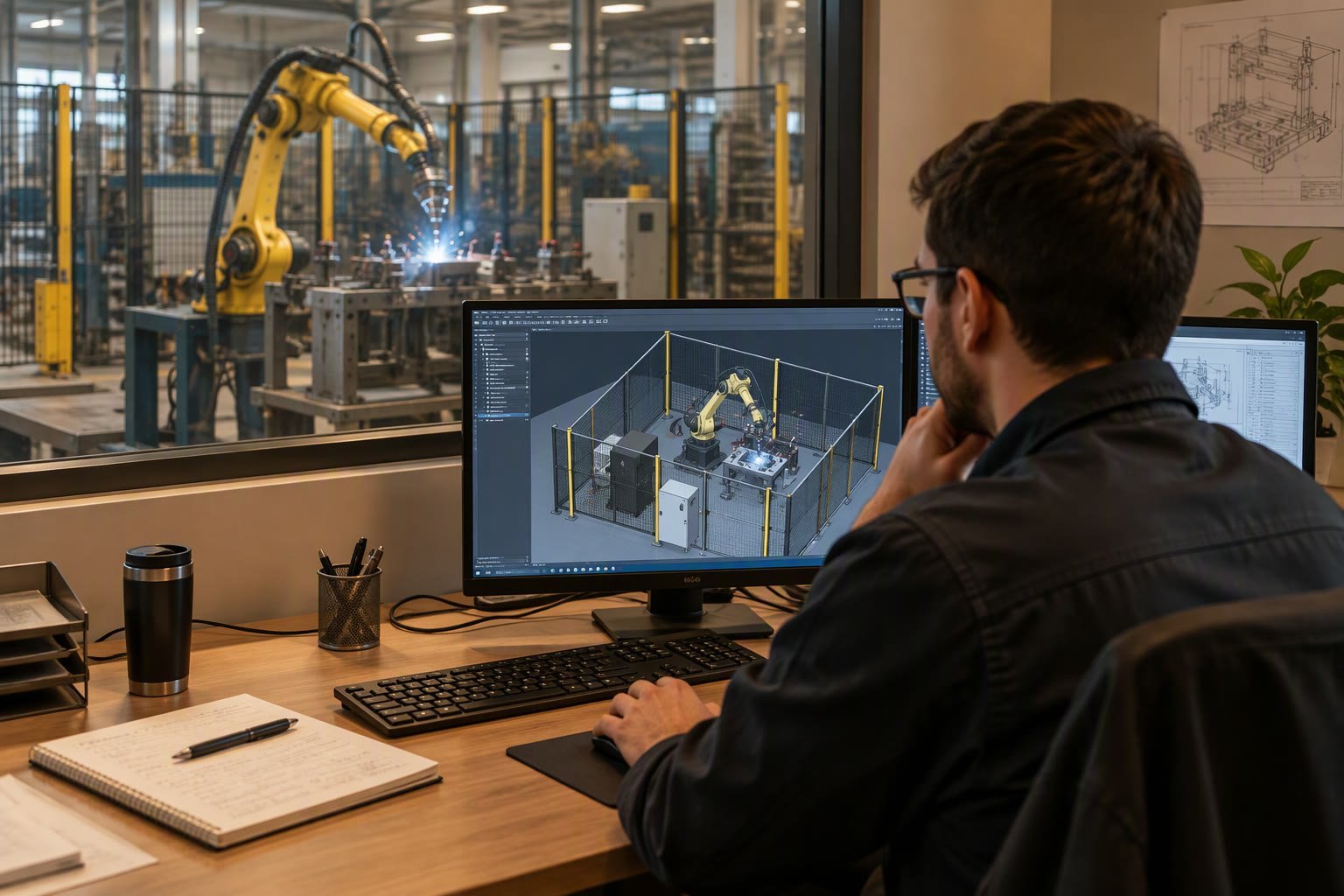
Offline programming is sold as a way to stop production while a robot is taught. That is true, and it is the smaller half of the value. The larger half is that a program built against a CAD model can be reviewed, simulated and fixed before anyone climbs into the cell.
This guide explains what offline programming software actually does, where the model and the real cell drift apart, what it costs in India, and the cases where teaching by hand is still the better choice.
What offline programming is
Offline programming, usually shortened to OLP, means writing and verifying robot programs in a software environment that contains a geometric model of the robot, the tool, the fixture and the part. The software produces a program file in the robot’s native language, which is then loaded onto the controller.
It is not the same as simulation. Simulation checks what you have already written. Offline programming generates the motion from the geometry: pick a weld seam or a set of points from the CAD model, and the software calculates the path, orientation and joint values.
The software landscape
| Category | Examples | Best fit |
|---|---|---|
| Robot maker tools | ABB RobotStudio, KUKA sim, FANUC ROBOGUIDE, Yaskawa MotoSim | Single-brand plants; closest match to controller behaviour |
| Brand-neutral OLP | RoboDK, Delfoi, Octopuz | Mixed robot brands; quick path generation from CAD |
| Plant simulation | Visual Components, FlexSim, Tecnomatix | Whole-line throughput, layout and buffer decisions |
| Robotics research stacks | Gazebo, MoveIt, Isaac Sim | Custom arms, research cells, ROS-based systems |
Where offline programs fail: the reality gap
A program built from a perfect CAD model lands in a cell that is not perfect. Fixtures are welded within a millimetre or two, the robot is bolted to a floor that is not level, the tool was machined on a manual lathe, and the part arrives with tolerance stack-up from three upstream operations. The gap between model and reality is the single reason offline programming disappoints first-time users.
The practical answer is a calibration pass before production. Measure the actual robot base, tool centre point and at least three fixture reference features, then update the model. Programs that reference these measured frames survive; programs built on nominal CAD frames need touch-ups at every station.
- Calibrate the TCP with the real tool mounted, not a nominal CAD tool.
- Measure the robot base relative to the fixture, not relative to the drawing.
- Use three-point or best-fit alignment on fixture datum features.
- Verify with a dry run at reduced speed and a marker pen or dial gauge before the first real part.
- Record the calibration offsets; they will drift after a crash or a base repair.
The measurement discipline is the same one described in the TCP calibration guide, and it is worth doing properly even if you never buy OLP software, because it improves hand-taught programs too.
When offline programming pays for itself
Four conditions, and you need at least three of them.
- High part variety. If you program ten new parts a week, hand teaching cannot keep up. OLP turns a two-hour teaching session into a twenty-minute CAD selection exercise.
- Expensive downtime. If stopping the line costs ₹50,000 an hour, teaching during production is not an option and weekend teaching burns overtime.
- Geometrically complex paths. Welding seams, polishing, spraying and deburring benefit most because the path is defined by the part, not by the operator’s eye.
- Multiple identical cells. One program rolled out to five cells amortises the modelling effort five times.
If you make one part, in one cell, at high volume, with a cycle already tuned, OLP adds a modelling cost and a calibration risk for very little gain. Teaching by hand is cheaper and the result is already proven.
Virtual commissioning and the digital twin
Beyond the robot path, simulation can test the PLC logic. Virtual commissioning connects the real PLC program to a simulated cell so that interlocks, sequences and fault handling are proven before the hardware arrives. On a greenfield line this routinely saves one to three weeks of on-site commissioning, because the electrical and control bugs are found in the office.
The cost is real: the cell model must include conveyors, gates, sensors and operator stations, and someone has to build and maintain it. For a single robot cell the effort rarely pays. For a line with three or more stations, or a line that must be commissioned during a short shutdown, it usually does.
Cell geometry and reach studies come first, and the constraints that matter are in the robot cell layout guide. Simulation cannot rescue a layout where the robot cannot reach the far corner of the fixture.
A realistic workflow
- Import the part and fixture CAD, simplified to the surfaces the robot touches.
- Build the cell model: robot, tool, positioner, fences, conveyor.
- Set frames: base, tool, workpiece, fixture reference.
- Generate the path from geometry, then hand-adjust approach and retreat angles.
- Simulate for reach, singularities, collisions and cycle time.
- Post-process to the robot’s native language and review the generated code.
- Load to the controller, calibrate, dry run, then prove on a real part.
- Record the deviations found and feed them back into the cell model.
Step eight is the one most teams skip, and it is why their model drifts further from reality with every project. Ten minutes of model maintenance per job keeps the next program accurate.
Costs in India
| Option | Indicative cost | Notes |
|---|---|---|
| Robot maker OLP bundled with purchase | Included to ₹1.5 lakh | Usually one licence per robot; extra seats cost more |
| Brand-neutral OLP, single seat | ₹3–8 lakh | Perpetual licence, post-processors may cost extra |
| Plant simulation software | ₹8–25 lakh | Line-level throughput and layout |
| Training, 3–5 days | ₹40,000–1.2 lakh per person | Software is easy to click, hard to use well |
| Calibration and model build, outsourced | ₹1–4 lakh per cell | Often the highest-value spend in the first project |
The skills problem
Software does not remove the need to understand the robot. A programmer who cannot think in joint space will generate paths that flip the wrist, hit a singularity, or demand a wrist reorientation the cell cannot physically perform. The tool makes a competent programmer three to five times faster; it makes an inexperienced one produce confident-looking rubbish.
Budget for training, and pair the software with the fundamentals. The teach pendant guide covers the coordinate frames and motion types that OLP assumes you already understand, and the cycle time guide explains how to judge whether the simulated cycle is believable.
What is robot offline programming?
Offline programming means writing and verifying robot programs in software containing a CAD model of the robot, tool, fixture and part, then exporting the program to the controller. It avoids stopping production to teach by hand.
Is offline programming software worth it in India?
It pays when you have high part variety, expensive downtime, geometrically complex paths or several identical cells. For a single high-volume part in one tuned cell, hand teaching is usually cheaper.
Why do offline programs not work first time?
Because the CAD model and the real cell differ. Fixtures, floors and tools have tolerance stack-up. A calibration pass that measures the real base, TCP and fixture datums before production is what closes the gap.
What does offline programming software cost?
Robot maker tools are often bundled or cost up to about ₹1.5 lakh per seat. Brand-neutral tools run ₹3–8 lakh per seat, plant simulation ₹8–25 lakh, plus training and a calibration pass per cell.
Which software is best for welding robots?
The robot maker's own tool gives the closest match to controller behaviour. Brand-neutral tools are better in plants running several robot brands. In both cases the path quality depends on the programmer understanding coordinate frames.
Offline programming time is billed as part of the project, and the integration cost guide shows where that line sits in the budget.
Sources and further reading
- ABB RobotStudio — offline programming and virtual commissioning environment.
- RoboDK — brand-neutral robot simulation and offline programming.
- Visual Components — plant and line simulation software.
- A3 Association for Advancing Automation — simulation and integration resources.

