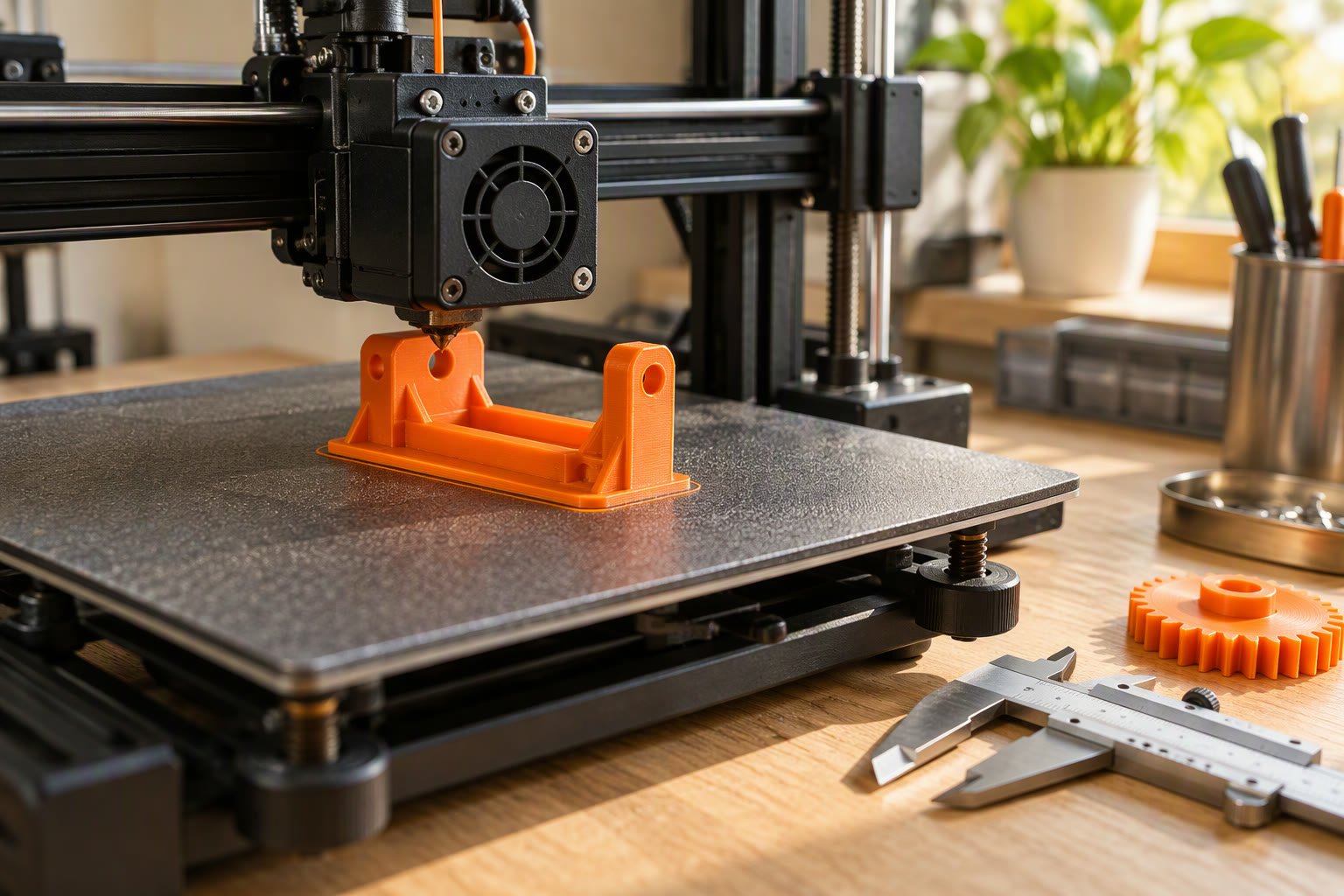
You can get a small robot bracket printed in India for ₹150–₹400 at a local FDM shop, or roughly double that through an online service, and a college lab may print it for free if you can wait for the queue. The printer matters less than the material, the hole sizes and the direction the layers run.
Where to get a part printed
| Route | How it works | Cost pattern | Lead time | Watch out for |
|---|---|---|---|---|
| Local FDM shop | Walk in with the STL on a pen drive or send it on WhatsApp; the operator slices and prints it. | ₹3–8 per gram, often with a minimum charge | Same day to two days | Default slicer settings. Ask for the wall count and the layer height, and inspect the part before paying. |
| Online print service | Upload the file, choose material, infill and colour, pay, and the part arrives by courier. | ₹5–15 per gram plus a setup fee | Three to seven days | You cannot see the orientation. Ask for a photo before shipping, and check the material name on the invoice. |
| College lab or makerspace | A shared printer and a student operator, sometimes free and sometimes charged per gram of filament. | Free to ₹2 per gram | Depends on the queue | Maintenance varies. Bring your own filament if the lab allows it, and book time before a deadline week. |
| A friend with a printer | The cheapest and most flexible option, because you can iterate on the design. | Filament cost only | When they are free | You owe them filament and patience. Do not send a nine-hour print unannounced. |
Which material to ask for
Three filaments cover almost every student robot part. Ask for the material by name and check that the part is not being printed in whatever was already loaded.
| Material | Strength | Heat | Printing | Use it for | Avoid it for |
|---|---|---|---|---|---|
| PLA | Stiff and brittle; poor impact resistance | Softens around 55–60 °C | Easiest; dimensionally the most predictable | Enclosures, sensor mounts, jigs, prototypes | Anything within a few centimetres of a motor, or left in a hot car |
| PETG | Tough, slightly flexible, good layer adhesion | About 75–80 °C | Moderate; strings and blobs need cleaning | Chassis plates, brackets that take a knock, clips | Fine detail and close-tolerance holes |
| ABS | Impact resistant and machinable | About 100 °C | Hard; warps without an enclosure and gives off fumes | Parts near heat, outdoor covers | First prints, tall thin parts, unventilated rooms |
Design rules: holes, walls and orientation
- Holes print undersize. Add 0.2–0.4 mm to a clearance hole: about 3.3–3.4 mm for an M3 screw, 2.8–2.9 mm for a self-tapping M3, and 4.0–4.2 mm for a heat-set insert. A hole printed horizontally comes out oval, so print it vertically or drill it after.
- Walls beat infill. Three or four perimeters at a 0.4 mm nozzle gives 1.2–1.6 mm of solid wall. Use 20–25% infill for most parts, 40% for a load-bearing bracket, and four or five top and bottom layers.
- Layers are the weak plane. A printed part splits between layers, so lay it so the load pulls along the layers. A servo bracket printed flat, with the layers running along the arm, is much stronger than the same bracket printed standing up.
- Fillet the inside corners. Sharp internal corners concentrate stress. A 2–3 mm fillet costs nothing in CAD and adds life.
- Chamfer the bottom edge. The first layer squashes outwards, and the part will not sit flat until you remove that lip.
- Use slots, not holes, for servo mounts. A slot lets you centre a horn or tension a belt after assembly.
What it costs
| Part | Typical mass | Filament cost | Local shop price |
|---|---|---|---|
| Sensor mount | 8–12 g | ₹6–14 | ₹150–220 |
| Servo bracket | 10–15 g | ₹8–18 | ₹150–250 |
| Wheel hub | 15–25 g | ₹11–30 | ₹180–300 |
| Arm link | 25–40 g | ₹18–48 | ₹200–400 |
| Gripper jaw pair | 30–50 g | ₹21–60 | ₹250–450 |
| Chassis plate | 80–120 g | ₹56–144 | ₹400–800 |
Print time costs more than plastic. A 100 g plate can take six to ten hours, and a shop prices machine time, not grams. That is why a small bracket carries a minimum charge and a large plate costs several times its filament. Price the whole build before you commission parts: the project cost calculator keeps printed parts, hardware and shipping in one total.
A printed plate also has to earn its place. Laser-cut acrylic is flatter, cheaper per area and available in minutes, which is why most student chassis kits use it. Print the brackets, mounts and grippers that acrylic cannot make, and buy the flat plate. The 3-DOF arm build is the case where printed parts genuinely help, because the joints and servo pockets have no off-the-shelf equivalent.
How do you send a file so it comes back right?
- Export in millimetres. An STL or 3MF exported in inches arrives about 25 times too large, and the shop will print it anyway.
- Check the mesh. Most slicers repair small errors; a model with missing faces prints with holes.
- Send the STEP file too, if you have it, so the shop can re-orient or add supports without editing triangles.
- Put the critical dimensions on a sketch: hole sizes, bore diameters and the distance between mounting holes.
- State material, colour, wall count, infill and orientation in the message, not in your head.
- Ask for the interface first. A 15-minute test print of the servo pocket or the bearing bore saves a full reprint.
- Agree what happens if it does not fit. A part printed in the wrong orientation is the shop’s problem; a wrong dimension in your model is yours.
When 3D printing is the wrong answer
- A joint carrying more than a few hundred grams. Use a metal bracket, or a printed part with a metal insert and a thicker section.
- Anything close to a motor. PLA creeps under load and heat, and the joint slowly droops. Use PETG or a metal mount.
- Threads used weekly. A printed thread wears out. Use a heat-set insert or a captured nut.
- Large flat plates. Acrylic or aluminium is flatter and cheaper per area, and a laser cutter is faster than a ten-hour print.
- Safety-critical parts. A printed fork, hook or lifting point is not a certified part and should not be used as one.
- Anything that needs better than about ±0.2 mm. FDM is not that process. Design a slot, or use a milled part.
Hardware is the other half of a printed build. Heat-set inserts, M3 screws, bearings and shafts come from component shops, not the printer, and a printed joint is only as good as the fastener holding it. The parts buying guide covers what to check when you order them.
Common questions
Is PLA strong enough for a robot?
For brackets, sensor mounts and small chassis parts, yes. For a joint that carries load near a motor, no: PLA softens at a low temperature and creeps under constant load. Use PETG for structural parts and keep PLA for prototypes and indoor fixtures.
How much does it cost to print a robot chassis?
About ₹400–800 at a local shop for an 80–120 g plate, or ₹56–144 in filament if you print it yourself. A laser-cut acrylic chassis is usually cheaper and flatter, which is why most student kits use acrylic.
Do I need to know CAD?
For a bracket, a few hours with any parametric CAD tool is enough: sketch a rectangle, extrude it, cut the holes. For a full robot, start from an existing open design and change the mounting holes instead of modelling from zero. The free project starter pack has a build checklist you can use to plan the parts before you print any of them.
If you are deciding whether to own a printer, the 3D printer guide for India covers types, materials and running costs.
Most hobby quadrupeds are built around printed links, and 3D printing the frame covers material choice and local print services.
Before sending files, read the material and design rules for 3D printed robot parts so the service prints the right thing.
Sources and further reading
Background documents used for this page:
- Prusa Knowledge Base materials guide — filament properties and print settings.
- Prusa material table — strength, heat resistance and typical use cases.
Last reviewed: October 2026. Costs are Indian planning ranges for FDM printing and change with shop, material and part size. Material temperatures are the usual published ranges; check your filament supplier’s datasheet.