The HC-05 is a ₹250–₹450 Bluetooth Classic module that behaves like a wireless serial cable: bytes written to one serial port come out of the other end, about 10 m away. It is the simplest way to add a phone link to an Arduino car, and it fails in three predictable ways — wrong baud rate, no AT mode, or 5 V pushed into a 3.3 V radio. This guide covers wiring, the AT commands that matter and what to expect when pairing.
Key specifications
| Bluetooth | Classic 2.0 + EDR with SPP |
|---|---|
| Frequency | 2.4 GHz |
| Range | 10 m nominal, 5–10 m indoors |
| Supply | 3.6–6 V on the breakout |
| Logic level | 3.3 V (RX is not 5 V tolerant) |
| Current | 30–40 mA typical |
| Default data baud | 9600 8N1 |
| AT mode baud | 38400 8N1 (typical) |
| Default PIN | 1234 |
| Default name | HC-05 |
| Role | slave or master (AT+ROLE) |
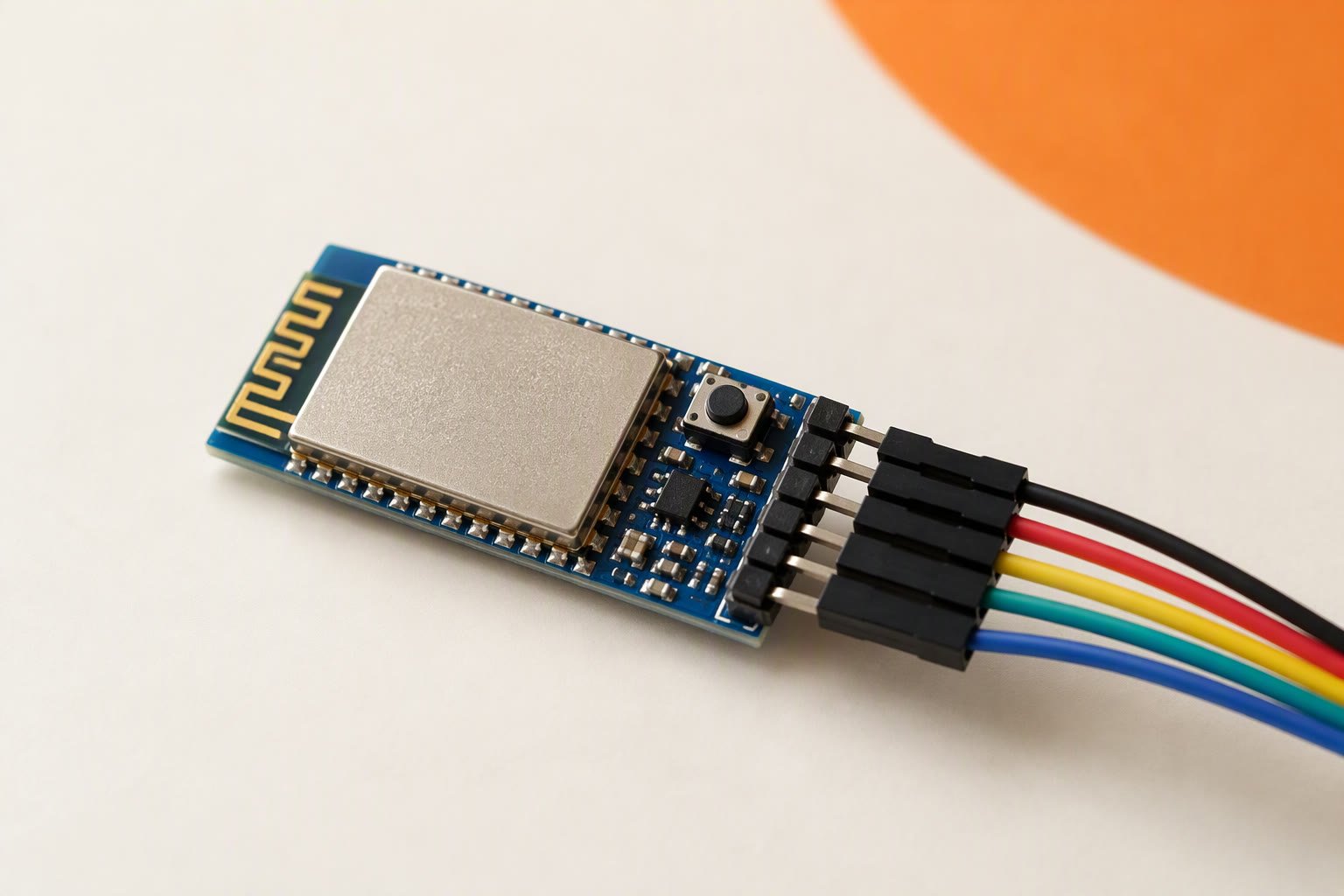
| Pins | VCC, GND, TXD, RXD, KEY, STATE |
Substitute: ESP32 for Bluetooth Classic and BLE in one chip, or an HC-08 BLE module when the phone is an iPhone.
What it is, and what it is not
The module carries a Bluetooth Classic radio and the Serial Port Profile, so a phone sees it as a serial device and your Arduino sees it as a UART. Nothing else is involved: open the port, write bytes, and they arrive on the other side. The UART guide explains the timing and framing that sit underneath.
Two limits catch people out. It is not Bluetooth Low Energy, so it will not work with an iPhone or iPad — iOS does not expose Serial Port Profile to ordinary apps. For iOS you need a BLE module or an ESP32, which also has Classic Bluetooth. And it is not a network device: range is Class 2, nominally 10 m in open air, less through walls.
Wiring it to an Arduino
- VCC: 5 V on the breakout board, which has its own 3.3 V regulator. The radio itself is a 3.3 V part and is not 5 V tolerant.
- GND: common with the Arduino, and with the motor supply if the robot has one.
- TXD → Arduino RX: a direct wire is fine. A 3.3 V high still reads as HIGH on a 5 V board.
- RXD → Arduino TX through a divider: 1 kΩ in series and 2 kΩ to ground. Many modules survive 5 V on RXD for a while; the divider removes the gamble.
- KEY or EN: tie high only when you want AT mode. On button modules, the button does this for you.
- STATE: goes high while a link is open. Useful for a “connected” LED.
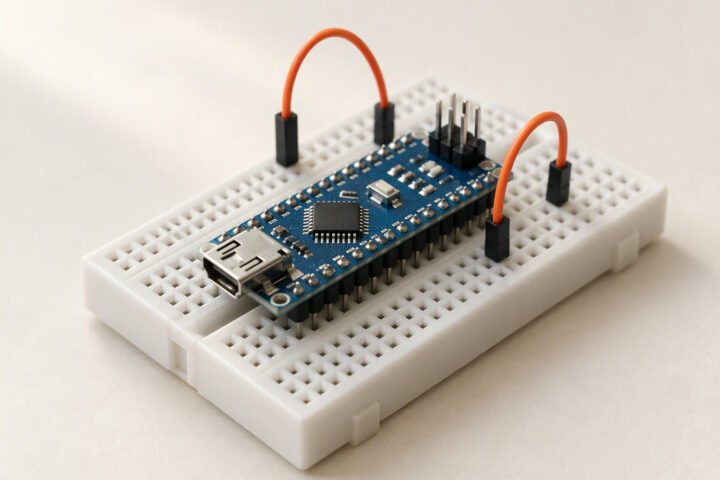
Use SoftwareSerial on two spare pins, or a second hardware serial port, so the USB port stays free for uploading and debugging. A module wired to pins 0 and 1 will fight every upload. The Arduino Uno guide lists which pins are safe to take.
Getting into AT mode
AT mode is a separate state, entered at power-up, not by sending a command. Disconnect power, hold the small button (or tie KEY high), apply power, then release. The LED tells you where you are: a slow blink about once every two seconds means AT mode, a fast blink about once a second means data mode and not connected, and a steady light means a link is open.
Open the Serial Monitor at 38400 baud, 8N1, with the line ending set to “Both NL & CR”, and send AT. An OK reply means you are talking to it. If nothing comes back, the module is not in AT mode, the baud is wrong, or the line ending is set to Newline only. A few clones answer at 9600 instead, so try that second. Disconnect the module from the Arduino while you use the Serial Monitor, or the two serial ports will collide.
The commands worth knowing
| Command | What it does |
|---|---|
| AT | Tests communication. Replies OK. |
| AT+NAME=RobotCar | Sets the name that appears when pairing. |
| AT+PSWD=”1234″ | Sets the pairing PIN. Default is usually 1234 or 0000. |
| AT+UART=9600,0,0 | Sets the data baud, stop bits and parity. The sketch must match. |
| AT+ROLE=0 | 0 makes it a slave that phones connect to; 1 makes it a master. |
| AT+ORGL | Restores factory defaults. Follow with AT+RESET. |
Older firmware wants AT+NAME followed by the name with no equals sign or quotes, and answers ERROR to the newer form. If a command is rejected, try the other syntax before deciding the module is faulty.
Pairing and using it
Factory settings are usually 9600 baud, name HC-05 and PIN 1234. Pair from the phone’s Bluetooth menu, enter the PIN, then open a serial terminal app and connect. The two baud rates in your sketch are independent: Serial.begin(9600) is the USB link, and the software serial port must match the module’s data baud, not its AT baud. Single letters are enough for a robot car, and the Bluetooth car build shows the parser and the failsafe.
Always add the failsafe. If no byte has arrived for 500–600 ms, stop the motors. Phones sleep, apps close and links drop, and a car that keeps its last command keeps driving. Test it by switching the phone’s Bluetooth off mid-run, not by trusting the code.
Range, power and reliability
A typical module draws 30–40 mA, with short peaks when the radio transmits, so the Arduino 5 V pin can power it — unlike a motor. What it cannot tolerate is a noisy rail. If the HC-05 is fed from the same 5 V node as a motor driver, expect dropouts when the motors start; feed it from a buck converter and add 100 µF across its supply. The power guide covers the rail layout.
Expect 5–10 m indoors from a Class 2 module, less through walls, and latency in the tens of milliseconds that grows as the link weakens. That is fine for driving a car at walking pace and wrong for anything that needs a control loop over the air. Keep the PCB antenna clear of metal, batteries and the motor driver; a module taped against a battery holder loses range for no obvious reason.
Common questions
Can I power the HC-05 from the Arduino 5V pin?
Yes. It draws 30–40 mA, well inside the pin's budget. If motors share the same 5 V rail, feed the module from a separate regulator, because supply dips cause disconnects.
Why do I get garbage characters?
The sketch baud does not match the module's data baud. The default is 9600; check AT+UART and set the same value in code.
Can I use it with an iPhone?
No. The HC-05 uses Bluetooth Classic Serial Port Profile, which iOS does not expose to apps. Use a BLE module or an ESP32 instead.
Why does the module ignore AT commands?
It is not in AT mode, the baud is wrong, or the line ending is not set to Both NL & CR. Hold KEY high while powering up and try 38400, then 9600.
Related: ESP32 DevKit V1, best Arduino board for robotics in India.
Sources and further reading
- Arduino language reference —
Serial,Serial.available()and the parsing functions used with a Bluetooth link. - Espressif ESP32 documentation — the alternative when you need BLE, classic Bluetooth and Wi-Fi on one chip.
Last reviewed: October 2026. Defaults and AT baud rates are the values commonly reported for HC-05 modules; clone firmware varies. Prices are Indian retail ranges.