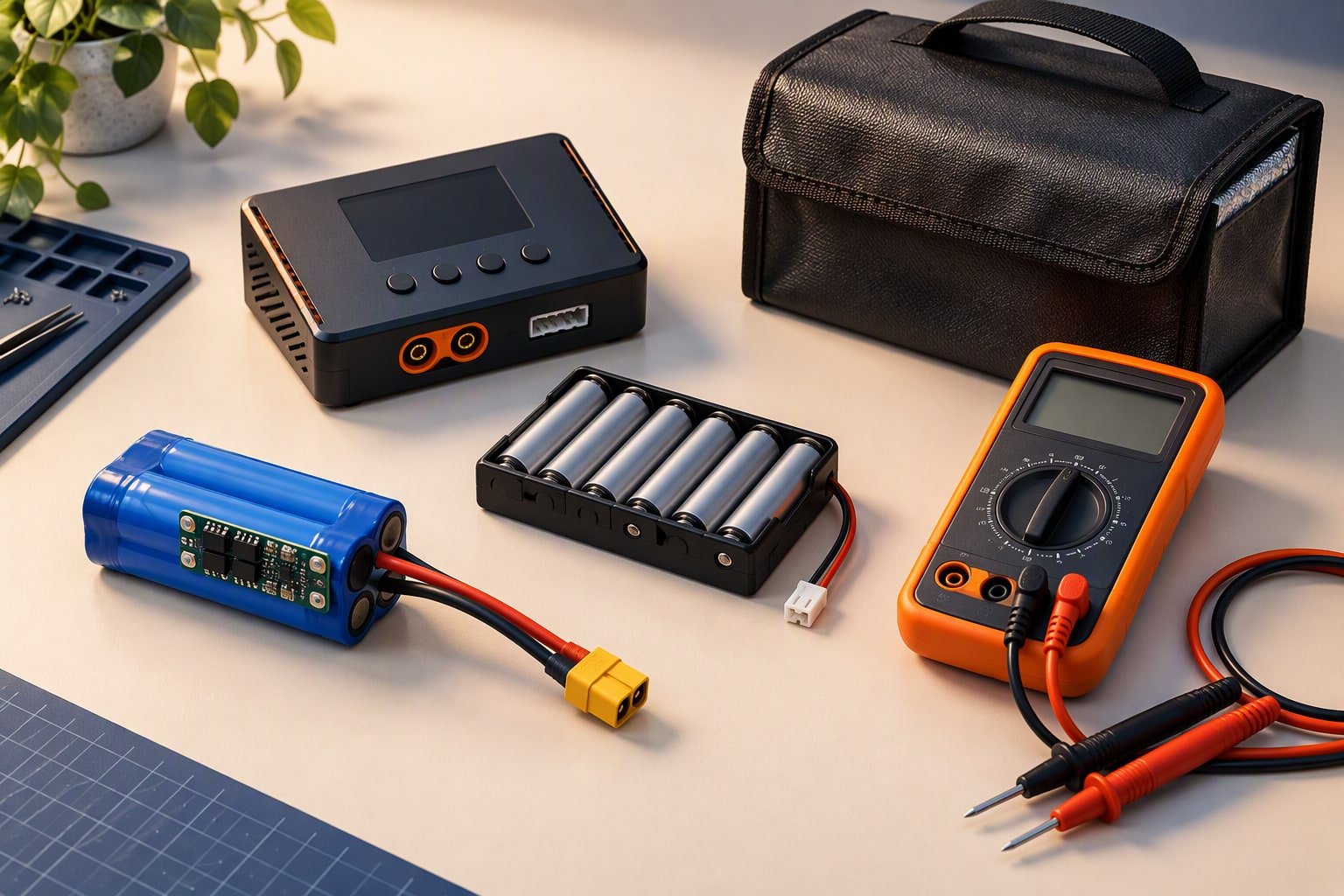
Give the motors their own supply path, give the logic a regulated 5 V rail, and join both at one ground point at the battery. Most robot brownouts are wiring faults, not battery faults: a servo or a stalled motor drags the rail down, the board resets, and a bigger battery changes nothing because the bottleneck was a jumper wire and a shared ground return.
Two rails and one ground
A small robot needs two voltage domains. The pack voltage feeds the motor driver and the motors, because motors want volts and current, not regulation. A converter makes a steady 5 V for the Arduino, sensors and servos. Everything else is sizing.
The ground is the part people get wrong. Ground is the reference every signal is measured against, and return current flows through it. If motor current returns through the same thin wire that carries the sensor ground, the sensor’s 0 V point moves every time the motor pulls current. Run a thick ground from the battery negative to the driver, run a separate ground from the same terminal to the logic converter, and join the two only there. That single meeting point is the star ground.
Two rules sit alongside it. Fuse the main positive lead, at 3 to 5 A for a small robot on 20 to 22 AWG wiring, above normal current and below the wire’s limit. And check the switch rating: the small slide switch in a kit is often 0.5 A while a stalled pair of motors asks for 2 A.
Buck converter or linear regulator?
A 7805 burns the difference between input and output as heat. A buck converter switches, so it wastes far less, and on a 12 V pack feeding a 5 V rail that decides whether the robot runs for an hour or shuts down in ten minutes.
| Option | Input needs | Heat at 12 V in, 0.6 A out | Planning cost | Use it for |
|---|---|---|---|---|
| 7805 linear regulator | About 2 V above output, so 7 V minimum | About 4.2 W, far beyond a bare TO-220 package | ₹15–40 | A single sensor on a 6 V pack, with a heatsink |
| LM2596 buck module | 4.5–35 V in, adjustable output | About 0.7–1 W at roughly 80% efficiency | ₹60–150 | The main 5 V rail on any robot above 7 V |
| 5 V UBEC or a second buck | 2S to 6S pack input | Low, sized for several amps | ₹150–350 | Servos on a robot with several joints |
| USB power bank | 5 V only, current limited | None in the robot | ₹400–900 | Logic-only demos |
The arithmetic is worth doing once with your own numbers, because it explains every hot regulator you will ever meet:
linear_heat_W  = (V_in - 5.0) * I_load
buck_input_W   = (5.0 * I_load) / efficiency
buck_loss_W    = buck_input_W - (5.0 * I_load)

# 12 V pack, 0.6 A on the 5 V rail, 80% efficient buck
# linear: (12 - 5) * 0.6          = 4.2 W of heat
# buck:   3.0 / 0.80 = 3.75 W in, so 0.75 W of heat
A bare TO-220 regulator has a junction-to-ambient thermal resistance of roughly 50 to 65 °C/W, so 4.2 W asks for a rise of more than 200 °C. The part folds back, the rail sags, and your board resets. That is a thermal design failure, not a mystery.
Your current budget, before you buy anything
Add up the worst case, not the idle case, then leave 30% headroom. Write the numbers down before you order.
| Load | Typical current | What to plan for |
|---|---|---|
| Arduino Uno or Nano with a few sensors | 50–100 mA | Comfortable on any 5 V rail |
| HC-SR04 | About 15 mA | Negligible, but do not share its ground wire with a motor |
| SG90 servo, moving | 100–250 mA | Idle is about 5 mA; two or three moving add up quickly |
| SG90 servo, stalled | Up to 650 mA | The number that resets your board |
| L298N logic side | 20–40 mA | Plus its 1.4–2 V drop in the motor path |
| Two TT motors driving | 300–800 mA | Size the pack and wires for the stall figure |
| Two TT motors stalled | 2–3 A | The real worst case for wires, switch and fuse |
| ESP32 transmitting on Wi-Fi | 240–500 mA bursts | Needs a 1 A rail and a bulk capacitor |
For a line follower with two TT motors, an Uno and one servo, the logic rail peaks near 1 A in a bad moment, so a 2 A buck is honest and a 1 A module is marginal. The motor rail sees 3 A at stall, which is why the 2S pack guide focuses on cell current, not capacity.
Why does the board reset when the motors start?
Because the 5 V rail dipped below the microcontroller’s minimum for a few milliseconds. The regulator could not supply the step, the pack sagged under surge, or the wiring resistance ate the difference. Symptoms you can recognise without a scope:
- The board restarts the moment both motors start from rest, then runs fine once moving.
- An ESP32 prints a brownout message and reboots in a loop when Wi-Fi connects.
- A servo twitches and the LCD backlight dims at the same instant.
- Encoder counts jump, or a line follower loses its edge for one loop.
Fix it in this order: a 470 to 1,000 µF electrolytic across the driver’s supply terminals, the servo on its own regulator, soldered 20 AWG wire in place of breadboard jumpers in the power path, a shorter ground return from driver to battery, and only then a larger pack. Disabling a brownout detector in firmware hides the symptom and keeps the cause.
Keep motor and servo current off the logic rail
Decoupling is cheap and it buys margin. Put a 100 nF ceramic close to each IC or sensor supply pin, a 470 to 1,000 µF electrolytic across the motor supply at the driver, and a 470 µF electrolytic near the servo connector. The ceramic handles fast spikes, the electrolytic holds the rail through a motor start, and neither replaces a correctly sized regulator.
Route motor wires as a twisted pair and keep them away from sensor and encoder wiring: a sensor that reads garbage only while the motors run is almost always a routing problem. If your board has a separate servo rail, use it; if not, run servos from a second buck rather than the pin header.
Match the wire to the current too. 22 AWG suits short runs under about 2 A, 20 AWG about 4 A, and 18 AWG above that. A connector rated for 1 A is a resistor with good manners.
A wiring checklist you can run through
- Battery negative goes to one point; driver ground and logic converter ground both land there.
- Motor supply connects to the driver’s supply terminals, never to the 5 V rail.
- The buck output measures 5.0 to 5.2 V with the robot idle, before anything is plugged in.
- Servos are on the 5 V rail through their own connector, not on the Arduino 5 V pin.
- Every IC and sensor has a 100 nF capacitor at its supply pin, and the driver and servo rail each have a 470 µF or larger electrolytic.
- The main positive lead has a fuse, and the switch is rated above the stall current.
- No power current passes through a breadboard, and motor wires cross signal wires at right angles where they must cross at all.
- The pack voltage is checked while the motors run, not at rest.
What the power parts cost
| Part | Planning range | Note |
|---|---|---|
| 2S 18650 pack with BMS and holder | ₹250–550 | Add a CC/CV charger; it is not included |
| LM2596 buck module | ₹60–150 | Set the output with a multimeter before connecting the board |
| 5 V 3 A UBEC | ₹150–350 | For servo-heavy builds |
| Electrolytic and ceramic capacitors | ₹20–80 | Buy a small assortment, not one of each |
| Fuse holder and fuses | ₹30–80 | Match the fuse to the wire, not the motor |
| 20 AWG silicone wire, 2 m | ₹50–150 | Flexible, and it survives repeated bending |
| XT60 or JST connectors | ₹40–120 | A connector you can unplug beats solder joints |
Most of a power budget goes into the pack, and the parts that prevent resets cost under ₹300 together. Run the numbers with the battery runtime calculator once you know the average current, and read the battery guide before you solder a pack.
Common questions
Can one battery run the motors and the Arduino?
Yes, and that is the normal arrangement: the pack feeds the driver directly and a buck converter makes 5 V for the board from the same pack. What you must not do is take the board’s 5 V pin and feed motors or servos from it, because that pin is a logic supply rated for tens of milliamps, not amps.
Do I really need a capacitor on every sensor?
You need the 100 nF parts on anything with a fast digital signal, and they cost a few rupees each. Skipping them usually works until the robot misbehaves at the worst moment. The bulk capacitors at the driver and servo rail matter more, so fit those first if the budget is tight.
Is a 9 V battery enough for a small robot?
Not for a drivetrain. A 9 V alkaline block has very little current capacity and sags hard under motor load, so it belongs in a smoke alarm or a multimeter. Use four AA NiMH cells for a first robot or a protected 2S Li-ion pack once you understand the charging rules.
This build sheet is reviewed against datasheets and vendor listings; test your own robot before relying on it.
Last reviewed: October 2026. Current figures are typical hobby values; confirm against the part you receive.
When the logic rail comes from a higher battery voltage, size the converter by heat: the 12 V to 5 V buck converter guide compares LM2596, MP1584 and XL4015.
Motors are the largest load on most robot rails; the motor selection guide covers how to estimate current before choosing a battery.
See also: powering a Raspberry Pi 5 in a robot, which needs 5 V at 5 A.
An ESC adds inrush current and electrical noise, so read sizing the power system around an ESC before choosing a battery.
If the robot has to recharge itself, the charging and docking guide covers contacts, power budgets and dock design.
Knowing battery state remotely is half of power management; the MQTT telemetry guide shows how to publish it.
Lithium packs also need a battery management system, not just a charger.
Servo banks are the usual cause of brownouts. Size the rail for stall current and read the servo jitter guide before adding another servo.
Power distribution decisions end up as copper, and trace width for motor current is where that becomes concrete.
The LiPo battery safety guide covers fusing, cut-off and the charging routine that prevents most pack fires.
Sources and further reading
Documents used to check the numbers on this page:
- Battery University BU-205 — lithium-ion types, voltage and safety.
- TI L293D datasheet page — a comparable dual H-bridge for current and drop-out numbers.
- Arduino analog output (PWM) reference — how analogWrite() behaves.
Newer builds and guides
- LM2596 buck converter — Setting the output safely and powering a robot from 12 V.
- ESP32-CAM robot car — A ₹2,600 Wi-Fi car with live camera streaming.

