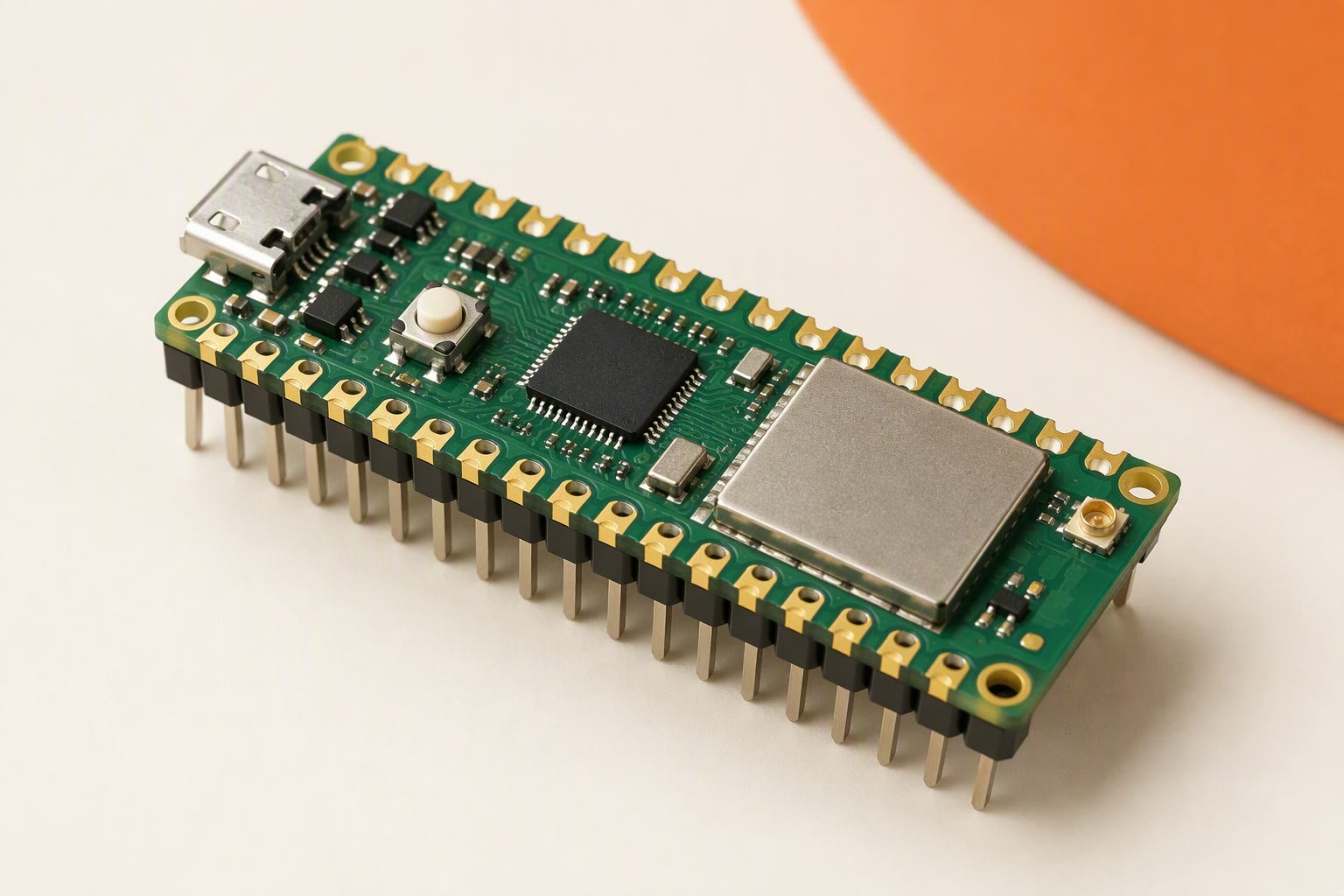
The Raspberry Pi Pico W is a ₹500–₹850 dual-core board with 26 exposed 3.3 V GPIO pins, Wi-Fi and Bluetooth — a capable robot brain that cannot drive a motor, a servo or a 5 V sensor without help. It runs MicroPython, C or the Arduino core, and its limits are electrical rather than computational.
Two features are underused in student robots: eight PIO state machines that can generate extra serial ports or read encoders without stealing CPU time, and 16 PWM channels. The catches are a 3.3 V-only header, a 3.3 V pin that is an output with a small current budget, and no motor driver, camera connector or battery charger anywhere on the board.
Key specifications
| Microcontroller | RP2040, dual Cortex-M0+ at 133 MHz |
|---|---|
| SRAM | 264 KB |
| Flash | 2 MB |
| GPIO | 26 exposed 3.3 V pins |
| ADC | 3 channels, 12-bit, 500 ksps |
| PWM | 16 channels across 8 slices |
| PIO | 8 state machines |
| Logic voltage | 3.3 V, not 5 V tolerant |
| Input power | 1.8–5.5 V on VSYS, 5 V on VBUS |
| 3.3 V output | regulator output, keep load under 300 mA |
| Wireless | 2.4 GHz Wi-Fi and Bluetooth 5.2 |
| GPIO current | 12 mA per pin, 50 mA total |
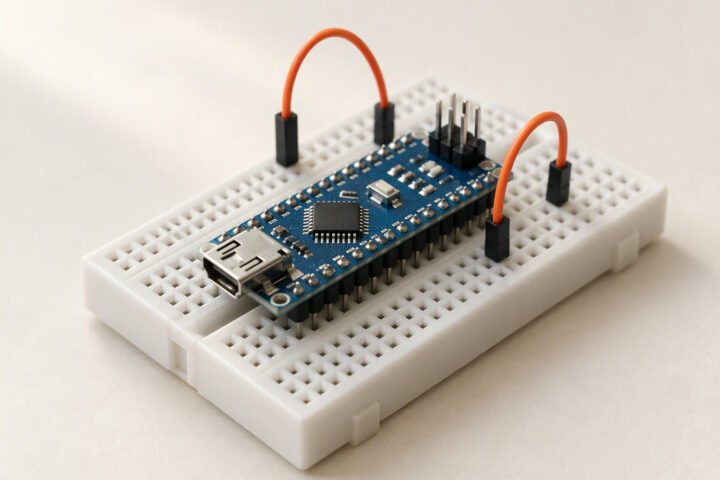
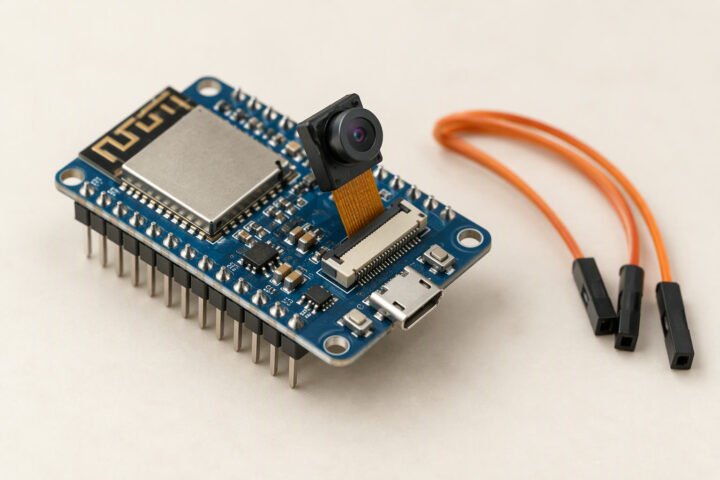
Substitute: An ESP32 DevKit for more RAM and camera support, or an Arduino Uno for 5 V tolerance.
What the board is
The Pico W is an RP2040 board: two ARM Cortex-M0+ cores at 133 MHz, 264 KB of SRAM and 2 MB of flash. The wireless version adds an Infineon CYW43439 chip for 2.4 GHz Wi-Fi and, with firmware from the 1.5.1 SDK onward, Bluetooth. It exposes 26 GPIO, three 12-bit ADC channels, two UARTs, two SPI buses, two I2C buses, 16 PWM channels and eight PIO state machines. USB is full-speed only, which is fine for programming and serial output.
A newer Pico 2 W uses the RP2350 and costs more. It keeps the same 40-pin layout, but check the board variant in your toolchain before assuming an existing project will build unchanged.
Pins: the map that matters
Not every RP2040 pin reaches the header. GP23 and GP24 set the power-supply mode and sense USB voltage, GP25 drives the LED on the non-wireless Pico, and GP29 measures VSYS through a divider. On the Pico W the user LED hangs off the wireless chip rather than a GPIO, although Pin("LED") still works in MicroPython. Every GPIO can generate an interrupt, so encoders can go almost anywhere.
| Job | Suggested pins | Note |
|---|---|---|
| Motor driver IN1–IN4 | GP10–GP13 | Any output pin works; keep the group together for wiring |
| Motor PWM (ENA/ENB) | GP14, GP15 | One slice, so both share a frequency but set duty independently |
| I2C sensors | GP4 (SDA), GP5 (SCL) | I2C0, with 3.3 V pull-ups to the 3V3 pin |
| UART GPS or serial module | GP0 (TX), GP1 (RX) | UART0, also the default debug pair |
| SPI display or radio | GP16–GP19 | SPI0: RX, CS, SCK, TX |
| Battery voltage sense | GP26 | Through a divider; ADC input must stay below 3.3 V |
| Servo signal | GP21 | Signal only; power the servo from 5–6 V |
Power: VSYS, VBUS and the 3.3 V rail
VSYS accepts 1.8–5.5 V and feeds an onboard regulator; VBUS is the 5 V USB input, separated from VSYS by a Schottky diode. A 2S 18650 pack at 7.4–8.4 V must never reach either pin directly. Use a buck converter set to 5.0 V into VSYS, keep the grounds common, and put 100 µF close to the board to absorb Wi-Fi current bursts.
The 3V3 pin is a regulator output, not an input. The datasheet suggests keeping its load under 300 mA, which is enough for a few sensors and an OLED but not for a servo, a motor or a camera. There is no charging circuit and no fuel gauge on the board; a protected pack, a proper charger and a resistor divider to GP26 are your battery management.
What it cannot drive
- GPIO current: 12 mA maximum per pin and 50 mA total across the port, per the RP2040 datasheet. Treat 4–8 mA as a comfortable logic load.
- Motors: no driver on board. A TB6612FNG or DRV8833 accepts 3.3 V logic cleanly; an L298N may work but its input threshold is not specified for 3.3 V, so test before committing.
- Servos: an SG90 can draw several hundred milliamps when stalled, far beyond the 3V3 budget. Give servos their own 5–6 V rail and join the grounds.
- 5 V sensors: the header is not 5 V tolerant. An HC-SR04 echo pin outputs 5 V, so use a divider or a level shifter before it reaches GPIO.
- Cameras: there is no camera interface. A robot that needs video should start from an ESP32-CAM or a Pi with a CSI connector.
Wi-Fi, Bluetooth and the antenna
The radio is 2.4 GHz only, with a PCB antenna and no external connector on the standard board. Expect room-scale range: a phone hotspot in the same room is realistic, and two walls or a metal chassis are not. Keep the antenna end of the board away from the battery, the motor wires and the buck inductor, and do not sandwich the Pico between the chassis plate and the pack.
Wi-Fi power saving adds latency to a control loop. In MicroPython, set the power-management mode to none when the robot is driving; in the Arduino core, disable modem sleep. Bluetooth on the Pico W arrived after launch, so an old UF2 will not have it — check the firmware version before you plan a Bluetooth controller. A 2.4 GHz link is also shared with a classroom full of hotspots, so build in a failsafe that stops the motors when commands stop arriving.
Programming options
- MicroPython: hold BOOTSEL, drag the UF2 onto the USB drive, then edit files over the serial REPL. Fastest path for sensors and Wi-Fi.
- C/C++ SDK: the most control over PIO, DMA and timing. More setup, and the best choice for a project that must run a control loop at a fixed rate.
- Arduino core: familiar
setup()andloop(), with most libraries working. Select the Pico W board variant, not the plain Pico.
Flashing a non-wireless Pico firmware image is the usual reason Wi-Fi “disappears” after a rebuild. The board still runs; the radio is simply not in that build.
Pico W or ESP32?
Choose the Pico W when you want clean 3.3 V logic, many PWM channels, PIO for encoders or extra serial ports, and a dual-core board that is easy to debug over USB. Choose an ESP32 DevKit when you need more RAM and flash, camera support, or a large library ecosystem for web interfaces. Choose an Arduino Uno when 5 V tolerance and absolute simplicity matter more than capability. The wider comparison is in best Arduino board for robotics, and the bus differences are covered in I2C vs SPI vs UART.
Sources and further reading
Raspberry Pi, Pico W datasheet, for pinout, power and SDK details. NXP, UM10204: I2C-bus specification, for the sensor bus used above. Battery University, BU-205: Types of lithium-ion, for the 2S pack behaviour behind the regulator.
Last reviewed: October 2026. Specifications checked against the Raspberry Pi Pico W datasheet and the RP2040 datasheet. Not bench-tested by this site. Prices are Indian retail ranges; clones and board revisions vary.