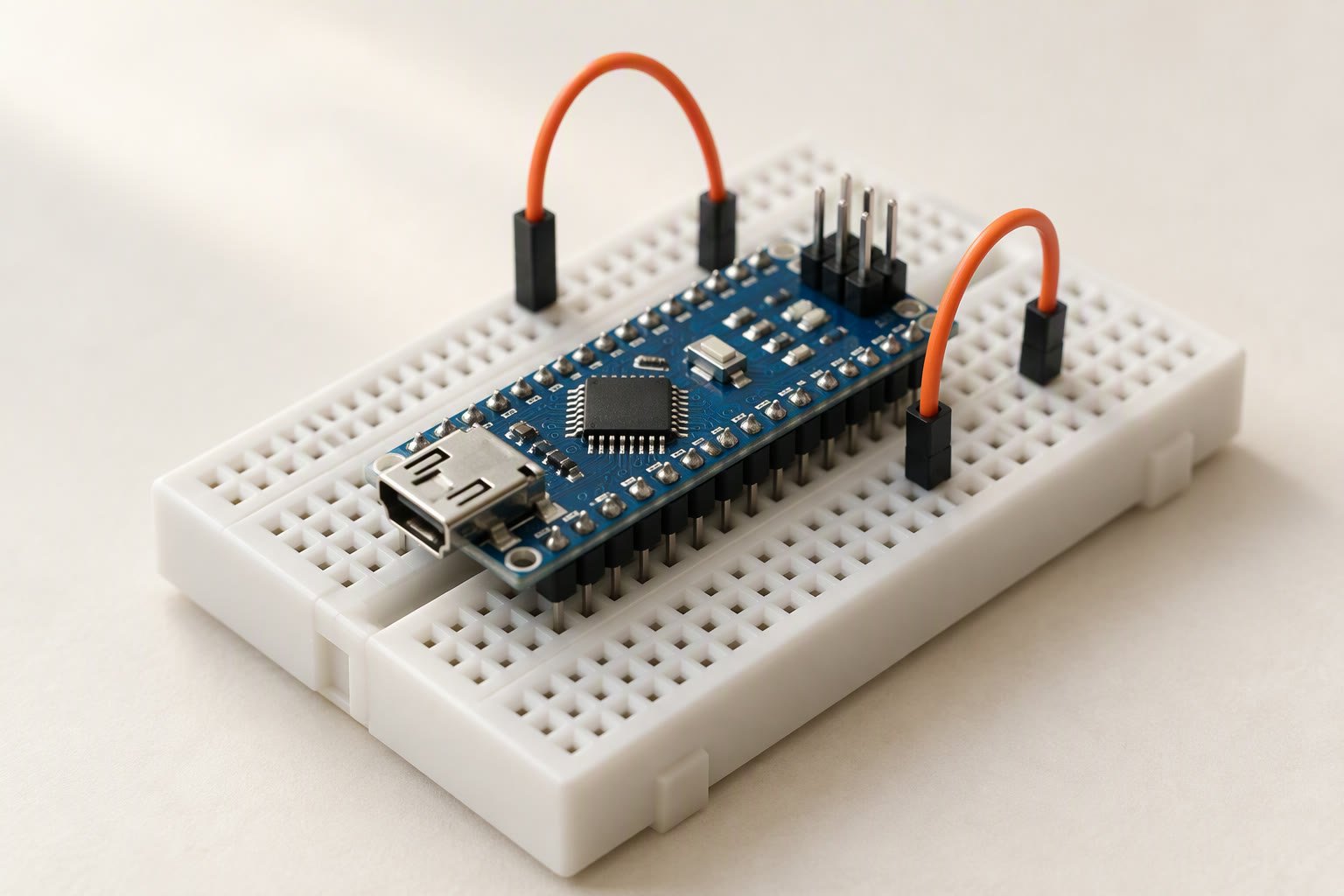
The Arduino Nano is the same ATmega328P as an Uno on a board the size of a thumb drive — 45 × 18 mm, 30 pins, and the same 5 V logic. For a small robot it is often the correct choice: everything an Uno can do, on a chassis where an Uno would not fit.
Key specifications
| Microcontroller | ATmega328P |
|---|---|
| Logic voltage | 5 V |
| Clock | 16 MHz |
| Digital I/O | 22 (14 digital + 8 analog-as-digital) |
| Analog inputs | 8 (10-bit); A6 and A7 analog only |
| PWM | 6 (D3, D5, D6, D9, D10, D11) |
| External interrupts | 2 (D2, D3) |
| Flash | 32 KB (2 KB used by bootloader) |
| SRAM | 2 KB |
| EEPROM | 1 KB |
| Per-pin current | 20 mA safe, 40 mA absolute |
| 3.3 V pin | 50 mA maximum |
| Input voltage | 7-12 V recommended on VIN |
| USB | Mini-B (classic), USB-C on many clones |
| Size | 45 x 18 mm |
Substitute: An Arduino Uno when you need shields, or an ESP32 when you need Wi-Fi.
Same chip, different board
Code written for an Uno generally runs unchanged on a classic Nano: same microcontroller, same clock, same 5 V levels. What changes is the physical layout and the power path. The Nano brings out two extra analog inputs, A6 and A7, which exist only as analog pins, and it loses the Uno’s barrel jack, shield footprint and generous regulator.
| Feature | Arduino Uno | Arduino Nano |
|---|---|---|
| Microcontroller | ATmega328P | ATmega328P |
| Digital I/O | 14 | 22 (14 digital + 8 analog-as-digital) |
| Analog inputs | 6 | 8 (A0–A7) |
| PWM pins | 6 (3, 5, 6, 9, 10, 11) | 6 (3, 5, 6, 9, 10, 11) |
| External interrupts | 2 (D2, D3) | 2 (D2, D3) |
| Size | 68 × 53 mm | 45 × 18 mm |
| USB | USB-B | Mini-B on the classic board; USB-C on many clones |
The 30-pin layout is breadboard-friendly at 15.24 mm between rows, but it is not a drop-in replacement for an Uno shield. Adapters exist and are usually more trouble than wiring the pins directly.
Pin map for a small robot
| Job | Pins | Notes |
|---|---|---|
| Motor driver (TB6612FNG or L298N) | D5, D6, D9, D10 | PWM on all four gives independent speed control |
| Two IR line sensors | D2, D4 | D2 can also be an interrupt input |
| HC-SR04 ultrasonic | D7 (trig), D8 (echo) | Echo is 5 V, safe on a Nano |
| Servo | D3 or D11 | The Servo library disables PWM on D9 and D10 on AVR |
| I2C display or IMU | A4 (SDA), A5 (SCL) | Shared bus; check addresses |
| Battery voltage sense | A7 | A6 and A7 are analog only |
| Serial debugging | D0 (RX), D1 (TX) | Disconnect anything on these while uploading |
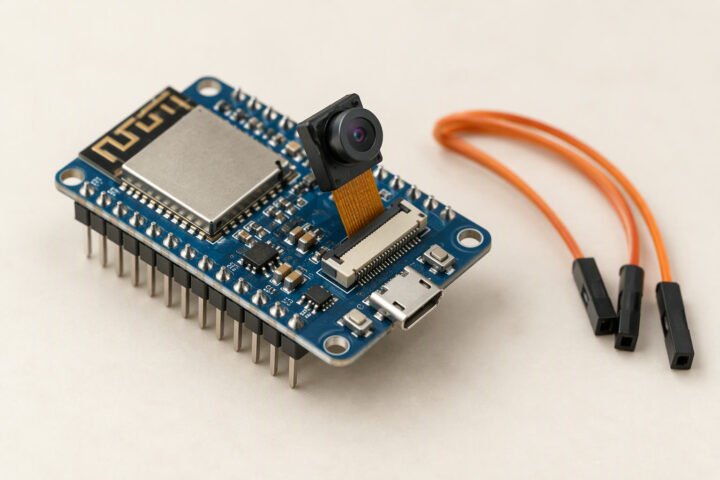
That map fits a line follower, an obstacle avoider or a Bluetooth car with a servo-mounted sensor. If the robot needs Wi-Fi, a camera or more than about 20 GPIOs, an ESP32 DevKit is the better board. The board buying guide compares the whole range.
Powering a Nano without cooking it
The Nano has three ways in and each has a limit. USB 5 V is fine for programming and logic-only tests. VIN accepts 7–12 V and runs it through a small linear regulator that gets hot above about 9 V. The 5 V pin accepts a regulated 5 V supply directly, bypassing the regulator — and that is the input most small robots should use.
- Feed the 5 V pin from a regulated buck converter, not from a 2S battery directly. A charged 2S pack is 8.4 V and will destroy the board on the 5 V pin.
- Do not power VIN and USB at the same time. Some clones have no protection diode between the two paths; one source at a time avoids the argument.
- Watch the total current. Each pin is good for about 20 mA, 40 mA absolute, and the whole chip should stay under roughly 200 mA. LEDs, sensors and a buzzer add up faster than people expect.
- Motors never come from the Nano. Use a driver with its own supply and join the grounds.
The power guide covers the buck converter and rail sizing; the LM2596 module is the usual cheap way to make the 5 V rail.
Clone quirks: CH340 and the old bootloader
Most Nanos sold in India are clones. They usually carry a CH340 USB chip instead of the FTDI part, which needs a driver on Windows and macOS. If the board appears in Device Manager as an unknown device, install the CH340 driver before touching the IDE.
Older clones also ship with the original ATmega328P bootloader, which runs at 57600 baud. When an upload fails with “avrdude: stk500_recv(): programmer is not responding”, select ATmega328P (Old Bootloader) under Tools → Processor. Newer boards use the standard 115200 baud entry. Trying both takes less time than debugging anything else.
Reading the battery on A7
A6 and A7 have no digital drivers and no internal pull-ups, but they read analog voltage like the rest. A divider lets the Nano monitor a 2S pack without exceeding 5 V on the pin.
// 2S pack (max 8.4 V) through 10k / 10k divider on A7
const float DIVIDER_RATIO = 2.0;   // (10k + 10k) / 10k

void setup() {
  Serial.begin(115200);
}

void loop() {
  int raw = analogRead(A7);                 // 0..1023
  float pinVolts = raw * (5.0 / 1023.0);
  float packVolts = pinVolts * DIVIDER_RATIO;
  Serial.print("Pack: ");
  Serial.print(packVolts, 2);
  Serial.println(" V");
  delay(500);
}
Calibrate the 5.0 V reference against a multimeter before trusting the absolute number; the Nano’s regulator is typically within a few percent, not exact. For a robot, the useful signal is the trend, not the second decimal place.
Nano, Uno, Pico or ESP32?
| Board | Logic | Strength | Weakness |
|---|---|---|---|
| Nano (classic) | 5 V | Small, cheap, 5 V tolerant sensors, huge tutorial base | 2 KB SRAM, weak regulator, no Wi-Fi |
| Uno R3 | 5 V | Shields, robust power input, same code | Large; same 2 KB SRAM |
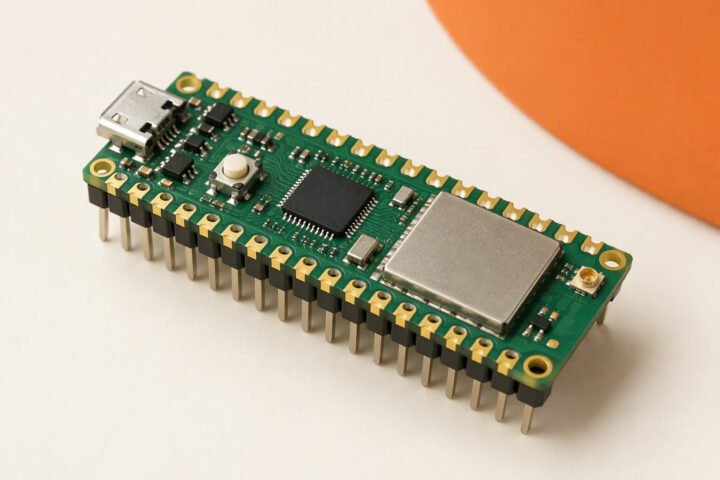
| Raspberry Pi Pico | 3.3 V | Fast dual-core, lots of RAM, cheap | 3.3 V logic; needs level care with 5 V sensors |
| ESP32 DevKit | 3.3 V | Wi-Fi, Bluetooth, many peripherals | 3.3 V logic, more complex power |
Beware the name: the Nano 33 IoT, Nano Every and Nano ESP32 are different boards with different chips and voltages. A tutorial written for a classic Nano does not automatically apply to them. The Uno pinout guide covers the shared pin behaviour in more detail.
Common questions
Is the Arduino Nano the same as an Uno?
The classic Nano uses the same ATmega328P at 5 V and 16 MHz, so most Uno sketches run unchanged. The board is smaller, adds A6 and A7 as analog-only pins, and has a weaker power section.
Why does my Nano not upload?
Most often a missing CH340 driver or the wrong bootloader option. Install the driver, then try Tools → Processor → ATmega328P (Old Bootloader) if the standard entry fails.
Can I power a Nano with a 9 V battery?
Through VIN, yes, but the linear regulator wastes most of the energy as heat and the battery will not last. Use a 5 V buck converter on the 5 V pin for a robot.
How much current can the Nano supply?
About 20 mA per pin, 40 mA absolute, with roughly 200 mA total for the chip. Motors and servos always need their own supply.
Can I use A6 and A7 as digital pins?
No. They are analog inputs only, with no output driver and no pull-up.
Related: Arduino Uno, Arduino Uno pinout, TB6612FNG motor driver.
Sources and further reading
- Arduino Nano hardware page — official pinout, power ratings and documentation.
- analogRead() reference — ADC resolution and reference behaviour.
- Microchip ATmega328P product page — absolute maximum ratings and datasheet.
Last reviewed: October 2026. Specifications describe the classic 5 V Arduino Nano; clone boards and newer Nano variants differ. Prices are Indian retail ranges. Not bench-tested by this site.