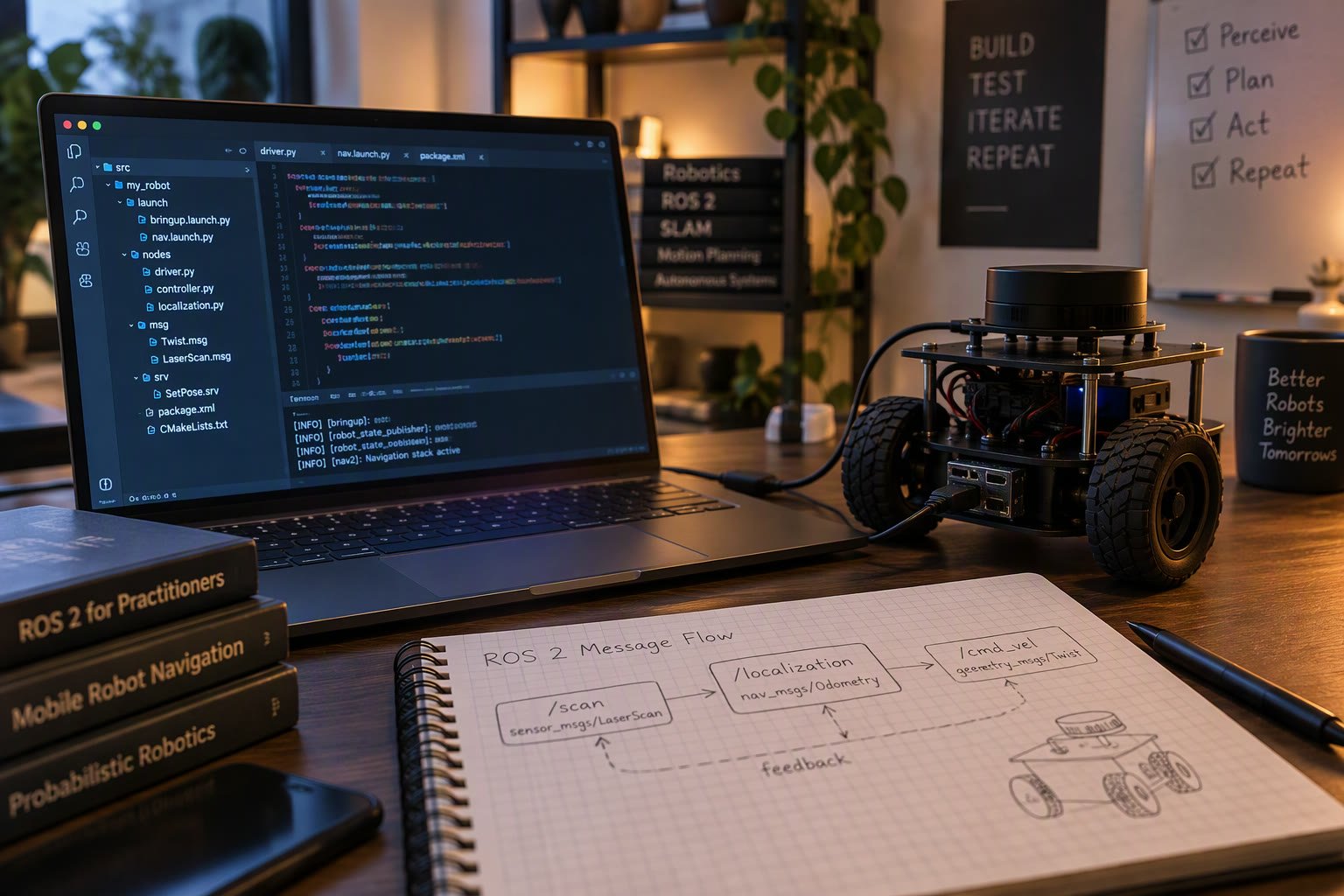
Every robot project eventually needs a message that ROS 2 does not ship. A gripper state, a sensor packet, a mission command: the moment you define your own interface, you own a contract that every node depends on.
This guide shows how to create a custom message, service or action package, how to build and use it in Python and C++, and the versioning mistakes that break a working robot when one node is rebuilt. The examples use a two-wheel differential robot that reports wheel currents and accepts a gripper command.
Messages, services and actions
| Interface | Shape | Use when |
|---|---|---|
| Message (.msg) | One data structure, published continuously | Telemetry, sensor readings, state |
| Service (.srv) | Request and response, one shot | Calibrate, reset, read a configuration |
| Action (.action) | Goal, feedback, result | Long motion that can be cancelled |
Choosing wrongly shows up later. A service that takes ten seconds to answer blocks the caller and cannot be cancelled, while a message with a request ID reinvents a service badly. If the operation has a duration and needs progress reporting, make it an action from the start.
Package layout
Keep interfaces in their own package. Mixing messages into a node package makes every consumer depend on your implementation, and rebuilds cascade through the workspace.
robot_interfaces/
  CMakeLists.txt
  package.xml
  msg/
    WheelState.msg
    GripperCommand.msg
  srv/
    SetGripperMode.srv
  action/
    Dock.action
A message file is a list of typed fields. Use standard ROS types, add a header when the data is timestamped and frame relative, and keep units explicit in the field name.
# WheelState.msg
std_msgs/Header header

float32 left_current_a
float32 right_current_a
float32 left_speed_rad_s
float32 right_speed_rad_s
bool stalled
Field names carry the unit because a bare speed field is ambiguous within a month. The header gives every consumer a timestamp and frame, which costs eight bytes and saves hours of guessing during a bag replay.
Building the interface package
The CMake file must declare the dependencies and generate the interfaces. The order matters: find the packages first, then generate, then export.
find_package(rosidl_default_generators REQUIRED)
find_package(std_msgs REQUIRED)
find_package(builtin_interfaces REQUIRED)

rosidl_generate_interfaces(${PROJECT_NAME}
  "msg/WheelState.msg"
  "msg/GripperCommand.msg"
  "srv/SetGripperMode.srv"
  "action/Dock.action"
  DEPENDENCIES std_msgs builtin_interfaces
)

ament_export_dependencies(rosidl_default_runtime)
The same dependencies must appear in package.xml, with rosidl_default_generators as a build tool and rosidl_default_runtime as a runtime dependency. Missing entries build on your machine and fail on a fresh clone.
colcon build --packages-select robot_interfaces
source install/setup.bash
ros2 interface show robot_interfaces/msg/WheelState
If ros2 interface show fails, the package did not build or the workspace was not sourced in that terminal. That is almost always the cause, not a broken installation.
Publishing and subscribing in Python
from robot_interfaces.msg import WheelState
from std_msgs.msg import Header
import rclpy
from rclpy.node import Node

class WheelReporter(Node):
    def __init__(self):
        super().__init__('wheel_reporter')
        self.pub = self.create_publisher(WheelState, 'wheel_state', 10)

    def publish_state(self, left_a, right_a):
        msg = WheelState()
        msg.header = Header()
        msg.header.stamp = self.get_clock().now().to_msg()
        msg.header.frame_id = 'base_link'
        msg.left_current_a = left_a
        msg.right_current_a = right_a
        msg.stalled = abs(left_a) > 5.0
        self.pub.publish(msg)
Take the timestamp when the data is measured, not when the message is published. A stamp applied at publish time looks correct in a plot and ruins any consumer that fuses the data with a camera frame captured earlier.
Arrays, constants and nested types
- Fixed arrays use
float32[6]; variable arrays usefloat32[]and add runtime overhead. - Constants are declared with an equals sign and appear in the generated code, which makes mode enums safe to compare.
- Nested message types are referenced by package and name, for example
geometry_msgs/Twist. - Strings are variable length by default; avoid them in high rate loops.
# GripperCommand.msg
uint8 MODE_IDLE = 0
uint8 MODE_GRIP = 1
uint8 MODE_RELEASE = 2

uint8 mode
float32 target_width_mm
float32 max_force_n
Bounded arrays with an explicit maximum are the safer choice for anything that crosses a network. An unbounded array filled by a buggy publisher can exhaust memory on every subscriber, and the failure appears far away from the cause.
The versioning trap
ROS 2 does not protect you from incompatible interface changes. If one node publishes the old definition and another subscribes with the new one, the type hashes differ and the topic silently does not connect, or the data is misread.
- Never reorder or remove fields in a published interface; add new fields at the end.
- Rename a field only with a full rebuild of every package in the workspace.
- After changing an interface, rebuild the interface package first, then dependants.
- Bump the package version and note the change, even in a student project.
- Check with
ros2 topic infoand confirm the type is what you expect.
Debugging connection problems
| Symptom | Likely cause | Check |
|---|---|---|
| Topic exists with no data | Type mismatch after a rebuild | Compare ros2 topic info type on both sides |
| Import error in Python | Workspace not sourced | ros2 pkg list and the install path |
| Build fails on generated headers | Missing DEPENDENCIES entry | CMake and package.xml agree |
| Data arrives but fields are zero | Publisher and subscriber use different versions | Rebuild both, check hashes |
| Intermittent loss under load | Queue depth too small | Raise QoS depth or use best effort |
Type mismatch is the most expensive failure because nothing errors. Publishers publish, subscribers wait, and the robot sits still while both nodes look healthy. Add an integration test that publishes one message and asserts the subscriber receives it.
Interface design habits worth keeping
- Put SI units in every field name: metres, radians, seconds, amperes.
- Name frames in the header and document the convention in one line.
- Prefer several small messages over one message with forty optional fields.
- Do not encode a mode as five booleans that can contradict each other.
- Keep safety signals on their own topic so a large telemetry message cannot delay them.
Related: ROS 2 topics, services and actions, ROS 2 for beginners, ROS 2 hardware interface, ESP32 FreeRTOS tasks, micro-ROS tutorial.
Where should custom messages live?
In a dedicated interface package such as robot_interfaces, separate from the nodes that use them. That keeps dependencies one way and stops rebuilds cascading through unrelated packages.
Why does my topic show no data after changing a message?
The publisher and subscriber are using different interface definitions. ROS 2 does not error on a type hash mismatch, so rebuild every package that depends on the interface and restart both nodes.
Do I need a header in every message?
Add one when the data is timestamped or frame relative. A pure configuration message with no time or pose does not need it, but telemetry almost always does.
Can I use custom messages with micro-ROS?
Yes, but the message definitions must be available on both sides and the firmware size grows with every type. Keep microcontroller interfaces small and flat.
How do I avoid breaking a working robot?
Only add fields at the end, never reorder, rebuild interfaces before dependants, and add a test that publishes one message and asserts the subscriber receives it.
Sources and further reading
- ROS 2 interface concepts — messages, services and actions.
- Creating custom ROS 2 interfaces — package and build setup.
- REP 103 — standard units and coordinate conventions.

