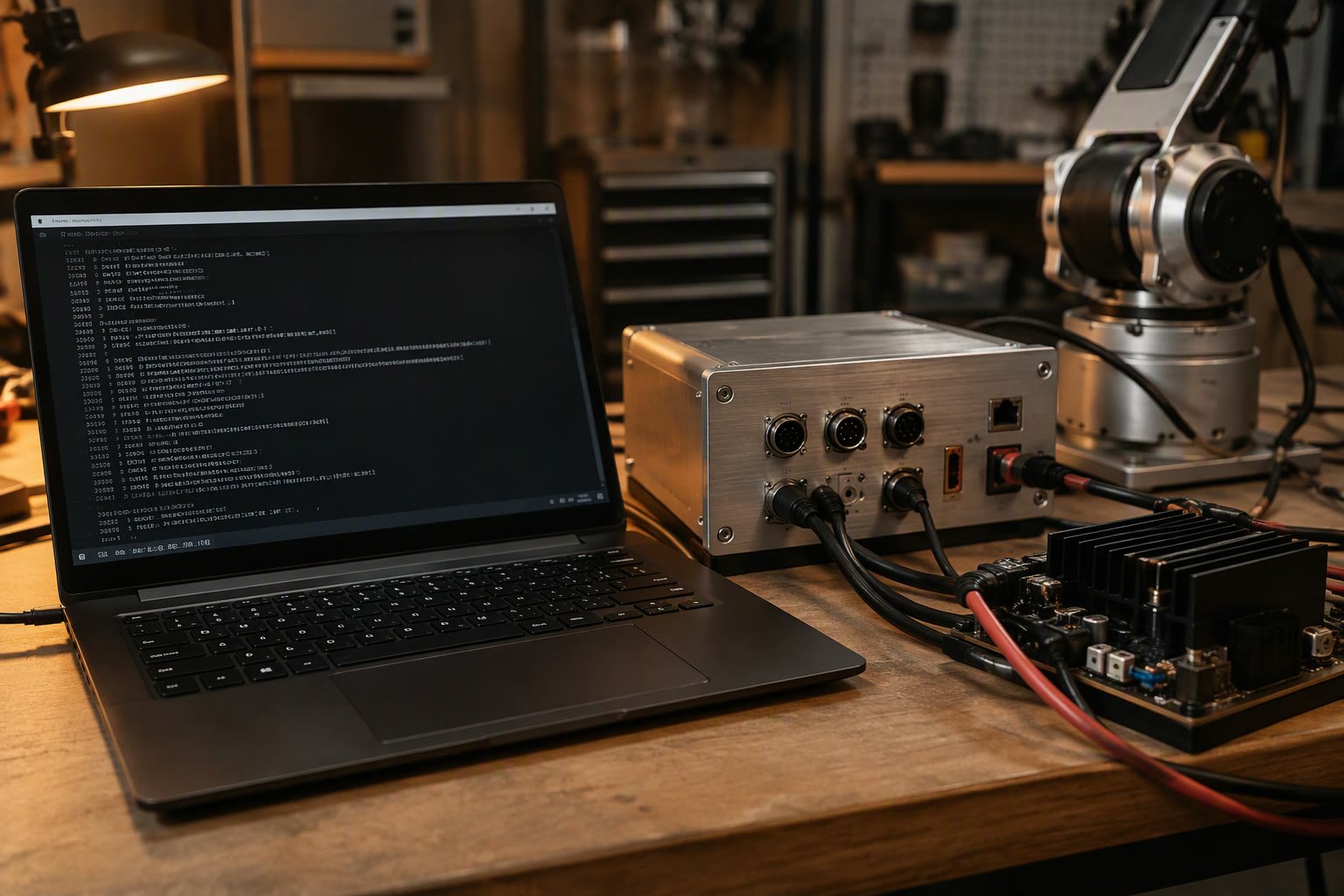
ros2_control stops being a simulation the moment you write a hardware interface. The controllers do not change; the layer underneath them starts talking to a motor driver.
This guide explains the ros2_control architecture, the SystemInterface lifecycle, a minimal working plugin, the configuration in URDF and YAML, the errors behind most failed first attempts, and how to test before the hardware exists.
Where the hardware interface sits
ros2_control separates four things: controllers that compute, a controller manager that loads and switches them, a resource manager that owns the hardware, and the hardware interface that talks to the device. Your job is the last one.
| Component | Responsibility | You write it? |
|---|---|---|
| Controller | Computes commands from a goal or trajectory | Usually use an existing one |
| Controller manager | Loads, configures and switches controllers | No |
| Resource manager | Owns interfaces and the update loop | No |
| Hardware interface | Reads state, writes commands, handles the device | Yes |
| Robot description | Declares joints and the ros2_control block | Yes |
That division is the reason a robot can move from simulation to hardware without rewriting a controller. If you find yourself putting control logic inside the hardware interface, the design has already gone wrong.
The SystemInterface lifecycle
A hardware component is a plugin with a fixed set of callbacks. The framework calls them in order, and each one must succeed before the next runs.
| Callback | What you do |
|---|---|
| on_init | Read parameters, store the joint names |
| on_configure | Open the device, validate limits, check the connection |
| export_state_interfaces | Publish position, velocity, effort per joint |
| export_command_interfaces | Accept position, velocity or effort per joint |
| on_activate | Enable the drives, start the communication thread |
| read | Copy device state into the state interfaces |
| write | Copy commands out and send them to the device |
| on_deactivate | Stop motion safely, disable drives |
| on_cleanup / on_shutdown | Close ports, free resources |
| on_error | Put the hardware into a safe state |
The read and write calls run every control cycle. They must be fast and must not block. A blocking serial read inside read turns a 1 kHz loop into a 20 Hz loop and makes every controller behave badly.
A minimal component
The skeleton below is the shape most hardware plugins follow. It uses a serial link, but the structure is the same for CAN, EtherCAT or a vendor SDK.
class MyArmHardware : public hardware_interface::SystemInterface {
public:
  CallbackReturn on_init(const HardwareInfo & info) override {
    CallbackReturn r = SystemInterface::on_init(info);
    if (r != CallbackReturn::SUCCESS) return r;
    joints_ = info.joints.size();
    pos_.assign(joints_, 0.0);
    vel_.assign(joints_, 0.0);
    cmd_.assign(joints_, 0.0);
    return CallbackReturn::SUCCESS;
  }

  CallbackReturn on_configure(const rclcpp_lifecycle::State &) override {
    port_.open("/dev/ttyUSB0", 115200);
    if (!port_.is_open()) return CallbackReturn::ERROR;
    return CallbackReturn::SUCCESS;
  }

  std::vector<StateInterface> export_state_interfaces() override {
    std::vector<StateInterface> out;
    for (size_t i = 0; i < joints_; ++i) {
      out.emplace_back(info_.joints[i].name, HW_IF_POSITION, &pos_[i]);
      out.emplace_back(info_.joints[i].name, HW_IF_VELOCITY, &vel_[i]);
    }
    return out;
  }

  hardware_interface::return_type read(const rclcpp::Time &,
                                       const rclcpp::Duration &) override {
    if (!port_.readFrame(pos_, vel_)) return return_type::ERROR;
    return return_type::OK;
  }

  hardware_interface::return_type write(const rclcpp::Time &,
                                        const rclcpp::Duration &) override {
    if (!port_.sendFrame(cmd_)) return return_type::ERROR;
    return return_type::OK;
  }

private:
  size_t joints_{0};
  std::vector<double> pos_, vel_, cmd_;
  SerialPort port_;
};
Register it as a plugin, and the controller manager can load it by name from the URDF. The plugin declaration is a macro plus an export in the package’s CMake and XML files; if the name in the URDF does not match exactly, the hardware simply will not appear.
Declare the joints in URDF
The URDF’s ros2_control block tells the framework which joints exist, which interfaces they expose and which plugin implements them. This block is not a comment; it is the contract between the description and the hardware.
<ros2_control name="MyArmSystem" type="system">
  <hardware>
    <plugin>my_arm_hardware/MyArmHardware</plugin>
    <param name="serial_port">/dev/ttyUSB0</param>
  </hardware>
  <joint name="joint1">
    <command_interface name="position"/>
    <state_interface name="position"/>
    <state_interface name="velocity"/>
  </joint>
  <joint name="joint2">
    <command_interface name="position"/>
    <state_interface name="position"/>
  </joint>
</ros2_control>
Joint names must match the links and joints in the kinematic model. A typo here produces a controller that configures but never moves anything, which is a harder bug to see than a load failure.
YAML and the update rate
controller_manager:
  ros__parameters:
    update_rate: 100   # Hz

    joint_state_broadcaster:
      type: joint_state_broadcaster/JointStateBroadcaster

    arm_controller:
      type: joint_trajectory_controller/JointTrajectoryController

arm_controller:
  ros__parameters:
    joints: [joint1, joint2]
    command_interfaces: [position]
    state_interfaces: [position, velocity]
The update rate is a budget, not a wish. If your communication takes 15 ms per cycle, a 100 Hz loop cannot run. Either raise the baud rate, shrink the payload, or lower the update rate and accept slower control.
Position, velocity or effort
The command interface you expose decides which controllers can drive the robot. A position interface suits a servo drive with an internal position loop. A velocity interface suits a drive that closes its own velocity loop and expects a setpoint. An effort interface hands torque control to your software and expects the drive to be in torque mode with a fast, reliable link.
| Interface | Drive mode | Typical use |
|---|---|---|
| Position | Position control | Most arms, simple integration |
| Velocity | Velocity control | Mobile bases, conveyor tracking |
| Effort | Torque control | Force control, impedance, research |
Exposing more than one is allowed and can be useful, but each extra interface is another path to test. Start with the one the drive is designed for, get the robot moving, then add the others if a controller needs them.
Test before the hardware exists
The framework ships a simulated system component that behaves like hardware without a device. Point the URDF at it and the controllers, the launch files and the controller switching all get tested before a motor is connected.
- Use the mock components plugin and confirm every controller configures and activates.
- Send a trajectory and check that joint states change.
- Then swap to your plugin and repeat the same test with the device powered but the robot unloaded.
- Only then connect the mechanism.
Errors you will actually see
| Message | Usual cause |
|---|---|
| Hardware component not found | Plugin name in URDF does not match the exported name |
| Could not load controller | Missing type, wrong package or the plugin is not built |
| Controller failed to configure | Joint name mismatch or a missing command interface |
| No state interface for joint | Interface not exported in the plugin |
| Controller manager not available | Launch order, wrong namespace or the node crashed |
| Robot moves then freezes | Blocking read, exception in write, or a watchdog trip |
| Joint moves the wrong way | Sign convention between encoder and command |
Safety belongs here, not later
The hardware interface is the last line before the motor, so it is the right place for hard limits. Software limits in a controller are a convenience; the drive’s own limits and the physical e-stop are the protection.
- Check commands against joint limits before sending them, and clamp rather than pass through.
- Add a watchdog that stops the drive if no command arrives within a set time.
- Treat lost communication as a stop, not a retry loop.
- Handle the e-stop input in hardware and mirror its state into software.
- Log faults with a timestamp; a robot that stops without a reason is impossible to fix.
A working order
- Get joint states read correctly with the motor disabled.
- Send one joint a small position command and watch it move.
- Add the second joint and check the sign convention.
- Run the trajectory controller with a short path.
- Check the loop timing with the real communication loaded.
- Add limits, watchdog and fault handling.
- Repeat the same sequence with the full payload.
Related: ros2_control tutorial, URDF for ROS 2, ROS 2 launch files, MoveIt 2 tutorial, topics, services and actions.
What is a ros2_control hardware interface?
A plugin that connects the ros2_control framework to a real device. It exports state and command interfaces for each joint and implements read and write calls that run every control cycle.
Do I need C++ for a hardware interface?
The standard SystemInterface plugin is C++. Python hardware components exist in some distributions but are not the mainstream path, so most drivers are written in C++.
How do I test a hardware interface without a robot?
Use the mock components plugin with the same URDF and controllers. Test loading, configuration, activation and trajectories, then swap in your plugin with the device powered but unloaded.
Why does my controller fail to configure?
Usually a joint name mismatch between the URDF and the controller YAML, or a command interface that the hardware does not export.
Where should joint limits and the watchdog go?
Hard limits and the e-stop belong in hardware. Clamping commands and a communication watchdog in the hardware interface are the software backstop, not a replacement for the drive's protection.
The command and state fields your hardware plugin exposes usually come from a custom ROS 2 interface package.
Hardware interfaces benefit from managed states, covered in the lifecycle nodes tutorial.
Sources and further reading
- ros2_control — framework documentation and hardware interface reference.
- ROS 2 documentation — lifecycle nodes and executor behaviour.
- ros2_control GitHub — example hardware components.
- ISO 10218 — robot system safety requirements.

