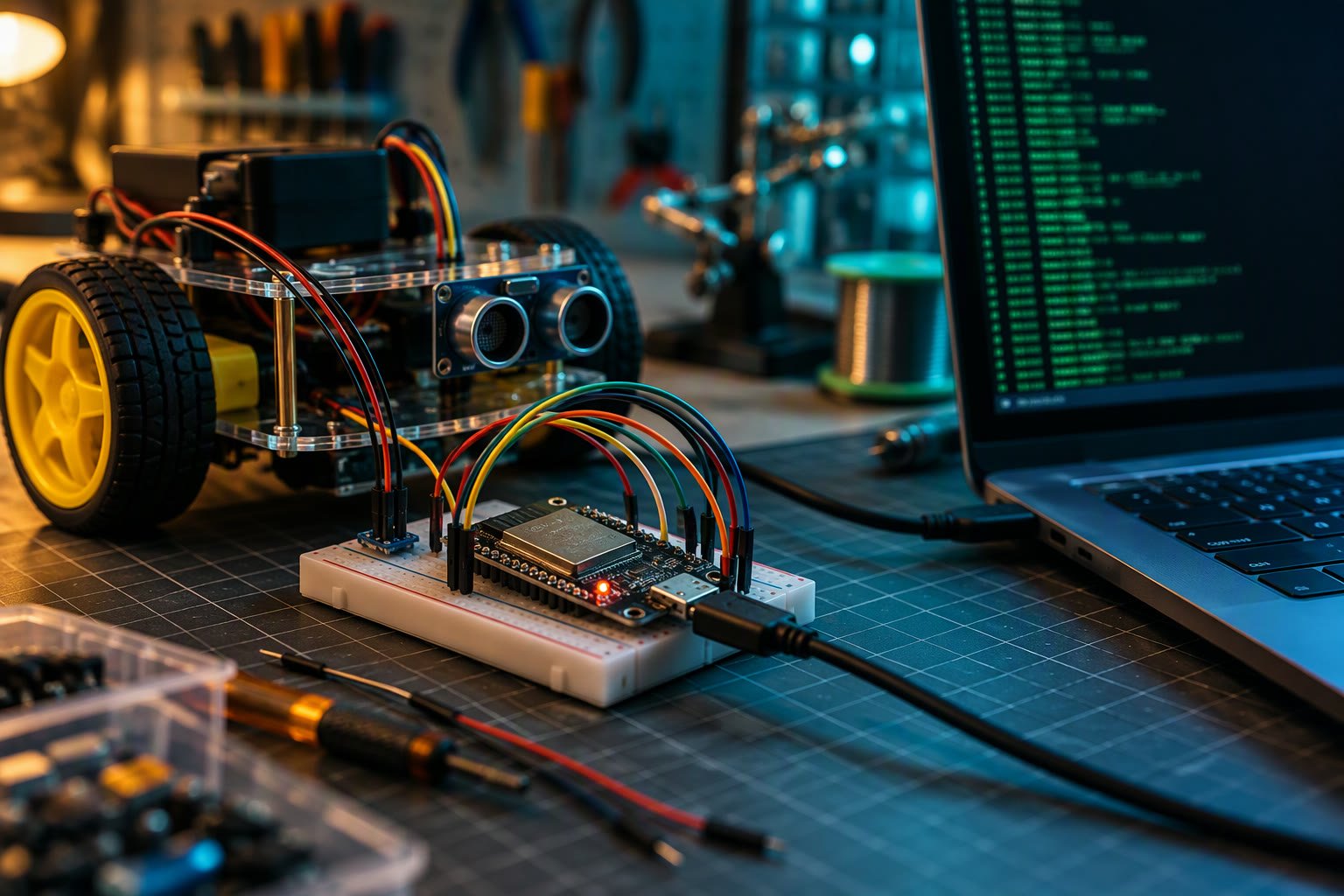
micro-ROS puts a ROS 2 node on a microcontroller, so an ESP32 can publish sensor data straight into your ROS graph. No bridge script on a laptop, no custom serial protocol.
This tutorial covers the architecture, the agent, a minimal ESP32 publisher, the transport choices and the limits you hit when a 240 MHz chip tries to be a ROS 2 device.
How micro-ROS is put together
| Part | Runs on | Job |
|---|---|---|
| micro-ROS client library | Microcontroller | Node, publisher, subscriber, executor |
| Middleware (rmw_microxrcedds) | Microcontroller | Compact DDS/XRS transport |
| micro-ROS agent | PC or SBC | Bridges the microcontroller into the ROS 2 graph |
| ROS 2 host | PC, Jetson, Pi | Everything else: Nav2, RViz, SLAM |
The agent is the important idea. The microcontroller does not run a full DDS stack. It speaks a small protocol over serial or UDP to the agent, and the agent presents those entities to the rest of ROS 2 as normal nodes, topics and services.
Install the agent
On Ubuntu with ROS 2 installed, the agent is a single package. Install it, then run it against the serial device your board is on.
sudo apt install ros-$ROS_DISTRO-micro-ros-agent
ros2 run micro_ros_agent micro_ros_agent serial --dev /dev/ttyUSB0 -b 115200
For Wi-Fi transport, use the UDP form instead and point it at the port the board is sending to.
ros2 run micro_ros_agent micro_ros_agent udp4 --port 8888If the agent starts and prints a client connected line, the transport is working. If it sits silent, the baud rate or the wiring is wrong, not the ROS side.
A minimal ESP32 publisher
With the Arduino IDE and the micro_ros_arduino library, the structure is short: allocate, create a node, create a publisher, then spin. The exact calls depend on library version, but the shape is stable.
#include <micro_ros_arduino.h>

rcl_allocator_t allocator;
rclc_support_t support;
rcl_node_t node;
rcl_publisher_t publisher;
std_msgs__msg__Int32 msg;

void setup() {
  Serial.begin(115200);
  set_microros_serial_transports(Serial);
  delay(2000);

  allocator = rcl_get_default_allocator();
  rclc_support_init(&support, 0, NULL, &allocator);
  rclc_node_init_default(&node, "esp32_node", "", &support);
  rclc_publisher_init_default(
    &publisher, &node,
    ROSIDL_GET_MSG_TYPE_SUPPORT(std_msgs, msg, Int32),
    "esp32_counter");
}

void loop() {
  msg.data = millis() / 1000;
  rcl_publish(&publisher, &msg, NULL);
  delay(500);
}
On the host, confirm it with a normal ROS 2 command. If the topic appears and the values climb, the whole chain works.
ros2 topic list
ros2 topic echo /esp32_counter
Choosing a transport
| Transport | Best for | Limitation |
|---|---|---|
| Serial (UART/USB) | Bench work, wired robots | One cable, limited distance |
| UDP over Wi-Fi | Mobile robots, ESP32 | Latency spikes, Wi-Fi dropouts |
| UDP over Ethernet | Fixed cells, STM32 boards | Needs a PHY and switch port |
| CAN | Automotive and motor drives | Extra transceiver hardware |
For a drivetrain, serial or Ethernet beats Wi-Fi. A dropped Wi-Fi packet during a velocity command is a safety event, not a latency statistic.
Where micro-ROS fits in a robot
- Publishing wheel encoder ticks and IMU data to the ROS 2 graph.
- Subscribing to velocity commands and driving motors locally.
- Reading battery voltage, current and temperature.
- Exposing GPIO and relay services to higher-level nodes.
- Acting as a sensor node on a distributed robot with several boards.
The pattern that works well is one microcontroller per physical subsystem: one for the base, one for the arm, one for the sensor head. Each publishes a small, well-defined set of topics.
Limits you will hit
| Limit | What it means in practice |
|---|---|
| Message types | Only generated types are available; add them at build time |
| Memory | ESP32 has a few hundred KB of usable RAM for the stack |
| No DDS discovery | The agent owns discovery; the MCU sees only its entities |
| No rosbag or RViz | Those live on the host, always |
| QoS support | Subset only; do not assume transient local works |
| Timing | Microsecond-level real-time is not the goal |
Debugging order that saves hours
- Check the board enumerates as a serial device on the host.
- Check baud rate matches on both sides.
- Start the agent before the board, or reset the board after the agent is up.
- Confirm the node appears with
ros2 node list. - Confirm the topic with
ros2 topic list, then echo it. - Only then debug the data itself.
Most failures are the agent not running, the wrong serial port, or a firmware build with the wrong transport selected. The ROS 2 side is usually innocent.
Mistakes to avoid
- Running Wi-Fi transport for a safety-relevant command path.
- Publishing at 1 kHz from a microcontroller over serial at 115200 baud.
- Building a custom message type and forgetting to regenerate the firmware.
- Using the agent on the same board that is already saturated.
- Treating micro-ROS as a replacement for a real-time motor controller.
Related: ros2_control tutorial, ROS 2 topics, services and actions, ESP32 pinout for robotics, ROS 2 for beginners, Raspberry Pi 5 robot guide.
What is micro-ROS used for?
It runs a ROS 2 node on a microcontroller such as an ESP32 or STM32, so sensors and motor drivers can publish and subscribe directly instead of going through a custom serial bridge.
Do I need a micro-ROS agent?
Yes. The agent runs on a PC, Raspberry Pi or Jetson and bridges the microcontroller into the ROS 2 graph over serial, UDP or CAN.
Can an ESP32 run ROS 2?
It runs micro-ROS, a cut-down client library, not full ROS 2. Discovery, rosbag, RViz and heavy message types stay on the host.
Which transport should I use for micro-ROS?
Serial or Ethernet for anything safety-relevant. Wi-Fi UDP is convenient for prototypes but drops packets, so avoid it for velocity commands on a moving robot.
Why does my micro-ROS node not appear in ros2 node list?
Usual causes are the agent not running, the wrong serial device, a baud mismatch, or firmware built with a different transport than the one the agent expects.
Microcontrollers have small buffers, so QoS depth and reliability settings matter more than on a desktop. A reliable profile with a deep queue will drop data silently.
For a full ROS 2 arm rather than a microcontroller node, see the hardware interface tutorial.
On a microcontroller you run a small filter, and the minimal Kalman implementation fits in a few dozen lines.
Whether you use micro-ROS or plain FreeRTOS, pinning the control task still matters, as shown in the task design walkthrough.
micro-ROS uses the same message definitions, so build the custom interfaces on the host and share the headers with the microcontroller.
An STM32 is the most common micro-ROS target, and the STM32 robotics guide covers the toolchain you need first.
If you want to develop against ROS 2 topics without dual-booting, the ROS 2 on Windows with WSL2 walkthrough covers the install and the USB forwarding step.
Bring-up order matters on microcontrollers too, and the lifecycle nodes tutorial describes the state model to mirror.
Sources and further reading
- micro.ROS.org — official documentation, supported boards and tutorials.
- micro_ros_arduino — Arduino library and examples.
- ROS 2 documentation — concepts that micro-ROS mirrors.
- Espressif — ESP32 hardware and SDK reference.

