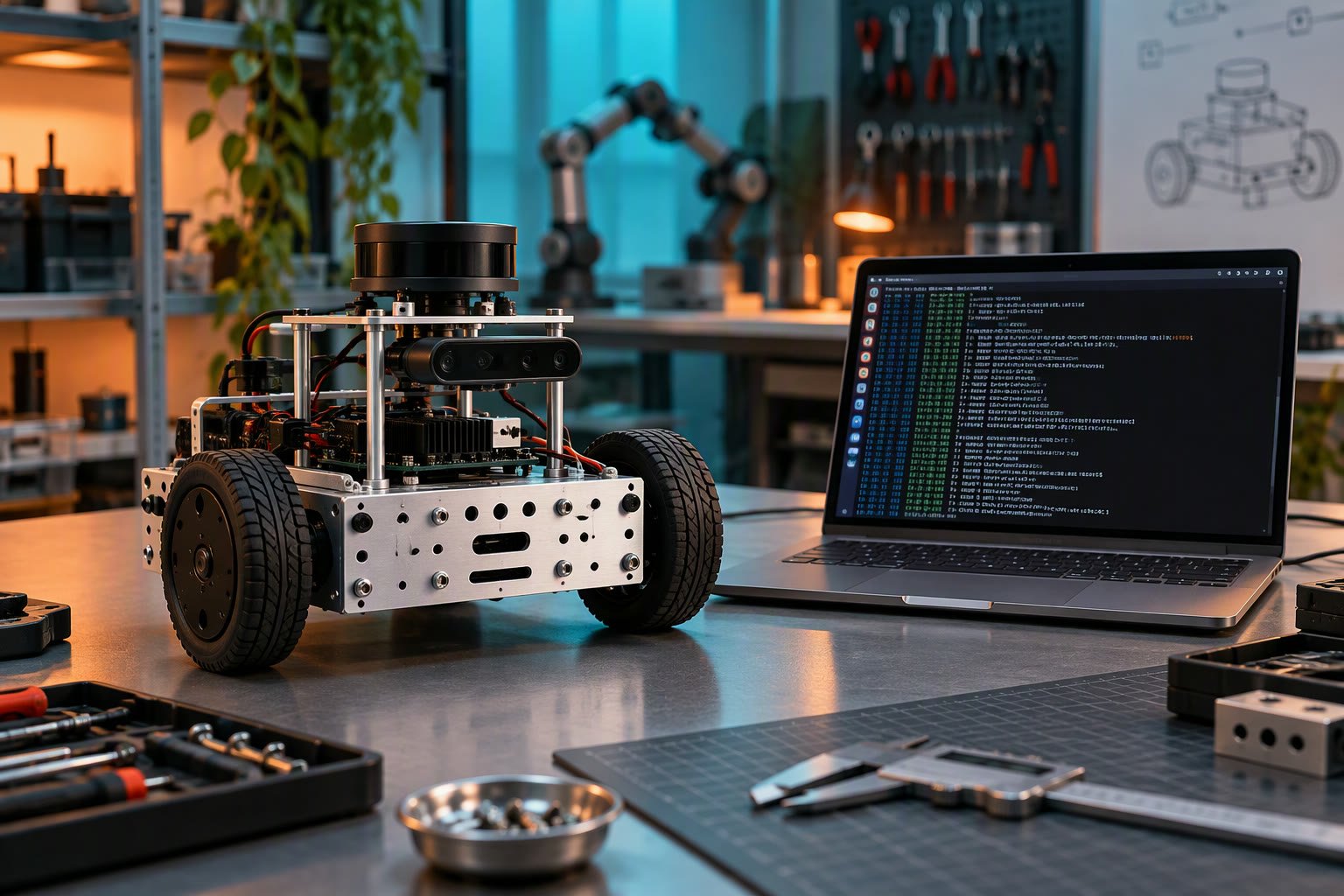
ros2_control is the layer that lets the same controller code drive a simulated robot and a real one. It separates hardware from control logic, so swapping a motor driver does not mean rewriting your trajectory controller.
This tutorial explains the architecture, shows a differential drive configuration, lists the controllers you will actually use, and covers the errors that stop a controller from loading.
The three pieces
| Piece | Job | Example |
|---|---|---|
| Hardware interface | Talks to the physical device | Serial motor driver, EtherCAT servo, simulated system |
| Controller manager | Loads, configures and switches controllers | Starts and stops controllers at runtime |
| Controllers | Compute commands from goals and state | Diff drive, joint trajectory, joint state broadcaster |
The hardware interface exposes state (position, velocity, effort) and accepts commands. Controllers read that state and write commands through a shared interface. Nothing above knows whether the wheels are real.
A differential drive configuration
Most mobile robot projects need three controllers: a state broadcaster, a diff drive controller and, for arms, a trajectory controller. The configuration lives in YAML and is loaded by the controller manager.
controller_manager:
  ros__parameters:
    update_rate: 50

    joint_state_broadcaster:
      type: joint_state_broadcaster/JointStateBroadcaster

    diff_drive_controller:
      type: diff_drive_controller/DiffDriveController

diff_drive_controller:
  ros__parameters:
    left_wheel_names: ["left_wheel_joint"]
    right_wheel_names: ["right_wheel_joint"]
    wheel_separation: 0.30
    wheel_radius: 0.06
    publish_odom: true
    base_frame_id: base_link
    odom_frame_id: odom
Wheel separation and radius are measured, not guessed. A 5 mm error in wheel radius shows up as a consistent odometry scale error, which looks like a SLAM problem until you check the configuration.
Starting controllers
ros2 run controller_manager spawner joint_state_broadcaster
ros2 run controller_manager spawner diff_drive_controller
ros2 control list_controllers
ros2 control list_hardware_interfaces
In a launch file, use the spawner with a delay after the controller manager starts. Loading a controller before the hardware interface is ready is the most common startup failure.
Writing a hardware interface
A hardware interface implements on_init, on_configure, on_activate, read and write. The read function fills state interfaces from the device; the write function sends command interfaces to it.
- on_init: declare joints and interfaces.
- on_configure: open the port, set parameters.
- on_activate: start the communication loop.
- read: read encoders and publish state.
- write: convert commands into motor setpoints.
Keep read and write non-blocking. A serial read that waits 100 ms inside the control loop will destabilise every controller above it.
Controllers you will use
| Controller | Use | Input |
|---|---|---|
| joint_state_broadcaster | Publishes joint states for TF and RViz | Hardware state |
| diff_drive_controller | Converts velocity commands to wheel speeds | /cmd_vel |
| joint_trajectory_controller | Follows a planned arm trajectory | Trajectory messages |
| forward_command_controller | Passes a command straight to hardware | Custom topics |
| pid_controller | Closed-loop control of one joint or axis | Reference and state |
When not to use ros2_control
For a single motor and a microcontroller, a direct serial protocol is simpler. ros2_control earns its complexity when you have multiple joints, need runtime controller switching, or want the same stack to run in simulation and on hardware. Adding it to a two-wheel toy robot is usually overkill.
Errors that stop controllers loading
| Error | Cause | Fix |
|---|---|---|
| Controller not found | Package not installed or name misspelled | Check the controller type string |
| Failed to load hardware | Plugin missing from URDF | Add the ros2_control block to the robot description |
| Joint not found | Name mismatch with URDF | Match joint names exactly |
| Controller inactive | Spawner ran before hardware | Add a delay or wait for the service |
| No odometry | publish_odom disabled or frame wrong | Check parameters and TF |
| Robot drives backwards | Wheel sign or joint order | Verify left and right assignment |
Related: ROS 2 for beginners, TF2 tutorial, URDF tutorial, Nav2 tutorial, Gazebo ROS 2 tutorial.
What is ros2_control used for?
It separates robot hardware from control logic. Controllers such as diff drive or joint trajectory run against a hardware interface, so the same code works on a real robot or a simulated one.
Do I need ros2_control for a simple robot?
Not always. For one motor and a microcontroller, a direct serial protocol is simpler. It pays off with multiple joints, runtime controller switching or simulation-to-real reuse.
What is the difference between a hardware interface and a controller?
The hardware interface talks to the device and exposes state and command interfaces. A controller reads state and writes commands to achieve a behaviour, such as driving a base or following a trajectory.
Why does my controller fail to load?
Usually a missing plugin, a joint name mismatch with the URDF, or the spawner starting before the hardware interface is ready. Check the controller manager logs first.
How do I check what is running?
Use ros2 control list_controllers and ros2 control list_hardware_interfaces. Both show active state and claimed interfaces.
If the hardware interface runs on an MCU rather than a PC, the micro-ROS tutorial shows how to bridge it.
Controller tuning is easier with recorded data; see recording and replaying ROS 2 bags.
The hardware interface publishes odometry, which is the input to sensor fusion.
Motion planning sits above the controller layer, and the arm-side setup is covered in the MoveIt 2 tutorial.
The hardware side of that stack is built in the hardware interface tutorial.
Joint commands travel as messages, and defining your own is covered in the ROS 2 interface guide.
Sources and further reading
- ros2_control documentation — architecture, hardware interfaces and controllers.
- ROS 2 URDF and robot state publisher — how the description feeds TF.
- Nav2 documentation — how navigation commands reach a base controller.
- ros2_control source — examples and hardware interface templates.

