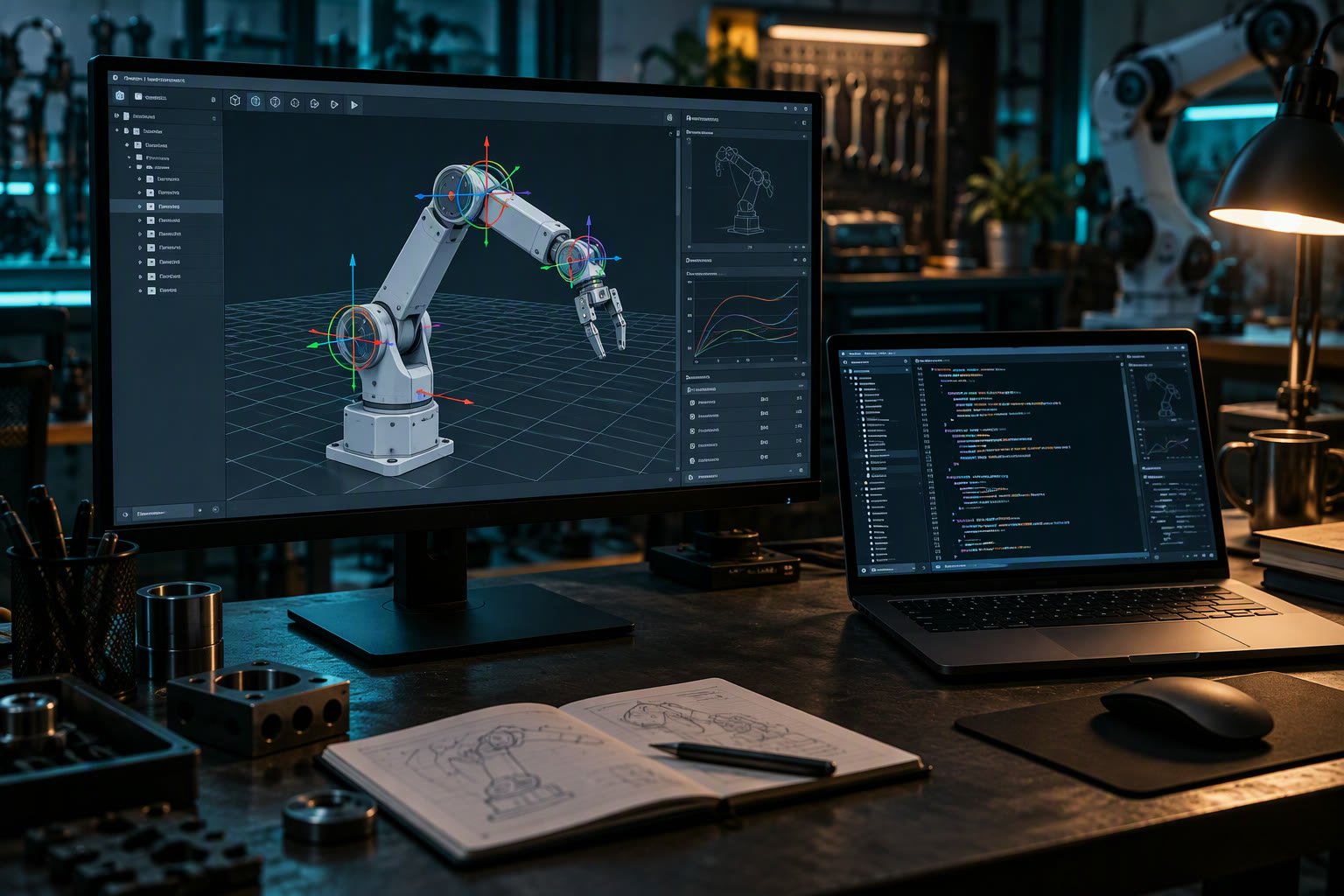
URDF describes your robot. SDF describes your world, and optionally the robot inside it. Mixing them up is the usual reason a model looks right in RViz and falls through the floor in Gazebo.
This guide explains what each format is for, how they convert, and the practical workflow that keeps one source of truth for the robot.
The core difference
| URDF | SDF | |
|---|---|---|
| Origin | ROS ecosystem | Gazebo / sdformat |
| Scope | One robot | Worlds, robots, props, sensors |
| Structure | Tree of links and joints | Nested models, multiple instances |
| Closed loops | Not supported | Supported through joint constraints |
| Physics | Minimal inertial data | Full simulation parameters |
| Sensors | Not described | Camera, lidar, IMU, contact |
| Typical use | TF, RViz, MoveIt, ros2_control | Gazebo simulation |
URDF is a kinematic description that ROS tools consume. SDF is a simulation description that a physics engine consumes. They overlap on geometry and inertials, which is why conversion is possible and why the overlap causes confusion.
What lives in a URDF
- Links with visual, collision and inertial blocks.
- Joints with type, axis, limits and parent-child relationship.
- Mesh references for visual and collision geometry.
- Inertial values: mass, centre of mass, inertia tensor.
- Xacro macros for parameters, maths and reuse.
ros2_controltags in many modern setups.
The tree constraint bites on mechanisms like a four-bar linkage or a delta robot. URDF cannot represent a closed kinematic loop, so those models need a workaround or a different representation.
What lives in an SDF
- World with lighting, gravity and physics settings.
- Models that can be nested and instantiated multiple times.
- Sensor definitions with noise and update rates.
- Plugins for controllers, sensors and custom behaviour.
- Joint constraints that allow closed loops.
- Material and rendering properties.
How conversion works in practice
gz sdf -p my_robot.urdf > my_robot.sdfNewer Gazebo releases can load a URDF directly and convert it internally. The catch is that URDF has no sensor definitions, so the converted model arrives without a lidar or camera until you add them in SDF.
Going the other way, SDF to URDF, is lossy. Worlds, plugins, sensors and nested models do not map cleanly. Treat SDF as the simulation source and URDF as the robot source, not the reverse.
The workflow that avoids duplication
- Keep the robot as xacro, generating URDF.
- Feed that URDF to RViz, MoveIt and
ros2_control. - Convert to SDF for Gazebo, then add sensors and plugins in a separate file.
- Keep world files separate from robot files.
- Version both, and note which URDF commit produced which SDF.
The overlap is geometry and inertials, so those should have one source. Sensors and physics belong to simulation and should not be forced back into the robot description.
Common symptoms and their cause
| Symptom | Likely cause |
|---|---|
| Robot sinks through the floor | Missing or wrong collision geometry |
| Robot is unstable and jitters | Bad inertial values or zero mass on a link |
| Wheels spin but the robot does not move | Friction or wheel joint setup in SDF |
| Model correct in RViz, wrong in Gazebo | Stale converted SDF or different mesh paths |
| Lidar publishes nothing | Sensor not defined, or plugin missing |
| Joint limits ignored | Limits only in URDF, not in the controller config |
Which one should you learn first
Learn URDF first if your goal is ROS 2 navigation, manipulation or TF. It is the description your whole ROS stack needs. Learn SDF when you start simulating in Gazebo and need sensors, physics and worlds. Most robotics engineers end up fluent in both, but URDF is the one you cannot avoid.
Mistakes worth avoiding
- Editing the generated SDF and then regenerating from URDF, losing the edits.
- Putting sensor definitions in URDF and expecting Gazebo to use them.
- Using visual meshes as collision geometry; simulation slows to a crawl.
- Zero mass on a link, which makes the physics engine misbehave.
- Different mesh scales or paths between the two files.
- Forgetting that URDF is a tree when modelling a closed-loop mechanism.
Related: URDF ROS 2 tutorial, Gazebo ROS 2 simulation, TF2 tutorial, MuJoCo simulation, Isaac Sim vs Gazebo.
What is the difference between URDF and SDF?
URDF describes one robot as a tree of links and joints for ROS tools. SDF describes a simulated world, including robots, sensors, physics and plugins, for Gazebo.
Can Gazebo load a URDF directly?
Newer Gazebo releases can convert URDF on load, but the result has no sensors until you add them in SDF. Converting explicitly with gz sdf -p is easier to debug.
Why does my robot fall through the floor in Gazebo?
Usually the collision geometry is missing, too small or has the wrong origin. Visual meshes alone do not collide.
Does URDF support closed kinematic loops?
No. URDF is strictly a tree, so mechanisms like four-bar linkages or delta robots need SDF joint constraints or a different modelling approach.
Should I learn URDF or SDF first?
Learn URDF first if you are working with ROS 2, TF, MoveIt or ros2_control. Add SDF when you need Gazebo worlds, sensors and physics.
Both formats are easiest to inspect in RViz, which WSL2 brings to a Windows machine without a separate Linux install.
Sources and further reading
- ROS 2 documentation — URDF and xacro reference.
- SDFormat — SDF specification and conversion tools.
- Gazebo — simulation documentation and model library.
- Nav2 documentation — how robot descriptions feed navigation.

