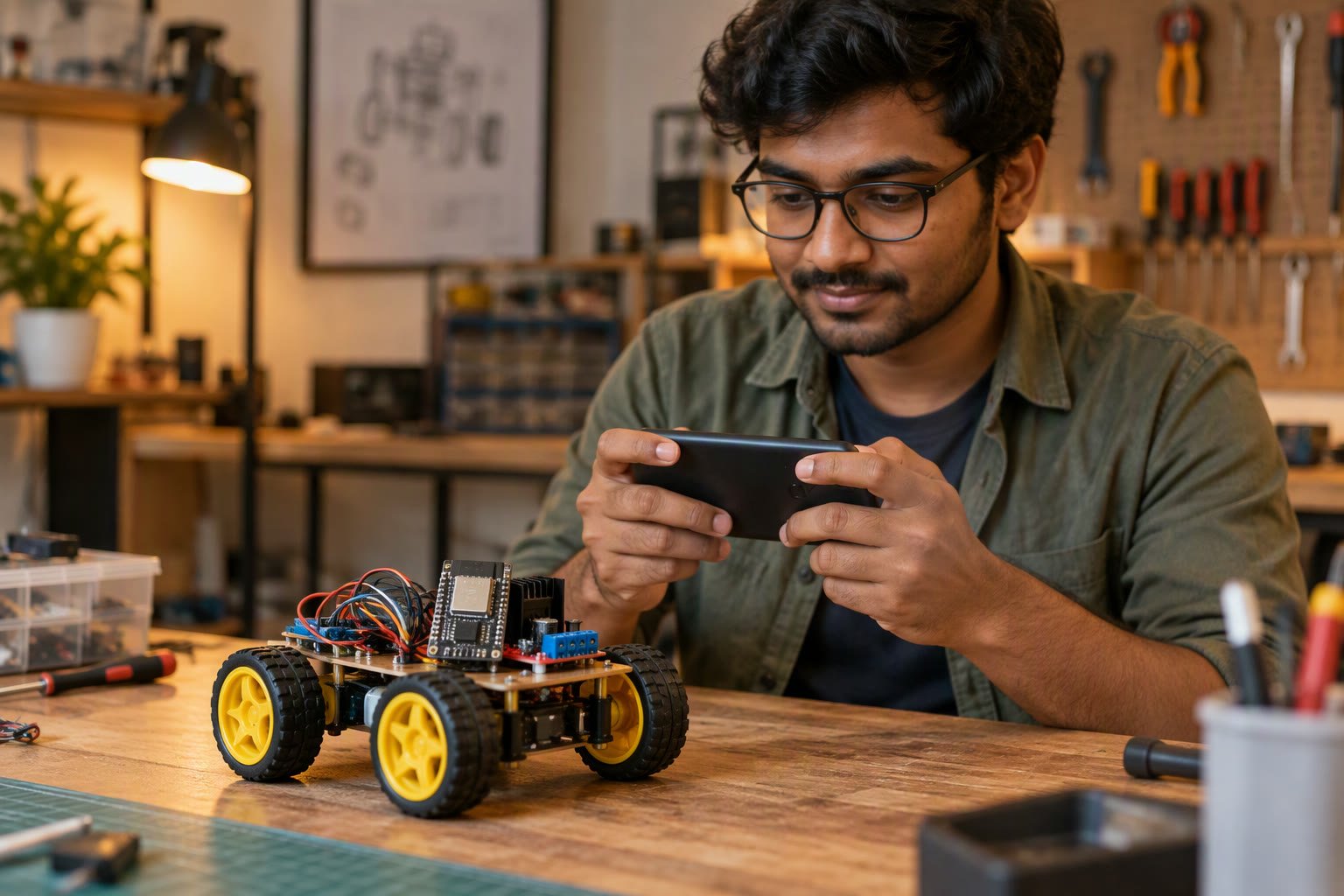
A phone is the fastest way to add a control panel to a Wi-Fi robot. The hard part is not the app; it is the protocol, the watchdog and the Wi-Fi setup.
This guide compares the three realistic build paths, explains which protocol to use for driving versus telemetry, shows the ESP32 side of the link, and lists the failures that make a robot lurch, lag or ignore the phone entirely.
Choose the build path first
| Path | Effort | Best for | Limits |
|---|---|---|---|
| MIT App Inventor | Lowest | Student projects and demos | Block-based, limited polish |
| Kotlin or Java | Medium | A real product or a college project with marks for code | Android only |
| Flutter | Medium | Android and iOS from one codebase | Larger app, plugin churn |
| No-code IoT apps | Low | Quick dashboards and buttons | Dependent on a cloud service |
For a first build, App Inventor is genuinely enough. A joystick, four buttons and a connection status light can be built in an afternoon, and the resulting app talks plain HTTP or Bluetooth to the ESP32.
Pick the transport before writing code
| Transport | Latency | Range | Use when |
|---|---|---|---|
| HTTP requests | Highest | Wi-Fi network | Buttons, settings, occasional commands |
| WebSocket | Low | Wi-Fi network | Continuous driving and live telemetry |
| MQTT | Low to medium | Wi-Fi plus broker | Telemetry, multiple clients, dashboards |
| Bluetooth Classic | Low | About 10 m | No router available |
| BLE | Low | About 10–30 m | Low power, small data |
HTTP is easy to debug because every command is a URL you can test in a browser. The cost is that each command opens a request, and a stream of tiny requests creates lag and connection churn. For a robot that must react within 100 ms, use a WebSocket or Bluetooth.
The ESP32 side of an HTTP link
Start with a small set of endpoints that map to motor commands. Keep the handler short and never block inside it.
server.on("/drive", []() {
  int left  = server.arg("l").toInt();   // -255..255
  int right = server.arg("r").toInt();
  setMotors(constrain(left, -255, 255),
            constrain(right, -255, 255));
  lastCommandMs = millis();
  server.send(200, "text/plain", "ok");
});
A single /drive?l=..&r=.. endpoint is easier to reason about than separate forward, back, left and right endpoints, because it expresses the actual motor command and lets the app mix a joystick directly.
The watchdog is not optional
Wi-Fi drops, the app crashes, the phone sleeps. If the robot keeps the last motor command, it drives into a wall at full speed. Every remote-controlled robot needs a command timeout that stops the motors.
void loop() {
  server.handleClient();
  if (millis() - lastCommandMs > 500) {
    setMotors(0, 0);
  }
}
Five hundred milliseconds is a reasonable starting point for a small robot. A faster robot needs a shorter timeout. The app should also send a stop on disconnect, but never rely on that alone; the robot must stop itself.
Mapping a joystick to motor values
A joystick gives an x and y offset from centre. For a differential drive, convert them into left and right speeds with a mix, then scale to the PWM range.
left  = constrain(y + x, -1.0, 1.0) * 255;
right = constrain(y - x, -1.0, 1.0) * 255;
Normalise the joystick to −1 to 1 first, and apply a dead band near the centre so the robot does not creep when the thumb is slightly off. Apply a speed limit for the first tests: half power is enough to learn whether the wiring is right.
WebSocket for real driving
A WebSocket keeps one connection open, so each command is a small frame rather than a new HTTP request. The ESP32 can also push status back without polling, which makes battery voltage and sensor readings cheap.
- Send commands at 10–20 Hz, not as fast as the loop runs.
- Send the latest state, not a queue of stale commands.
- Include a sequence number so the robot can ignore out-of-order frames.
- Reconnect automatically on the app side, and keep the watchdog running.
- Keep payloads tiny: a short JSON or even a fixed text format.
Wi-Fi setup problems
| Symptom | Cause | Fix |
|---|---|---|
| Phone cannot reach the robot | Phone on 5 GHz, ESP32 on 2.4 GHz, different subnets | Put both on the same 2.4 GHz network |
| Connects, then drops | Router client isolation or weak signal | Disable AP isolation, move closer |
| Works in one room only | Poor coverage and antenna | Use an external antenna variant or a repeater |
| Robot reboots when motors start | Supply sag from motor current | Separate motor and logic supplies |
| Android blocks the request | Cleartext HTTP blocked on newer Android | Allow cleartext for that host or use HTTPS |
| Random lag spikes | 2.4 GHz congestion or retries | Change channel, reduce update rate |
Running the ESP32 as its own access point removes the router from the equation for a demo. You lose internet on the phone while connected, and Android may route traffic over mobile data anyway, so test that path before relying on it.
Security that matters even for a toy
- Never forward a port from the internet to the ESP32.
- Use WPA2 on the network, not an open hotspot.
- Add a shared token header so a random device on the network cannot drive the robot.
- Change default credentials on any cloud dashboard you use.
- Keep firmware updated, and test updates before a demo.
An ESP32 has no meaningful protection against a determined attacker. Treat it as a device on a trusted local network, and keep it off public IP addresses entirely.
Latency and control feel
HTTP commands over a clean 2.4 GHz network typically add 20–80 ms per request on top of the app’s own overhead. WebSocket frames are closer to 5–20 ms. Video adds far more, which is why a camera stream feels laggy even when the controls respond instantly.
For a robot driven by looking at it directly, 100 ms is fine. For first-person driving through a camera, plan for 200–400 ms and drive slowly. The control loop should also smooth commands: sending a new speed 20 times per second and ramping toward it feels much better than jumping between full-speed values.
A test checklist before the demo
- Motors stop within the watchdog timeout when the phone is switched off.
- The app reconnects after the robot reboots.
- Full battery, charged phone, and a spare power bank.
- Tested on the same Wi-Fi network and in the same room as the demo.
- Joystick dead band set so the robot does not creep.
- Speed limit set so a mistake does not break the chassis.
Related: Bluetooth robot car, ESP32 pinout, MQTT telemetry, ESP32-CAM streaming, how to power a robot.
How do I control a robot from an Android app?
Run a small web server or Bluetooth service on the robot's microcontroller, then send commands from the app. For driving, use WebSocket or Bluetooth rather than one HTTP request per command.
Should I use HTTP or WebSocket for robot control?
HTTP is easier to build and debug but adds a request per command. WebSocket keeps one connection open and gives lower, more consistent latency, which matters for continuous driving.
Why does my robot keep moving when the phone disconnects?
There is no command watchdog. The robot should stop the motors if no command arrives within a short timeout, typically a few hundred milliseconds.
Why can my phone not connect to the ESP32?
Common causes are a 5 GHz phone on a 2.4 GHz-only device, different subnets, router client isolation, or an access point that blocks local traffic.
Is it safe to expose an ESP32 robot on the internet?
No. Keep it on a trusted local network, use WPA2, add a shared token and never port-forward to the device. A microcontroller has no meaningful hardening.
Incoming app commands belong in a queue, as shown in the ESP32 FreeRTOS robot guide.
If you would rather use a browser than an app, this Wi-Fi robot build needs no installation at all.
Sources and further reading
- Arduino ESP32 documentation — Wi-Fi, WebServer and WebSocket examples.
- Android developer documentation — networking and cleartext policy.
- MIT App Inventor — block-based Android app building.
- Arduino language reference — timing and serial basics.

