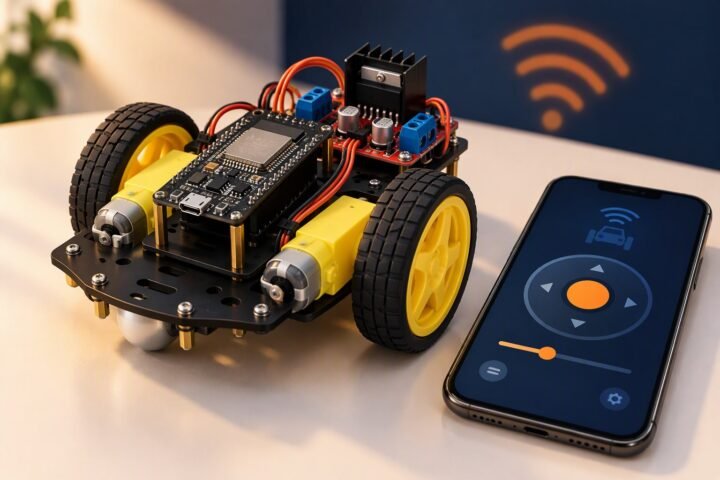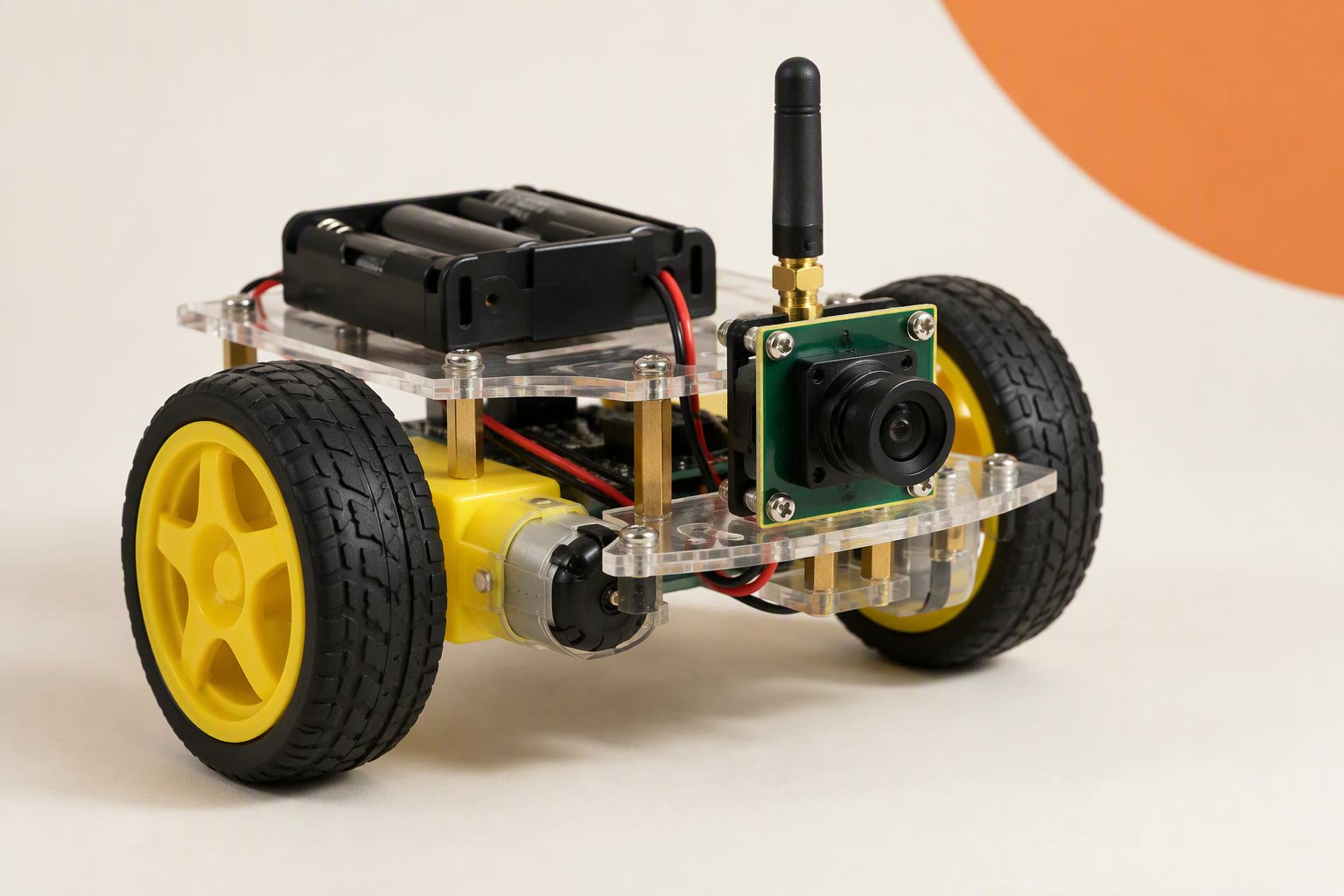
A ₹2,600 robot car with a live camera feed you open in a phone browser, no app required. The ESP32-CAM runs the camera and a small web server, an L298N drives two TT motors, and a separate 5 V buck keeps the board alive when the camera and Wi-Fi draw their peak current. The two hard parts are power and pins: the camera owns most of the GPIO, and the wrong supply resets the board the moment streaming starts.
Scope: intermediate. You should have uploaded to an ESP32 and read a serial monitor before. No soldering is needed if you use a programmer and jumpers, but set the 5 V rail with a multimeter before the camera board is connected.
Bill of materials
| Part | Qty | Unit | Total |
|---|---|---|---|
| ESP32-CAM with OV2640 camera | 1 | ₹800 | ₹800 |
| USB-TTL programmer (CH340) | 1 | ₹150 | ₹150 |
| L298N motor driver | 1 | ₹180 | ₹180 |
| TT gear motor with wheel | 2 | ₹110 | ₹220 |
| Acrylic chassis | 1 | ₹130 | ₹130 |
| 2×18650 holder with protected cells | 1 | ₹320 | ₹320 |
| 5 V 2 A buck converter | 1 | ₹190 | ₹190 |
| Caster wheel and screws | 1 | ₹40 | ₹40 |
| Jumper wire set | 1 | ₹80 | ₹80 |
| Switch and foam tape | 1 | ₹50 | ₹50 |
| 470 µF capacitor | 1 | ₹30 | ₹30 |
| USB cable | 1 | ₹60 | ₹60 |
| 18650 charger | 1 | ₹350 | ₹350 |
| Parts total | ₹2,600 | ||
Scroll the table sideways to see every column.
Prices checked Oct 2026. Shipping and tools are not included.
The total includes a USB-TTL programmer and an 18650 charger, because neither is optional in practice. It assumes you already own a multimeter, a small screwdriver and a 2.4 GHz Wi-Fi network or phone hotspot. Prices are Indian retail ranges in October 2026, before shipping; the cost calculator adds contingency.
What you are building
The ESP32-CAM packs an ESP32-S module, 4 MB flash, PSRAM, a microSD slot and an OV2640 camera onto one small board. It has no USB socket, so you flash it through a USB-TTL adapter. It then serves a control page on port 80 and a motion-JPEG stream on port 81 that any browser can show in an image tag.
The car is conventional: two TT motors, an L298N, a caster and a 2S pack. The awkward part is that the camera and SD card consume almost every GPIO, leaving four clean output pins — enough for direction control with the enable jumpers fitted.
The programmer board
Any USB-to-serial adapter with a CH340, CP2102 or FTDI chip works. Five connections: adapter 5V to the board’s 5V, GND to GND, TX to U0R, RX to U0T, and GPIO0 to GND while uploading. Afterwards, remove the GPIO0 link and press reset.
- Power the board from its 5V pin, not the 3.3 V pin. The onboard regulator expects 5 V, and the camera draws far more than a 3.3 V adapter pin supplies.
- Set the adapter’s logic level to 3.3 V if it has a separate jumper. The serial lines are 3.3 V even though the board runs from 5 V.
- Use a data cable. A charge-only cable powers the board but shows no serial port, which looks like a dead module.
- If the upload fails, hold reset, start the upload, then release. A missing GPIO0 ground is the usual cause.
Pin map: what the camera has taken
The AI-Thinker board fixes the camera to specific pins. GPIO 34–39 are input-only and cannot drive anything, GPIO 16 is tied to PSRAM on most camera boards, GPIO 1 and 3 are the serial port, and GPIO 2 and 4 are shared with the SD card and the flash LED. That leaves 12, 13, 14 and 15 as clean outputs, with no spare pin for PWM.
| L298N | ESP32-CAM | Note |
|---|---|---|
| IN1 | GPIO 12 | Left motor direction. Strapping pin: must be low at boot |
| IN2 | GPIO 13 | Left motor direction. Shared with SD card, which stays unused |
| IN3 | GPIO 14 | Right motor direction. Shared with SD card |
| IN4 | GPIO 15 | Right motor direction. Strapping pin: must be high at boot |
| ENA / ENB | Jumpers fitted | Full speed only; remove only if you give up two control pins |
| +12V | Battery + | 2S 18650 pack through the switch |
| GND | Common ground | Battery, buck, L298N and camera board |
| Buck 5 V | 5V pin | Set to 5.0 V before connecting |
The L298N’s logic threshold is not specified for 3.3 V, so confirm the motors switch before suspecting the sketch. If you want speed control, tie ENA and ENB to GPIO 4 and give up the flash LED; both sides then share one PWM value. A port expander is the alternative, and neither is worth doing on a first build. The L298N vs TB6612FNG comparison covers the driver choice.
Power budget and the brown-out fix
Everything here depends on the 5 V rail. The camera and Wi-Fi draw current in bursts, and the onboard regulator must hold 3.3 V through each one. A weak supply, a long thin cable or a shared ground with the motors shows up as a brown-out reset: the stream stops and the car freezes.
| Load | What to plan for | Why it matters |
|---|---|---|
| ESP32-CAM, camera idle | Tens of milliamps | The board alone is not the problem |
| Camera capture plus Wi-Fi transmit | Short peaks of several hundred milliamps | Peaks, not averages, trigger brown-out |
| Two TT motors | Hundreds of milliamps each, more when stalled | Run from the battery through the driver, never from the 5 V rail |
| 5 V buck | 2 A continuous minimum | One amp modules sag under camera peaks |
- Set the buck to 5.0 V with the camera board disconnected, then recheck at the board’s 5V pin under load.
- Add 470–1000 µF across the 5 V and GND pins, as close to the board as the wiring allows. This is the single most effective fix.
- Keep the 5 V wires short and thick (20 AWG, not a dupont jumper), and join grounds at one point at the battery negative.
- Do not disable the brown-out detector to make the resets stop. It is protecting the flash and the camera; fix the supply instead.
Wiring order
- Mount both motors, wheels and the caster. Leave the battery disconnected.
- Wire the motors to the L298N outputs; swap a motor’s two leads later if it runs backwards.
- Connect IN1–IN4 to GPIO 12–15 and fit both enable jumpers.
- Connect the battery through the switch to the L298N +12V and GND terminals.
- Feed the same battery input to the buck, set 5.0 V, then wire its output to the board’s 5V and GND.
- Mount the camera at the front with the antenna overhanging the chassis, away from the battery and motor wires.
The streaming sketch, step by step
Use the ESP32 board package and select AI Thinker ESP32-CAM. Confirm the camera works with the stock example, then move to this two-port design. Port 80 handles short commands; port 81 carries video. That split matters because the Arduino web server serves one client at a time, so a single-port sketch stops answering driving commands while the stream is open.
- Fill in the AI-Thinker camera configuration: JPEG, VGA, two frame buffers.
- Start Wi-Fi and print the assigned IP address at 115200 baud.
- Serve a page on port 80 with an
<img>tag pointing athttp://IP:81/and four buttons that call/cmd?d=f,b,landr. - Set motor pins on each command and record the time. Stop the motors if 400 ms pass without a new command.
- Stream one JPEG at a time from the second server and release each frame buffer.
void loop() {
  server.handleClient();                       // port 80: /cmd?d=f
  if (millis() - lastCmd > 400) stopMotors();  // failsafe

  if (!streamClient.connected()) {
    if (!streamServer.hasClient()) return;
    streamClient = streamServer.available();
    streamClient.print("HTTP/1.1 200 OK\r\n"
                       "Content-Type: multipart/x-mixed-replace; boundary=frame\r\n\r\n");
  }

  camera_fb_t *fb = esp_camera_fb_get();
  if (!fb) return;
  streamClient.printf("--frame\r\nContent-Type: image/jpeg\r\nContent-Length: %u\r\n\r\n", fb->len);
  streamClient.write(fb->buf, fb->len);
  streamClient.print("\r\n");
  esp_camera_fb_return(fb);                    // release before the next frame
}
If the image is smeared or the board resets, lower the frame size to QVGA and the camera clock to 10 MHz before changing anything else. If the browser shows a broken image, check that you opened port 81 rather than 80.
Antenna range and phone reality
Expect a room-scale link from the PCB antenna; the AI-Thinker board has no external connector, though some clones add an IPEX socket. A hotspot in the same room is reliable, one interior wall is marginal, and a battery sitting over the antenna ends the conversation.
- 2.4 GHz only. A 5 GHz-only hotspot is invisible to the ESP32, and many college routers isolate clients from each other.
- Bandwidth: MJPEG sends a full JPEG per frame, so VGA is heavy on a shared channel. QVGA is the better trade for driving.
- Browser support: Chrome on Android renders motion-JPEG in an image tag; iOS Safari has historically been unreliable with multipart streams. Test on the phone you will actually use.
Test plan
- Bench stream: power from the buck, motors disconnected. Stream for ten minutes and watch for resets.
- Wheels up: send each direction and confirm both wheels turn the right way. Swap motor leads rather than editing the code.
- Failsafe: drive forward, then close the browser tab. The motors must stop within half a second.
- Range walk: stream to the phone and walk away until the image freezes. Drive well inside that distance, not at the edge.
- Load test: stream while driving on carpet, which loads the motors more than a smooth floor. Any reset here is a power problem.
- Rail check: measure 5 V at the camera board while streaming and driving. A dip below about 4.7 V explains most resets.
- Repeatability: three clean laps of the same route, recorded in your test log.
What usually goes wrong
| Symptom | Likely cause | Fix |
|---|---|---|
| No serial port appears | Charge-only cable or missing CH340 driver | Try a known data cable; install the driver |
| Upload fails at “Connecting” | GPIO0 not grounded, or the board is unpowered | Ground GPIO0, press reset, retry |
| Resets when streaming starts | 5 V rail sag or long thin wires | 2 A buck, 470 µF at the board, shorter leads |
| Page loads but no video | Stream is on port 81 | Point the image tag at port 81 |
| Controls freeze while streaming | Single-port web server is blocked | Use the two-port design above |
| Board will not boot after wiring | GPIO12 or GPIO15 strapping level | Disconnect the driver inputs and retest |
For the driver’s current limits, see the L298N guide. For grounds and rail design, read how to power a robot; for the pack itself, the 18650 battery pack guide covers protection and charging. The ESP32 DevKit guide covers splitting camera and motor control across two boards.
The camera board itself has limits worth knowing before you build: see the ESP32-CAM component guide.
The same camera and motor setup scales into a pipe inspection crawler for drains and small ducts.
Sources and further reading
Espressif, ESP32 series, for the SoC and radio specifications. Espressif, ESP-IDF documentation, for camera and HTTP server behaviour. Arduino, language reference, for the core functions used in the sketch.
Last reviewed: October 2026. This build is reviewed against the ESP32-CAM schematic and Espressif documentation; it has not been bench-tested by this site. Prices are Indian retail ranges and vary by seller.
Motor and battery sizing decide runtime; the motor selection guide covers it, and the soldering guide covers the joints.