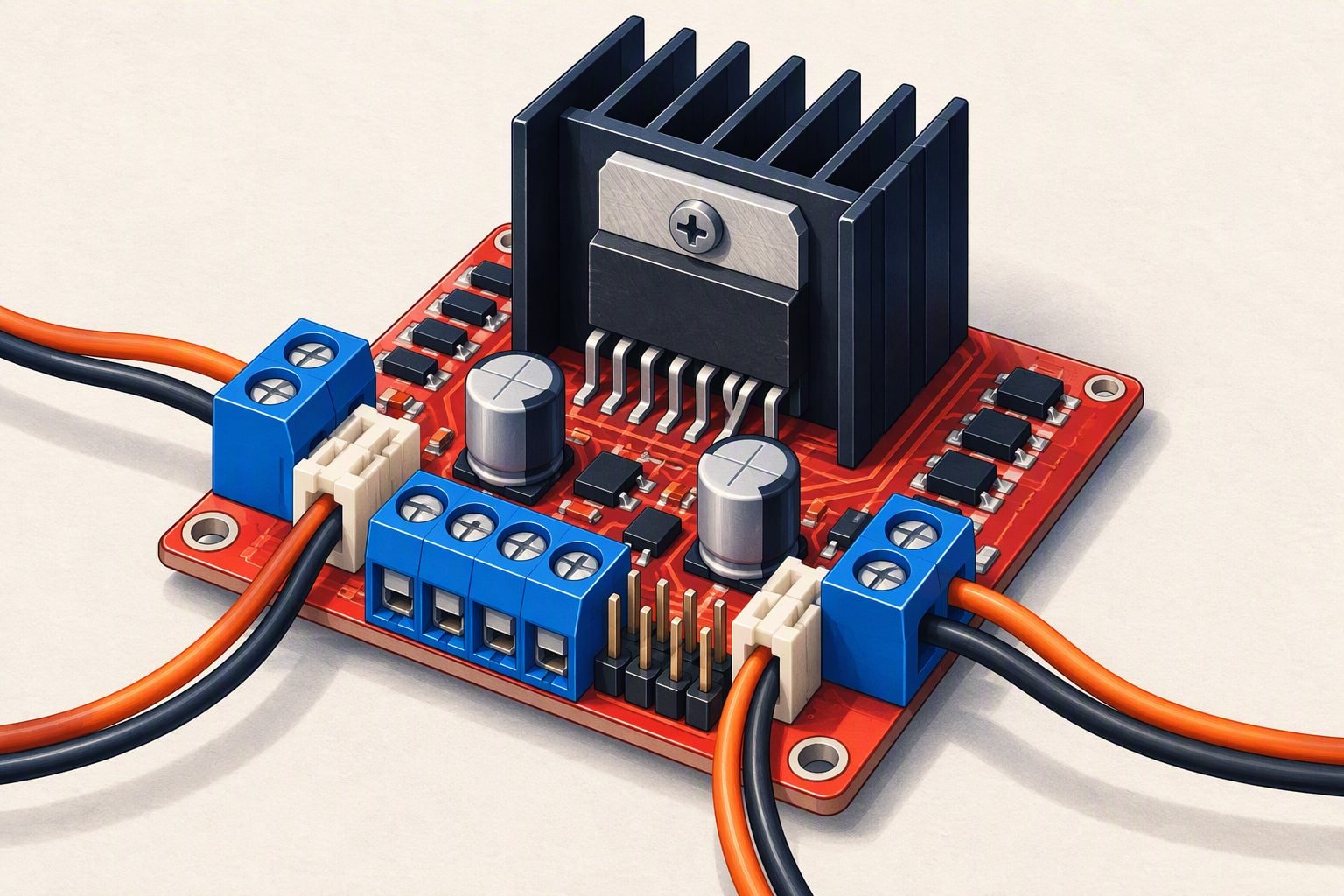
Buy the TB6612FNG for a 6 to 12 V hobby robot on a 3.3 V or 5 V board, and buy the L298N when you need to switch 12 V at 2 A and can live with a heatsink. The L298N loses 1.4 to 2 V inside the chip and turns that loss into heat. The TB6612FNG loses a few tenths of a volt and runs cool, but its honest continuous rating is 1.2 A per channel, not the peak number on the listing.
Voltage drop is the whole argument
The L298N is a bipolar bridge. Every amp you push through it crosses two output transistors, and each one holds back some voltage. ST’s datasheet puts the total saturation drop at roughly 1.8 V at 2 A, and a hobby build usually measures 1.4 to 2 V depending on current and temperature. On a 6 V motor that is a quarter of the supply gone before the motor sees anything.
The TB6612FNG uses MOSFET outputs with an on-resistance of a few tenths of an ohm, so the drop at 1 A is roughly 0.4 to 0.6 V. Less drop means more of the pack reaches the motor, which you notice as more speed and more push at the same PWM value. It also means less heat: at 2 A the L298N is dissipating about 3.6 W, while the TB6612FNG is dissipating a fraction of that.
| L298N module | TB6612FNG module | |
|---|---|---|
| Motor supply | 5–35 V on the terminal; needs about 7 V or more if the onboard regulator is in use | 2.5–13.5 V |
| Logic supply | 5 V, from the onboard regulator or fed in | 2.7–5.5 V, so 3.3 V boards work directly |
| Continuous current | About 2 A per channel, with the heatsink fitted | 1.2 A per channel |
| Peak current | About 3 A short bursts, as listed by module sellers | 3.2 A, a single short pulse per the datasheet |
| Voltage drop | 1.4–2 V at hobby currents | Roughly 0.4–0.6 V at 1 A |
| PWM | Works at a few kHz; switching losses climb with frequency | Up to 100 kHz |
| Control pins | 6 | 7, including the standby pin |
| Planning price | ₹130–250 | ₹180–400 |
Current ratings, read honestly
The L298 chip is rated at 2 A per channel DC with a total of 4 A, and the module adds an aluminium heatsink for a reason. What limits a real module is the sum of the chip, the PCB traces and the screw terminals: a clone with thin copper will run hotter than the chip alone suggests. Two amps continuous is achievable, but the heatsink is not decoration and the terminals need to be tight.
The TB6612FNG’s 1.2 A per channel is a hard continuous number, and the 3.2 A figure is a single short pulse. That matters when you size it against real motors. A pair of TT motors driving a small chassis draws 300 to 800 mA together, which is comfortable, but the same pair stalled can pull 2 to 3 A, which is 1 to 1.5 A per channel. The TB6612FNG survives that briefly and complains if you hold it there. Comparing the “3.2 A” and “3 A” peak numbers side by side tells you almost nothing about which board will survive a hill start.
How each one behaves under PWM
The L298N’s slow switching is why people run it at 1 to 5 kHz, which is squarely in the range where small geared motors whine. Push it to 20 kHz to get above hearing and the switching losses start adding to the conduction heat. Because the drop is fixed, low duty cycles also lose a bigger share of what is left: on a 7.4 V pack with 1.8 V of drop, a 25% duty command leaves the motor about 0 V of average, so the useful speed range starts well above zero.
The TB6612FNG switches fast enough that you can run PWM at 20 kHz and hear nothing, and its lower drop means the bottom of the duty range is usable. On a 3.3 V board the difference is bigger still: the TB6612FNG accepts 3.3 V logic directly, while the L298N expects 5 V levels and may not register a 3.3 V high reliably. That is the usual reason an ESP32 build ends up with a TB6612FNG.
Pins, standby and the code
The L298N needs six control pins: ENA, IN1, IN2, IN3, IN4 and ENB, with the two enable pins taking PWM. The TB6612FNG needs seven: PWMA, AIN1, AIN2, PWMB, BIN1, BIN2 and STBY. The extra pin is a standby line, and forgetting to drive it high is the most common “my motor does not turn” report on this board.
// TB6612FNG on an Arduino Uno. Channel A shown; channel B mirrors it.
const uint8_t PWMA = 5, AIN1 = 6, AIN2 = 7, STBY = 8;

void setup() {
  pinMode(PWMA, OUTPUT); pinMode(AIN1, OUTPUT);
  pinMode(AIN2, OUTPUT); pinMode(STBY, OUTPUT);
  digitalWrite(STBY, HIGH);        // outputs stay off until this is HIGH
}

void setA(int speed) {             // -255 to 255
  speed = constrain(speed, -255, 255);
  digitalWrite(AIN1, speed >= 0);
  digitalWrite(AIN2, speed < 0);
  analogWrite(PWMA, abs(speed));
}
The L298N equivalent is shorter but has no standby: tie ENA and ENB high if you do not need speed control, or drive them with PWM if you do. Leave them floating and the outputs stay disabled, which looks exactly like a dead board.
Wiring differences that catch people out
- The L298N jumper. With the jumper fitted, the onboard regulator makes 5 V for the logic from the motor supply, which needs about 7 V or more. Feed it 6 V and the logic rail sags. With the jumper removed you must supply 5 V to the logic terminal yourself.
- The L298N 5 V output. It can run a light logic load, but it is a small regulator sharing a heatsink with the bridge. Powering an Arduino and a servo from it is how people discover thermal shutdown.
- The TB6612FNG has two supplies. VM is the motor voltage and VCC is logic. Wire VCC to the same logic level as your board, and never feed 5 V into a 3.3 V board’s pin header.
- Ground. Both boards need their ground joined to the microcontroller ground. A driver with no shared ground behaves randomly rather than not at all.
- Voltage ceiling. The TB6612FNG tops out at 13.5 V, so a 3S Li-ion pack at 12.6 V is already at the edge of the range, and a 4S pack or a 24 V system is out of the question.
This build sheet is reviewed against datasheets and vendor listings; test your own robot before relying on it.
Which one should you buy?
| Your situation | Buy | Why |
|---|---|---|
| TT motors, 2S pack, Uno or Nano | TB6612FNG | Low drop keeps motor speed usable and the board stays cool |
| ESP32, Raspberry Pi Pico or any 3.3 V board | TB6612FNG | 3.3 V logic works without level shifting |
| 12 V geared motors, 2 A continuous | L298N | Voltage headroom, but plan the heatsink and airflow |
| One 4-wire stepper | L298N or a dedicated stepper driver | Two bridges drive the coils; a current-controlled driver behaves better |
| Tight budget or a college lab that stocks one board | L298N | Cheaper, tolerant, and every tutorial assumes it |
| Small robot where wiring space is tight | TB6612FNG | Much smaller board, header pins instead of screw terminals |
Price bands are close enough that cost should rarely decide it: ₹130–250 for an L298N module and ₹180–400 for a TB6612FNG. If you are still choosing parts for a first chassis, the ₹2,000 build plans show where the money actually goes, and the project cost calculator turns a parts list into a total with shipping. The L298N guide covers the wiring in more detail if you already own one.
Common questions
Can I run a TB6612FNG on a 12 V pack?
Yes, up to 13.5 V on the motor supply, which a 3S Li-ion pack reaches at 12.6 V when fully charged. That leaves very little margin for spikes from a brushed motor, so add a bulk capacitor at the driver and keep the motor leads short. Above 13.5 V, use a driver rated for the voltage.
Why does my L298N get hot with small motors?
Because it drops 1.4 to 2 V and turns that into heat at whatever current flows. Two motors at 1 A each is roughly 3 W inside a chip with a small heatsink. Fit the heatsink, keep the terminals tight, run PWM below about 10 kHz, and check that the motors are not stalled against a wall while you debug.
Do I need the enable pins if I am using IN1 and IN2?
On the L298N, yes: the enable pins gate the bridge, so tie them high for on-off control or drive them with PWM for speed. On the TB6612FNG the equivalent is the STBY pin, which must be held high, and speed comes from PWMA and PWMB.
Last reviewed: October 2026. Ratings are quoted from the manufacturer datasheets; clone modules may differ from the reference design.
Pick the driver after the motor, not before: the motor sizing walkthrough shows how stall and continuous current decide which driver survives.
Whichever driver you pick, the PCB layout around it decides whether it survives stall current.
Sources and further reading
Documents used to check the numbers on this page:
- TI L293D datasheet page — a comparable dual H-bridge for current and drop-out numbers.
- Toshiba TB6612FNG product page — current ratings and logic levels.
- Pololu brushed DC motor driver comparison — drop-out voltage and current.
Newer builds and guides
- TB6612FNG motor driver — Wiring, PWM control and why it beats an L298N.
- Arduino sumo robot — A ₹2,900 competition build focused on grip and push force.

