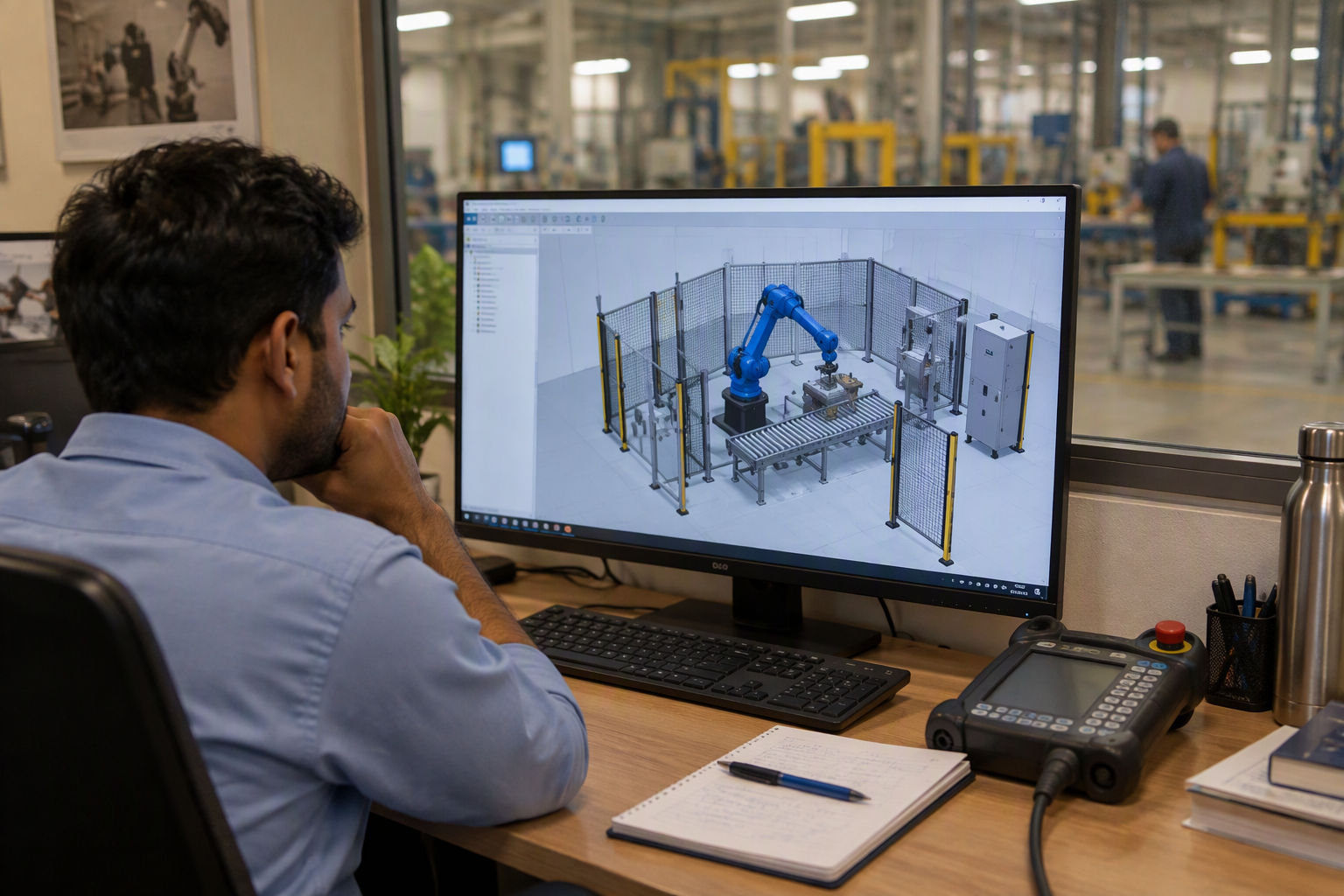
Robot simulation software is sold three different ways in India, and the cheapest-looking option is often the one that ends up costing most. A brand-neutral licence such as RoboDK Professional is a one-time €3,995 — about ₹4 lakh at current rates — with a €145-a-year educational version, a 30-day trial capped at 50 instructions, and a separate €17,995 calibration add-on. A robot maker’s suite is usually bundled with the arm or folded into a service contract. An integrator’s simulation study is quoted as engineering, typically ₹2 lakh to ₹10 lakh. Which of the three fits depends less on the software than on who will use it and how many cells you will program.
This page prices all three and works out the payback. The mechanics — what offline programming does, which software suits which plant, and where the model and the real cell drift apart — belong to the robot offline programming guide. Here the question is narrower: what does the licence actually cost, and when does it earn that back?
Three ways to buy it
| Option | Price in India | What it buys | Best fit |
|---|---|---|---|
| Brand-neutral licence, e.g. RoboDK Professional | €3,995 one-time, about ₹4 lakh | Perpetual seat, 80+ robot brands, post-processors for each | A plant that programs several brands and has its own engineer |
| Educational licence | €145 a year | Core simulation under non-commercial terms | Students, training institutes, first-year learning |
| Calibration add-on | €17,995 one-time | Absolute accuracy, not just repeatability | Drilling, machining, dispensing — processes that must hit within a millimetre |
| Robot maker’s suite — RobotStudio, ROBOGUIDE, KUKA.Sim | Bundled with the robot; roughly ₹0–1.5 lakh for an extra seat | The maker’s own virtual controller, for one brand | Single-brand plants that already have a service contract |
| Integrator simulation study | ₹2–10 lakh inside cell engineering | The study and the program, not the software | One cell, no in-house programmer, no intention to program it yourself |
The licence line is the easy comparison. The decision that actually costs money is the second one: whether anyone in the plant will own the tool. A ₹4 lakh licence used twice a year is a more expensive way to buy an integrator study. The same licence used by an engineer who models every new part is the cheapest engineering hour in the building by the second project.
Calibration deserves its own warning because the price is larger than the software itself. It matters when the process needs absolute accuracy — a robot that must drill, route or dispense at coordinates given by CAD. It does not matter for pick-and-place, palletizing or most welding, where a measured tool model and a touch-up pass on the first part cover the gap.
The payback arithmetic
Take a two-robot welding cell. Without offline programming, commissioning might take 12 site days for two engineers. With a prepared program, the same cell might take 5 site days because the paths, the layout and most of the points arrive already proven in simulation. Those are planning assumptions, not guarantees — your integrator should commit to a number before you buy the licence.
Value the difference three ways, because only one of them usually matters:
- Integrator time. 7 saved days × 2 engineers × ₹30,000 a day = ₹4.2 lakh. Against a €3,995 licence, the first project is roughly break-even and the second is profit. If your integrator bills ₹50,000 an engineer-day, it is profitable on the first.
- Lost production. If the cell is a retrofit on a line contributing ₹8 lakh a day, one saved day is worth more than the licence. This is the case that actually justifies the purchase in most brownfield projects — but only if the line truly stops during commissioning.
- Rework avoided. A reach or collision error found on paper costs a redesign. Found on site, it can mean a new foundation, a different robot or a lost month. The licence is cheap insurance against a mistake that is easy to make and expensive to fix.
Be honest about the greenfield case. If the cell is new, the line was not producing anyway, so there is no lost output to save. The saving is integrator days and the risk of a layout error. That still justifies the software on a two-robot cell, but it does not justify a ₹17,995 calibration licence unless the application demands absolute accuracy.
Accuracy: where simulation lies to you
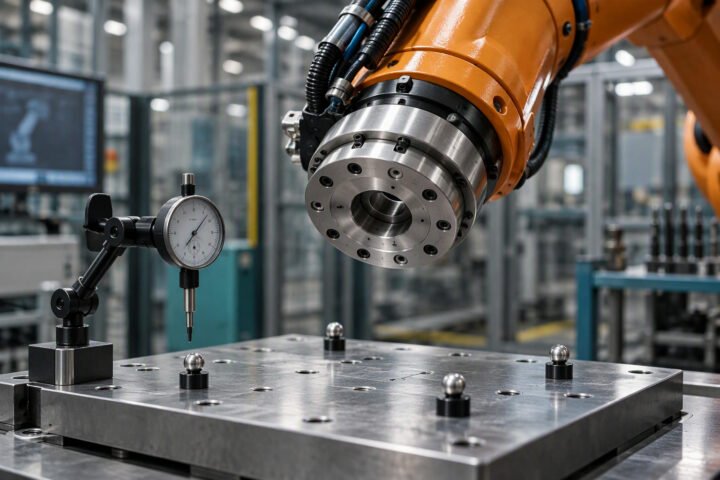
A simulation uses the robot’s nominal dimensions. The real machine has manufacturing tolerance, gear backlash, thermal growth and a tool that is not exactly where the CAD model says it is. For pick-and-place with a generous gripper, that gap is harmless. For any process where the tool must hit a point within a millimetre, it is the whole problem. Three habits keep a licensed simulator honest:
- Model the tool, not just the robot. Measure the real gripper or torch and put those dimensions into the model. A tool offset error moves every point.
- Validate the first part on the machine. Program the critical points offline, then touch them up on the real cell before production. Budget the touch-up time; it is not zero.
- Calibrate only when the process needs it. Robot calibration brings the real machine close to the model, but it is a separate purchase and a separate service.
Simulation is not a digital twin
The words get used interchangeably and should not be. Offline programming is a design-time activity: you build a model, generate a program, and the model’s job is done at handover. A digital twin keeps running — fed by the PLC and by sensors, mirroring the real cell’s state, used to predict throughput or test a change before it is made on the floor. A twin needs an IIoT layer, data historians and somebody who maintains the model; it is a different project with a different budget. If a vendor sells a “digital twin” that is a simulation file used once at commissioning, you have bought offline programming under a more expensive name. The site’s IIoT machine monitoring guide covers what the live version requires.
Five numbers to collect before you buy
- Robot brand and controller model, because the post-processor must match. A general licence supports many brands; a maker’s suite supports one.
- Number of cells and robots you will program in the next three years. One cell may justify a service; three cells justify a licence.
- Who will use it. If nobody on your team will learn it, buy the integrator’s simulation study instead.
- Accuracy requirement of the process, in millimetres. This decides whether calibration is in scope.
- Commissioning days agreed with the integrator, with and without offline programming. Without that number, the payback is a story.
A buying sequence that avoids waste
- Ask the integrator to quote simulation as a separate line. If it is buried in “engineering”, you cannot compare options.
- Run the 30-day trial on your actual cell layout before buying. A trial that simulates your part is worth more than a demo on a vendor’s showcase.
- If you buy a licence, name the person who owns it and put training in the same purchase order.
- Keep the simulation model with the cell documentation. It is the fastest way to plan a changeover two years later.
- Revisit the licence decision when you buy the second or third cell — that is when a general-purpose tool stops being a luxury.
Frequently asked questions
How much does robot simulation software cost in India?
RoboDK Professional is €3,995 as a one-time licence, about ₹4 lakh depending on the exchange rate, with an educational licence at €145 a year and a calibration add-on at €17,995. Robot makers' suites are usually bundled with the robot or a service agreement. An integrator's simulation study is typically ₹2 lakh to ₹10 lakh as part of cell engineering.
Can offline programming replace commissioning on site?
No. It reduces site days by proving layout, reach, collisions and most of the path in the model, but the real cell still needs tool touch-up, PLC handshakes and safety validation. Treat it as a way to cut commissioning time and risk, not to eliminate commissioning.
Is a free robot simulator enough for a small workshop?
For learning and for checking a layout, yes. For producing programs you will run in production, check the licence terms: trials are often limited in instructions or time, and a program generated under a trial may not be licensed for production use. Read the terms before you rely on it.
Do I need robot calibration as well?
Only when the process needs absolute accuracy — drilling, machining, dispensing or any task where the tool must hit a point within about a millimetre. Pick-and-place, palletizing and most welding work do not need it; a measured tool model and a touch-up pass are enough.
What is the difference between simulation and a digital twin?
Simulation is a design-time model used to generate a program. A digital twin is a live model fed by PLC and sensor data, used to monitor and predict the real cell's behaviour. The first is part of a robot project; the second is an IIoT project with ongoing data and maintenance costs.
Sources
- RoboDK, Pricing — Professional, calibration and educational licence prices and trial terms.
- RoboDK, Robot simulator — offline simulation and programming, 80+ robot brands.
- ISO, ISO 10218-2 — robot system and integration safety requirements.
Related reading: what offline programming really saves · robot integration costs · industrial robot costs · cobot versus industrial robot · IIoT machine monitoring · PLC programming for beginners · MSME automation subsidies.