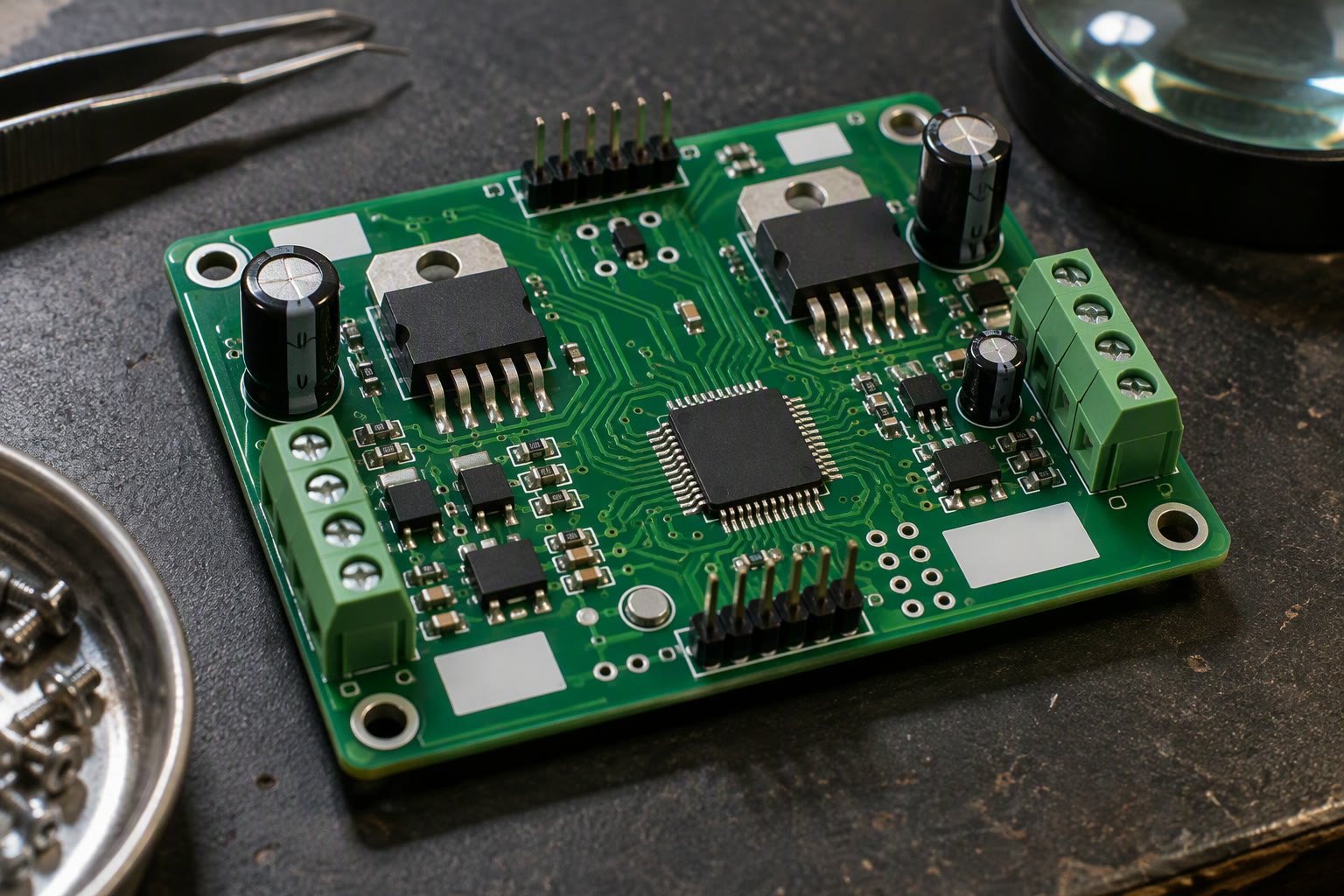
A robot controller is a motor board and a logic board sharing a power supply. The PCB is where those two worlds either stay separate or ruin each other.
This guide walks through designing a small robot controller board in KiCad: the schematic blocks, the layout rules that keep motor noise out of the microcontroller, trace sizing for current, protection, connectors and the bring-up sequence that finds mistakes before they cost a board.
Start with the block diagram, not the schematic
Sketch the power and signal flow before placing a single symbol. A typical small robot controller has four blocks, and each one has a boundary you need to design deliberately.
| Block | Contents | Key rule |
|---|---|---|
| Battery input | Connector, fuse, reverse protection, TVS | Everything downstream depends on this |
| Motor power | Motor drivers, bulk capacitance, braking path | High current, high noise |
| Logic | MCU, regulator, sensors, radio | Clean, low current |
| Interfaces | USB, UART, I2C, servo headers | Protection and clear labelling |
Schematic blocks you should not skip
- Fuse or resettable polyfuse on the battery input, rated above the expected current but below the wiring limit.
- Reverse polarity protection: a P-channel MOSFET for efficiency, or a Schottky diode for simplicity.
- Transient suppression across the motor supply; motor braking generates voltage spikes.
- Bulk electrolytic capacitance near the motor drivers, plus 100 nF ceramics at each supply pin.
- A separate regulator for logic if the battery voltage is above the MCU’s limit.
- Flyback diodes or an integrated driver with them, for any inductive load.
- Series resistors on gate or base drive where the driver needs them.
- Test points on every rail and on the motor outputs.
Trace width follows current, not habit
On 1 oz copper, a rough rule for a 10 °C temperature rise is about 1 mm of trace width per 3 A for short internal traces. External traces and thicker copper carry more; narrow traces and hot enclosures carry less.
| Current | Minimum width, 1 oz, short trace | Practical choice |
|---|---|---|
| Signals | 0.15 mm | 0.2–0.25 mm |
| Up to 1 A | 0.4 mm | 0.6 mm |
| 2 A | 0.8 mm | 1.0 mm |
| 3 A | 1.2 mm | 1.5 mm |
| 5 A | 2 mm or polygon | Copper pour or bus bar |
These numbers are planning aids, not a substitute for a trace-width calculator that uses your copper weight and allowed temperature rise. For anything above a few amps, use a copper pour rather than a wide trace, because the pour also helps with heat.
Grounding: the part most hobby boards get wrong
Motor current must return to the battery through a short, wide path. If it returns through the logic ground, the voltage drop across the shared copper adds noise to every analogue measurement and can reset the microcontroller.
- Use a single-point connection between motor ground and logic ground, close to the battery negative terminal.
- Keep the motor current loop small: driver, motor, and back to the driver through a short path.
- Do not route signal traces under the motor driver or across the motor current path.
- Pour ground on both layers and stitch with vias, but keep the motor return current out of the logic area.
- Place the decoupling capacitor as close as physically possible to the driver’s supply pins.
Placement order that saves revisions
Place connectors first, then the parts that must be near them, then everything else. Connectors define the mechanical interface and are the hardest things to move later.
- Battery and motor connectors on the board edge, with clearance for the mating plug.
- Motor drivers near their connectors, with thermal copper underneath.
- Regulator near the battery input, with its inductor and capacitors tight.
- MCU near the logic connectors, with the crystal close and a ground keep-out beneath it.
- USB connector at the edge, with ESD protection right behind it.
- Mounting holes before routing; a hole that lands on a trace forces a reroute.
Protection that earns its place
| Threat | Protection | Note |
|---|---|---|
| Reverse battery | P-channel MOSFET or diode | MOSFET wastes less power |
| Overcurrent | Fuse or eFuse | Size for the wire, not the driver peak |
| Inductive spike | TVS diode, snubber | Clamp below the driver rating |
| ESD on USB | ESD array | Place at the connector |
| Logic overvoltage | Series resistor and clamp | On external sensor inputs |
| Brownout | Bulk capacitance, regulator headroom | Motor start causes the dip |
Connectors and mechanical reality
Pick connectors that cannot be plugged in backwards where it matters, and label them on the silkscreen with voltage and polarity. A board that survives its own assembly and a year of use is usually the one with fewer ambiguous connectors.
- Keep high-current connectors away from signal connectors.
- Use locking connectors for anything that moves.
- Add strain relief or board-edge clearance for cable ties.
- Mark pin 1 on every header.
- Put the board revision and a date code on the silkscreen.
- Check the tallest component against the enclosure before ordering.
Routing rules worth enforcing
- Keep motor traces short, wide and away from analogue inputs.
- Route differential or high-speed signals over a continuous ground plane.
- Keep the crystal loop tiny; do not route other signals beneath it.
- Leave clearance between the board edge and copper.
- Use thermal reliefs on pads connected to large pours, or assembly becomes difficult.
- Add a ground plane on both layers; a two-layer board without one is a noise antenna.
Before you order
Run the design rule check and fix every error rather than suppressing it. Then review the board visually at 1:1 scale, because clearance and connector fit are easier to judge as a picture than as a number.
Checklist before fabrication:
[ ] DRC clean, no unconnected nets
[ ] Board outline and mounting holes correct
[ ] Connector footprints match the parts you own
[ ] Silkscreen readable and not under components
[ ] Copper clearance to board edge
[ ] Rev number and date on silkscreen
[ ] BOM has in-stock parts with alternates
[ ] Test points on every rail
Bring-up: power it up carefully
A new board should never see full power on the first attempt. Use a bench supply with a current limit, start low, and check each rail before fitting the microcontroller.
- Inspect for solder bridges under magnification, especially on fine-pitch parts.
- Check resistance from each rail to ground before applying power.
- Power the logic rail first with a current limit of a few tens of milliamps.
- Confirm the regulator output with a multimeter before connecting the MCU.
- Then test the motor supply with motors disconnected.
- Add one subsystem at a time: MCU, then sensors, then one motor, then all motors.
If the current limit engages immediately, disconnect and look for a short. Do not raise the limit to “push through” the fault; that is how a small mistake becomes a dead board and a damaged supply.
Cost and fabrication in India
Two-layer boards in small quantities are inexpensive from Chinese and Indian fabricators, and the shipping is usually the larger variable. For a first prototype, order five boards: you will damage one during assembly and want a spare for comparison.
| Choice | Effect on cost and risk |
|---|---|
| Two layers, 1 oz copper | Cheapest; adequate for most small controllers |
| Four layers | Better ground and routing; higher cost |
| Assembly service | Saves time on fine-pitch parts; adds setup cost |
| All through-hole | Easy to assemble by hand; larger board |
| Fine-pitch QFN | Smaller; needs stencil and reflow or assembly |
Keep a first board assembly-friendly. A slightly larger board with 0805 passives and SOIC packages will teach you more per rupee than a dense board you cannot rework.
Related: Arduino pinout for robotics, ESP32 pinout, how to power a robot, buck converters for robots, motor driver comparison.
Do I need a custom PCB for a robot?
Not for a first prototype. A breadboard or module stack is faster to change. Design a PCB once the circuit is stable and you are tired of loose jumper wires, or when the robot must be reliable.
How wide should motor traces be?
On 1 oz copper, plan about 1 mm of width per 3 A for short traces with a 10 degree rise, and use copper pours for anything above a few amps. Always confirm with a trace-width calculator.
Should logic and motor ground be separate?
Use separate copper areas joined at one point near the battery negative. Motor current must not flow through the logic ground, or sensors and the MCU will see noise.
What protection should a robot controller have?
At minimum reverse polarity protection, a fuse, transient suppression on the motor supply, bulk capacitance and ESD protection on external connectors.
How do I test a new board safely?
Use a current-limited bench supply, check each rail before fitting the MCU, and add subsystems one at a time. If the current limit engages, stop and find the short.
Controller boards built around an STM32 need the pin and timer planning described here before layout starts.
If the board carries a CAN transceiver, the CAN bus guide covers termination and protection before layout.
Sources and further reading
- KiCad — schematic capture, PCB layout and design rules.
- IPC — trace width and assembly standards referenced by fabricators.
- Texas Instruments — regulator, protection and motor driver application notes.

