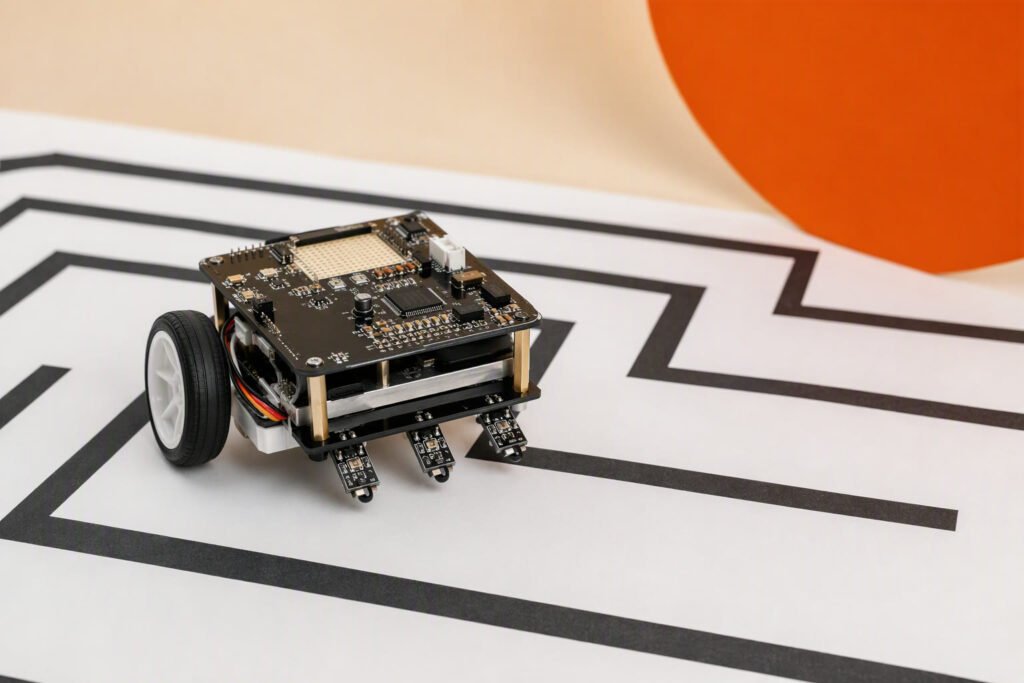
A ₹1,770 robot that solves a simple maze by keeping its left hand on the wall. Three ultrasonic sensors look left, ahead and right, and a four-line decision table picks the move at every step. The page also says plainly where the rule works and where it gets stuck.
Scope: intermediate. This is a design worksheet with illustrative costs. It has not been bench-tested by this site. The geometry and decision table were computed by script. The left-hand rule finds the exit of a maze whose walls are all connected to the outer wall, and it can circle forever in a maze with an island, a wall section that does not touch the outside. Turn and advance times in the sketch are placeholders to be measured on your own robot.
How it works
At every decision the robot applies the same four rules in order: if the left is open, turn left; otherwise if the front is open, go straight; otherwise if the right is open, turn right; otherwise turn around. That is the left-hand rule, which works because following one wall in a connected maze eventually walks the whole boundary, including the exit.
A 90 degree spin on the spot needs each wheel to travel a quarter of a circle of the wheel base: π × B / 4. With a wheel base of 130 mm that is about 102 mm of travel per wheel. If your wheels move at an example 0.25 m/s at the chosen PWM, the turn takes about 0.41 second. Measure the real figure with a protractor and a stopwatch, because it changes with battery charge and floor.
Bill of materials
| Part | Qty | Unit | Total |
|---|---|---|---|
| Arduino Uno R3 (or compatible) | 1 | ₹550 | ₹550 |
| HC-SR04 ultrasonic sensor | 3 | ₹110 | ₹330 |
| L298N motor driver board | 1 | ₹180 | ₹180 |
| 2WD chassis kit with two gear motors and wheels | 1 | ₹450 | ₹450 |
| Battery holder with two 18650 cells | 1 | ₹210 | ₹210 |
| Jumper wires | 1 | ₹50 | ₹50 |
| Parts total | ₹1,770 | ||
Scroll the table sideways to see every column.
Prices checked Nov 2026. Shipping and tools are not included.
Prices are illustrative figures for Indian sellers in November 2026, before shipping, and have not been checked against current listings.
The numbers
| Left | Front | Right | Move |
|---|---|---|---|
| open | any | any | Advance a little, turn left, go forward |
| wall | open | any | Go forward |
| wall | wall | open | Turn right, go forward |
| wall | wall | wall | Turn around (180°) |
A 180 degree turn is two 90 degree turns, about 0.82 seconds in the example. Three sensors pinging in turn at 30 ms each take about 90 ms to refresh, so at 0.25 m/s the robot moves about 2 cm between full looks; that is fine for corridors but poor for fast runs.
Power and wiring
| Part | Connects to | Note |
|---|---|---|
| Left sensor TRIG / ECHO | D12 / D13 | |
| Front sensor TRIG / ECHO | A0 / A1 | Analog pins used as digital |
| Right sensor TRIG / ECHO | A2 / A3 | |
| L298N ENA / IN1 / IN2 | D5 / D7 / D8 | Left motor |
| L298N ENB / IN3 / IN4 | D6 / D9 / D4 | Right motor |
| Battery | L298N 12V input and Uno VIN | Check pack voltage against the board limits |
The sketch
// Left-hand rule maze robot: Uno + 3 HC-SR04 + L298N
// Design worksheet: times and thresholds are placeholders to calibrate.

const int L_EN = 5, L_IN1 = 7, L_IN2 = 8;
const int R_EN = 6, R_IN3 = 9, R_IN4 = 4;
void drive(int left, int right) {   // -255..255 per side
  digitalWrite(L_IN1, left >= 0);  digitalWrite(L_IN2, left < 0);
  digitalWrite(R_IN3, right >= 0); digitalWrite(R_IN4, right < 0);
  analogWrite(L_EN, constrain(abs(left), 0, 255));
  analogWrite(R_EN, constrain(abs(right), 0, 255));
}
void motorsInit() {
  pinMode(L_EN, OUTPUT); pinMode(L_IN1, OUTPUT); pinMode(L_IN2, OUTPUT);
  pinMode(R_EN, OUTPUT); pinMode(R_IN3, OUTPUT); pinMode(R_IN4, OUTPUT);
}

const int TRIG_L = 12, ECHO_L = 13;
const int TRIG_F = A0, ECHO_F = A1;
const int TRIG_R = A2, ECHO_R = A3;

const float OPEN_SIDE = 15.0;           // cm: side gap bigger than this = open
const float WALL_FRONT = 10.0;          // cm: closer than this = blocked
const int SPEED = 140;
const int TURN_SPEED = 130;
const unsigned long TURN90_MS = 400;    // measure on your robot
const unsigned long ADVANCE_MS = 250;   // move into the opening before turning

float ping(int trig, int echo) {
  digitalWrite(trig, LOW);  delayMicroseconds(2);
  digitalWrite(trig, HIGH); delayMicroseconds(10);
  digitalWrite(trig, LOW);
  unsigned long t = pulseIn(echo, HIGH, 12000UL);   // about 2 m
  return t == 0 ? 200 : t / 58.3;
}

void turnLeft()  { drive(-TURN_SPEED, TURN_SPEED); delay(TURN90_MS); drive(0, 0); delay(100); }
void turnRight() { drive(TURN_SPEED, -TURN_SPEED); delay(TURN90_MS); drive(0, 0); delay(100); }
void forward(unsigned long ms) { drive(SPEED, SPEED); delay(ms); drive(0, 0); }

void setup() {
  motorsInit();
  pinMode(TRIG_L, OUTPUT); pinMode(ECHO_L, INPUT);
  pinMode(TRIG_F, OUTPUT); pinMode(ECHO_F, INPUT);
  pinMode(TRIG_R, OUTPUT); pinMode(ECHO_R, INPUT);
  delay(2000);
}

void loop() {
  float l = ping(TRIG_L, ECHO_L); delay(10);
  float f = ping(TRIG_F, ECHO_F); delay(10);
  float r = ping(TRIG_R, ECHO_R);

  if (l > OPEN_SIDE) {                       // left is open: take it
    forward(ADVANCE_MS); turnLeft(); forward(ADVANCE_MS);
  } else if (f > WALL_FRONT) {               // straight ahead
    drive(SPEED, SPEED); delay(60);
  } else if (r > OPEN_SIDE) {                // right is open
    turnRight(); forward(ADVANCE_MS);
  } else {                                   // dead end
    turnRight(); turnRight();
  }
}
This version does not centre itself in the corridor, so it needs a corridor with a little room to spare. A small steering correction from the left reading, as in the wall-following worksheet, makes the runs smoother. Maze corners rarely match the idealised cell grid, so expect to tune ADVANCE_MS several times. The sketch has been proofread but not compiled on this site.
Test plan
- Sensor check: print the three readings with a hand at known distances.
- Turn calibration: adjust TURN90_MS until a spin lands within a few degrees of 90 on your floor; repeat with a part-flat battery.
- Corridor: run a straight corridor and watch for drift into a wall.
- Single turns: build left, right and dead-end test cells and check each decision.
- Full maze: run a small maze with no islands and time it.
- Island maze: add an island and watch the robot loop, to see the limit of the rule.
What usually goes wrong
| Symptom | Likely cause | Fix |
|---|---|---|
| Hits the wall on turns | Advance too short | Increase ADVANCE_MS |
| Turns too far or short | TURN90_MS wrong for the battery | Recalibrate or use a gyro |
| Reads open at a corner | Echo glances off the wall | Angle the sensor slightly or add a margin |
| Loops forever | Maze has an island | Use a flood-fill solver instead |
| Sensors confuse each other | Pinging at the same time | Keep the gap between pings |
Upgrades
- Centring: steer from the left and right readings.
- Gyro turns: use an MPU6050 to make accurate 90 degree turns.
- Mapping: remember the path and take the short route on the second run.
- Flood-fill: solve mazes with islands by mapping and planning.
Cost and parts notes
The ₹1,770 total is an illustration and does not include shipping. Use the cost calculator to compare sellers.
Common questions
Why does the left-hand rule work?
Following one wall in a maze whose walls are all connected walks the whole boundary, so it reaches the exit.
When does it fail?
When the goal is inside an island, or the maze has loops not attached to the outer wall.
Why three sensors?
Left, front and right are all the left-hand rule needs for its four cases.
Can it do a speed run?
Not as written. It is a slow, deliberate solver; speed runs use mapping and faster sensors.
Last reviewed: November 2026. This is a design worksheet with illustrative costs. It has not been bench-tested by this site; library names, pins and limits must be checked against your board and the current library versions, and measurements from your build are welcome.