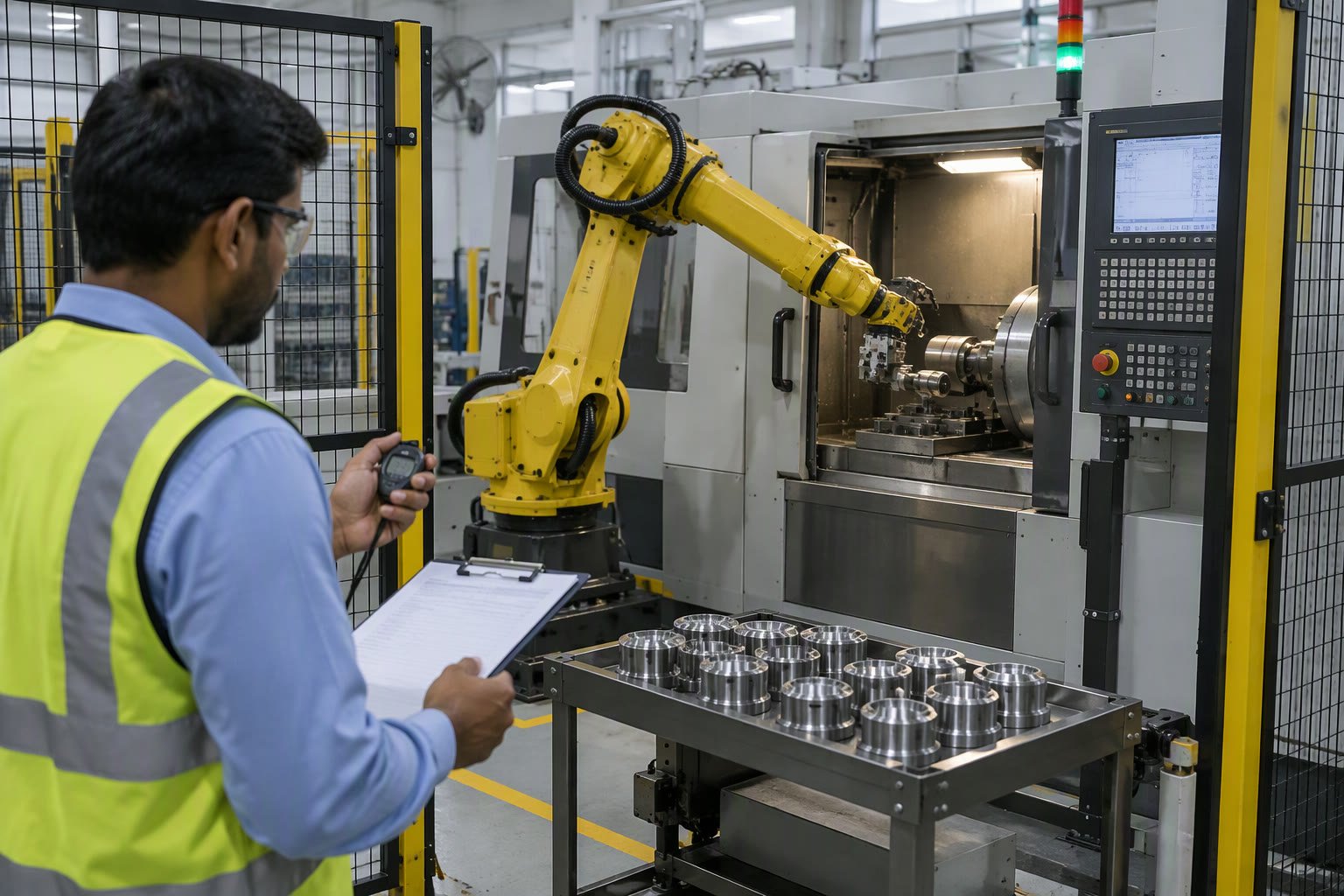
A robot brochure cycle time is not your cycle time. It is measured for a specific move, at a specific payload, with no gripper, no handshake and no part in the fixture. A realistic robot cycle time is built from the moves in your own cell, not read off the brochure.
This guide explains how cycle time is defined, how to calculate it for a real cell, where the hidden seconds go, and how to write an acceptance test that a vendor cannot argue with.
Takt time comes before cycle time
Takt time is the pace the line must run at to meet demand. Cycle time is how long the cell actually takes for one part. If cycle time is above takt time, the cell cannot meet demand no matter how well it runs.
takt = available_time_per_shift / parts_required_per_shift

# 27,000 s of planned production in a shift
# 600 parts required
# takt = 45 s per part
Use planned production time, not the full shift. Breaks, cleaning, changeovers and planned maintenance are not available for production. A cell that meets takt on paper but loses 40 minutes a shift to cleaning does not meet takt in reality.
What the brochure number assumes
Robot vendors publish cycle times for a defined path, often a 25 mm up, 300 mm across, 25 mm down move, at rated payload, with the arm already at speed. There is no gripper, no part, no fixture clearance, no PLC handshake and no vision.
| Assumption | Reality in a cell |
|---|---|
| Rated payload | Tool plus part, often at a different centre of gravity |
| Simple path | Approach, grasp, lift, rotate, place, retreat |
| No I/O delays | Gripper, handshake, sensor confirmation |
| No part variation | Parts that need alignment or re-grip |
| Robot alone | Robot waits for the machine or conveyor |
Build the robot cycle time from moves
List every motion and every wait, then add them. This is not as accurate as a simulation, but it exposes the hidden waits that dominate most cells.
- Move from home to approach point.
- Move to grasp point.
- Close gripper and wait for confirmation.
- Lift clear of the fixture.
- Move to the place position, including any reorientation.
- Wait for the machine or conveyor ready signal.
- Place, open gripper, retreat.
- Return to home and signal cycle complete.
Each move has acceleration, cruise and deceleration phases. Short moves never reach cruise speed, which is why tiny repositioning moves take longer than their distance suggests.
A worked estimate
Take a pick-and-place cell handling a 3 kg part with a 2 kg gripper. The robot is a 12 kg payload unit, so the load is comfortable and the vendor’s speed figures are roughly achievable.
| Step | Time |
|---|---|
| Home to approach | 0.8 s |
| Approach to grasp | 0.4 s |
| Grip and confirm | 0.5 s |
| Lift and transfer | 1.2 s |
| Wait for machine ready | 0.6 s |
| Place and release | 0.7 s |
| Retreat to home | 0.8 s |
| Handshake and reset | 0.3 s |
| Total | 5.3 s |
Add 15% for variation, recovery and the occasional slow part, and plan on about 6.1 s. If takt is 45 s, this cell has huge margin and the robot could serve several machines. If takt is 6 s, there is no margin at all, and any hiccup breaks the line.
Where the hidden seconds go
- Gripper actuation: 0.3–1 s per cycle, more for vacuum with leak testing.
- PLC handshake: 0.1–0.5 s if signals are polled slowly.
- Vision: capture, inference and communication, often 0.2–1 s.
- Safety door or light curtain: restart sequence after a stop.
- Part variation: re-grips and alignment attempts.
- Machine cycle: the robot waits for the press, welder or conveyor.
Motion settings that cost seconds
Two robots with the same reach can differ by seconds per cycle because of how the programs are written. Rounding corners, blending motion, and avoiding a full stop at every waypoint is usually worth more than a higher speed override.
- Full stops at waypoints: each stop costs acceleration and deceleration time.
- Low acceleration limits: the arm spends longer ramping than cruising.
- Fine positioning at every point: only the grasp and place need it.
- Wait commands before signals are needed: waits should overlap motion.
- Excessive clearance moves: unnecessary approach points add travel.
Test one change at a time with a timer. Raising the override from 50% to 80% often does less than removing three full stops, and it increases wear and payload stress.
When the machine is the bottleneck
In machine tending, the press, welder or CNC cycle usually dominates. The robot’s job is to be out of the way and back at the load position before the machine finishes. If the robot is the bottleneck, the fix is layout and pre-positioning; if the machine is the bottleneck, one robot can serve several machines.
| Cell type | Usual bottleneck | Best improvement |
|---|---|---|
| Pick and place | Robot travel | Shorter path, blending |
| Machine tending | Machine cycle | Serve two machines |
| Assembly | Gripper and vision | Faster tooling, better lighting |
| Palletising | Pattern logic | Precomputed positions |
Simulation versus stopwatch
Robot simulation software gives a decent estimate of the motion time, especially for reach and collision checks. It does not model your gripper’s actual closing time, your PLC’s scan behaviour or the operator opening a guard. Use simulation for the arm, then measure the cell with a stopwatch over at least 100 cycles.
The stopwatch test is the one that matters. Run it at production rate with production parts and the real operators. That is the number to put in the acceptance test.
Improving cycle time without a new robot
- Move the fixture closer to reduce travel distance.
- Pre-position the robot while the machine is still working.
- Reduce gripper travel and use a lighter tool.
- Overlap handshake signals instead of waiting for a full sequence.
- Raise acceleration rather than top speed, within the payload limit.
- Remove unnecessary approach points and clearance moves.
- Speed up the slowest external device, not the robot.
Writing the acceptance test
The purchase order should state a cycle time measured under defined conditions: part, tool, path, machine cycle and operators. Then the vendor knows exactly what to demonstrate, and you know what to reject.
| Item | Define in the contract |
|---|---|
| Part | Heaviest and most awkward variant |
| Tool | The production gripper, not a blank plate |
| Path | Approach, grasp, transfer, place, retreat |
| External waits | Machine cycle time and handshake |
| Measurement | Timer over 100 consecutive cycles |
| Acceptance | Average and worst-case cycle time |
Related: robot ROI calculation, industrial robot cost, payload calculation, integration checklist, machine tending robots.
How is robot cycle time calculated?
Break the cycle into moves and waits, estimate each from the robot's acceleration, speed and the external device timings, add them up, then add a margin for variation. Measure the finished cell over at least 100 cycles.
What is the difference between cycle time and takt time?
Takt time is the pace required to meet demand, calculated from available production time divided by parts needed. Cycle time is how long the cell actually takes per part.
Why is the real cycle time longer than the brochure?
Brochure figures assume a simple path, rated payload and no gripper, handshake or part variation. Real cells add tooling, confirmation waits and external machine time.
How much margin should I add to a cycle time estimate?
About 10–20% for a stable process, more for variable parts or manual loading. Then verify with a timed run rather than trusting the estimate.
Can I improve cycle time without buying a new robot?
Often yes. Reduce travel distance, pre-position during machine time, lighten the tool, overlap handshakes and speed up the slowest external device before replacing the robot.
A simulated cycle is an estimate until it is calibrated, as the simulation software guide sets out.
Cycle time feeds straight into payback, and the welding cell payback maths uses arc-on hours rather than nameplate speed.
Conveyor speed and spacing set the feed rate, which the conveyor integration guide works through.
Cycle time assumes the robot hits the same point every cycle, which is a repeatability question before it is a speed question.
Performance loss starts with the ideal cycle time you accept, and the OEE calculation guide explains why the supplier figure is usually optimistic.
Cycle time and hourly cost together give the per-part figure explained in the robot cost per hour guide.

