Stepper resonance is the shaking, loud buzzing or lost steps a stepper motor shows at certain speeds, because the rotor and its load behave like a spring-mass system that is being kicked at its natural frequency. It is not a fault in the motor, and you can usually reduce it by changing speed, current, microstepping or damping.
Key takeaways
- Resonance appears in one or more speed bands where the step rate matches the natural frequency of the rotor and load.
- A heavier load inertia lowers the resonant frequency, because natural frequency falls with the square root of inertia.
- Microstepping, a suitable current setting and mechanical damping all reduce resonance, but none removes it in every case.
- The simplest fix is often to accelerate through the bad band quickly and avoid cruising in it.
What Resonance Does to a Stepper
Resonance is the tendency of a system to oscillate strongly when driven at its natural frequency. A stepper rotor is held by magnetic attraction, which acts like a spring, and each full step makes the rotor overshoot and ring before settling. At low speeds the ringing dies out before the next step. At the resonant step rate each step adds to the previous ringing, so the shaft vibrates, the motor gets loud and torque can drop enough to lose steps. That is why a stepper can run smoothly at one speed and shake at a slightly different one. The mechanism of lost steps is covered in stepper motor missing steps fix.
Speed Bands
A speed band is the range of step rates over which the vibration is noticeable. For many motors the worst band is at a low to medium speed, with weaker ones at multiples or fractions of it, but the exact value depends on the motor, supply and load, so there is no universal number. Find yours by sweeping the speed slowly while you listen and watch the shaft.
The torque curve matters here as well. A motor can lose torque at certain speeds in a way that looks like a dip in its torque-speed curve, and the stepper motor torque curve explained shows how to read yours. Once you know the band, set your cruise speed outside it, or ramp through it fast.
Load Inertia Effect
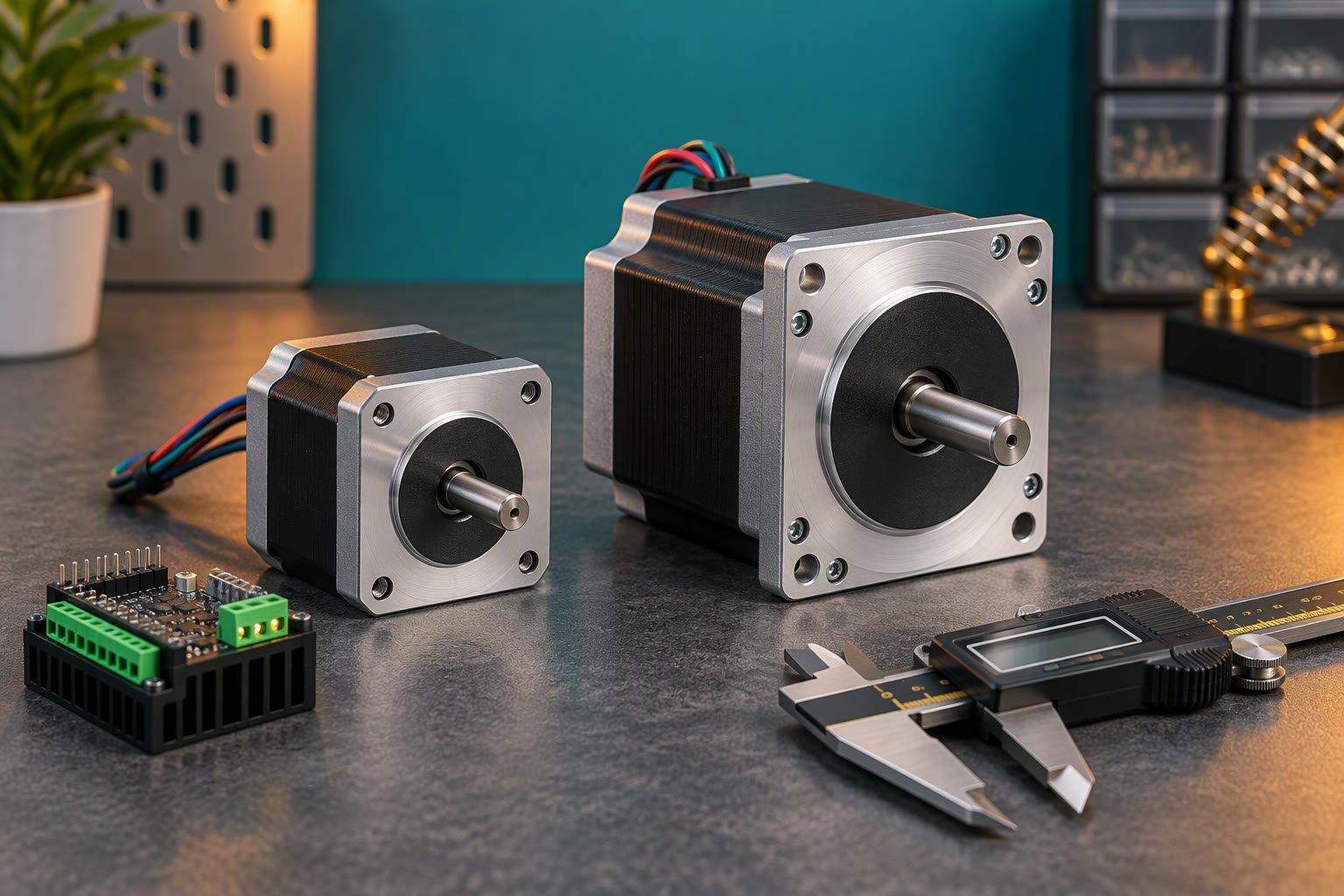
Load inertia is the resistance of the attached load to changes in rotation, and it shifts the resonant speed. The natural frequency of a spring-mass system is proportional to one over the square root of the inertia. So if the load inertia rises four times, the resonant frequency falls to half. A turntable with a heavy platter resonates at a different speed than the bare motor. Adding a big flywheel or a long arm moves the band, and sometimes it moves it into your working range. This is also why a motor tuned on the bench can misbehave once the real load is attached.
Current and Microstep Settings
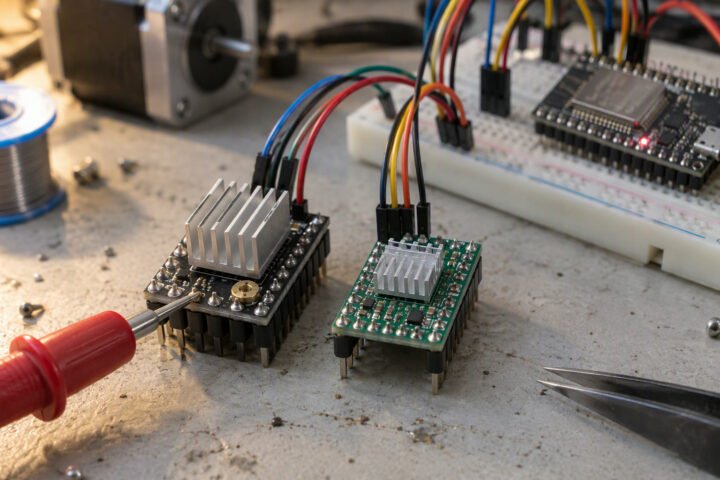
Current and microstep settings change how stiff the magnetic spring is and how abruptly each step arrives. Higher coil current stiffens the spring and raises the resonant frequency, but too much current also heats the motor and driver, so stay within the datasheet ratings. Lower current softens it but reduces torque margin. Microstepping makes each move smaller and smoother, which commonly reduces vibration, particularly at low speeds, as the microstepping resolution calculation explains. Drivers such as the TMC2209 add features aimed at quiet running and are compared with the A4988 in TMC2209 versus A4988; check the datasheet for the options on your board.
| Change | Typical effect on resonance | Watch out for |
|---|---|---|
| Increase microstepping | Smoother, often less vibration | Higher pulse rate needed |
| Raise current | Stiffer spring, band moves | Heat in motor and driver |
| Lower current | Softer, may reduce shake | Less torque, lost steps |
| Add load inertia | Band moves to lower speed | Needs retuning |
| Add damping | Reduces peak amplitude | Extra parts, some torque loss |
Mechanical Damping
Mechanical damping is anything that absorbs vibration energy. Common options are rubber or sorbothane isolators under the motor mount, a flexible coupling instead of a rigid one, a stepper damper that bolts to the rear shaft, and a belt or soft joint in the drive. A rigid chain from motor to a thin plate can make the plate act like a speaker, so stiffen or isolate it. A few extra millimetres of rubber is cheap and available at most hardware or electronics shops in India.
Moving parts and spinning shafts can injure fingers, so keep hands clear during tests. This is general guidance, not a substitute for the motor maker’s instructions.
Checking a Build
Checking a build means finding where resonance appears on your own hardware, with the real load. The motorised camera slider and the stepper turntable are good test beds, because smooth motion matters in both.
How to check this yourself
- Attach the real load and set the current as the datasheet allows.
- Command a slow sweep of speed from low to your maximum over 10 to 20 seconds, with the same microstep setting you will use.
- Listen and feel the frame, and note the speeds where noise or shaking peaks. A phone vibration or sound-meter app can help you log the speeds.
- Repeat at a different microstep setting and at slightly lower current, and compare the bands.
- Choose a cruise speed outside the bad band and a ramp that crosses it quickly.
Common mistakes
- Tuning with no load and then adding the real load, which shifts the resonant band.
- Cruising for a long time inside a bad band instead of avoiding it.
- Raising current well above the rating to fix shaking, which overheats the motor.
- Blaming the driver without checking mounting and couplings.
Frequently asked questions
Why does my stepper motor shake at one speed?
At that speed the step rate matches the natural frequency of the rotor and its load, so each step reinforces the last and the vibration builds up. Change the speed, add microstepping, adjust current or add damping. Avoid cruising in that band.
Does microstepping fix stepper resonance?
It usually reduces it, because smaller steps excite less ringing, but it does not remove it in every case. Some resonance remains at certain speeds, and the effect depends on the driver. Combine microstepping with a sensible current and mechanical damping.
How do I stop my stepper from losing steps at medium speed?
First check current, supply voltage and acceleration. If steps are lost only at one band, resonance is a likely cause, so move your speed out of it, ramp through it faster, add damping or change microstepping. Test with the real load attached.
Related reading
- Learn hub: more stepper and motion explainers.
- Field-Oriented Control in Plain Language
- Battery State of Charge: Coulomb Counting Explained
- Occupancy Grids: How a Robot Builds a Map
About the author and how this is kept accurate
Written, checked and maintained by Jignesh Panchal of Jaadu Digital. Figures in worked examples come from the stated assumptions, not from a bench test of our own. Read the editorial standard, follow the author on LinkedIn, or send a correction. Last reviewed: November 2026.